Design taste for AI coding agents





Catalog
Proof first. Then everything else.
Trending
The six tastes people are installing, claiming and looking at most this fortnight.
 Pro
Editorial
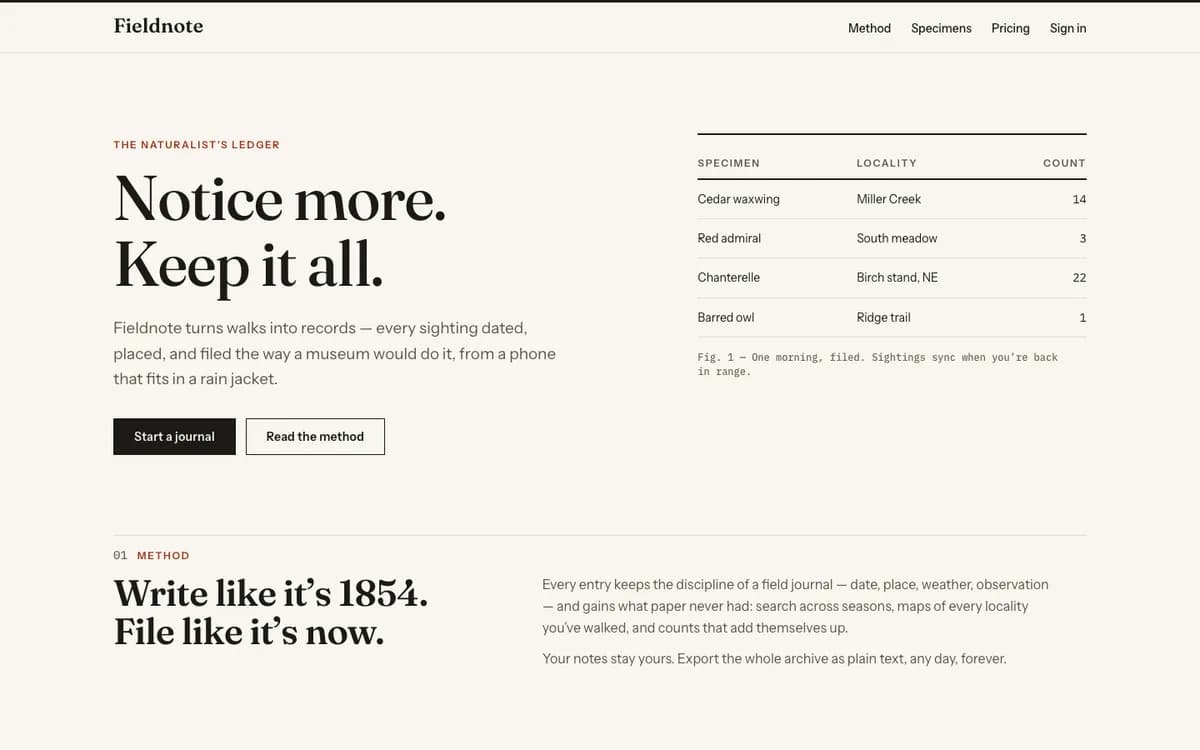
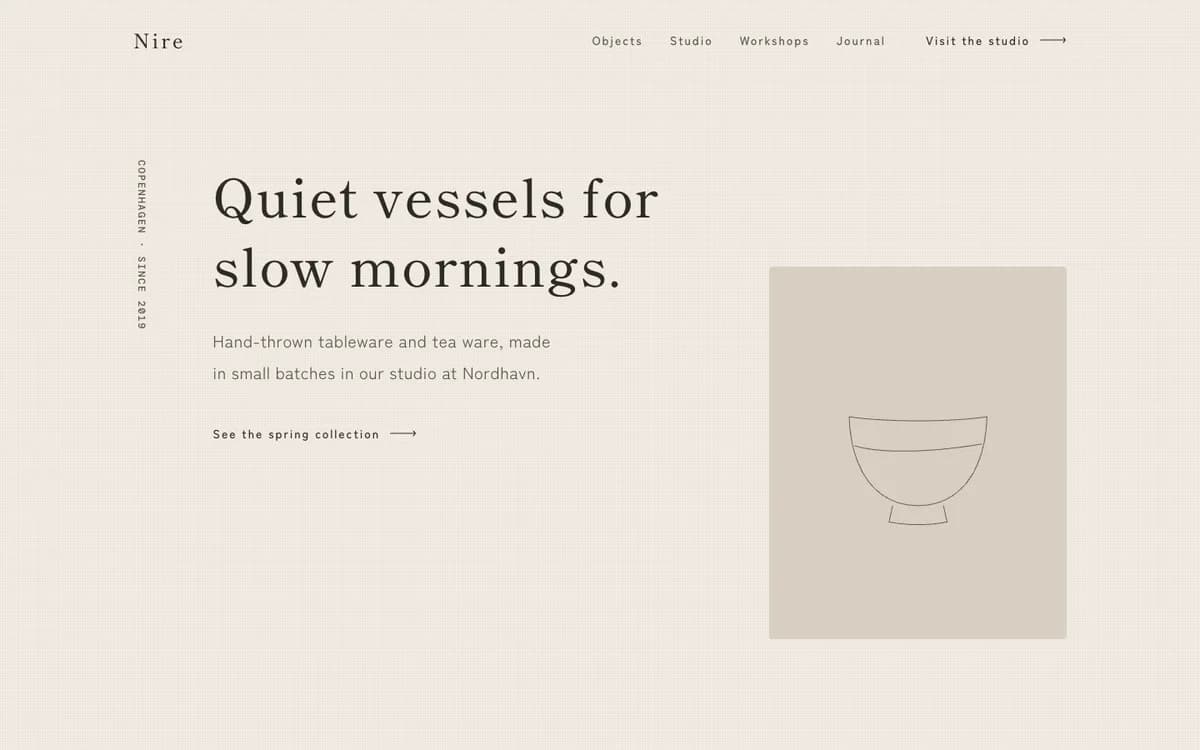
ProvenMagazine typography, warm paper, one vermilion accent
Fraunces / Instrument SansPro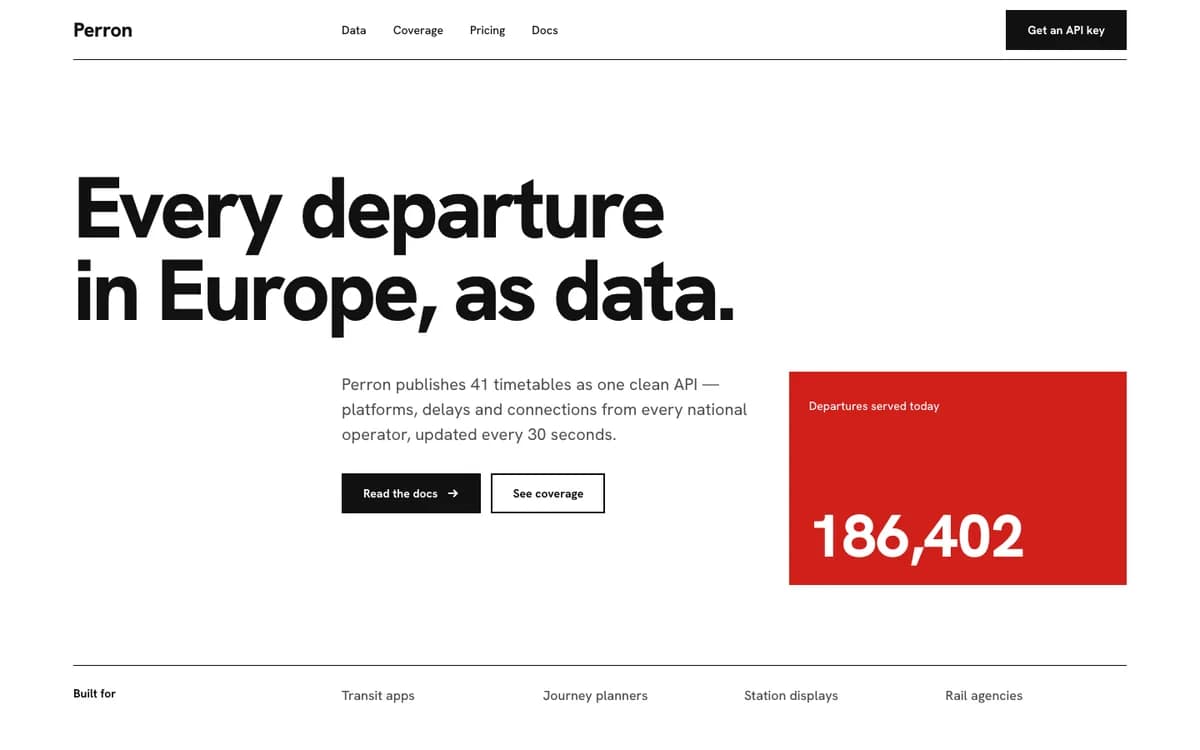
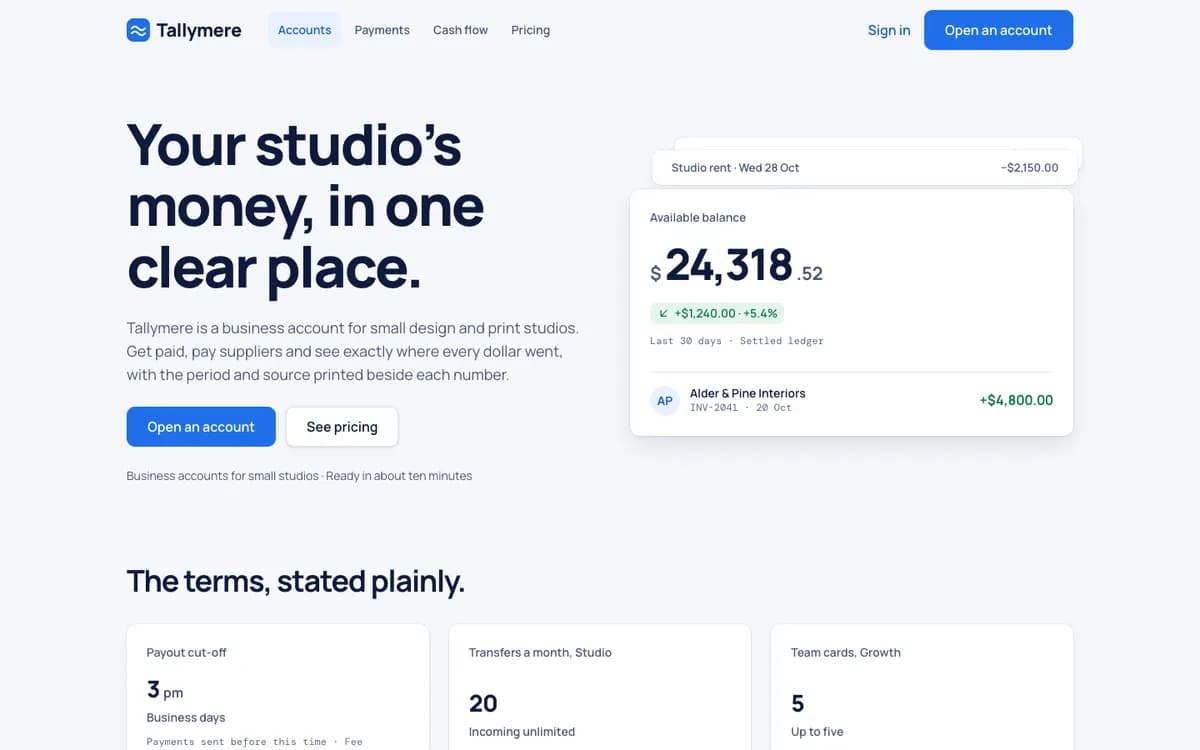
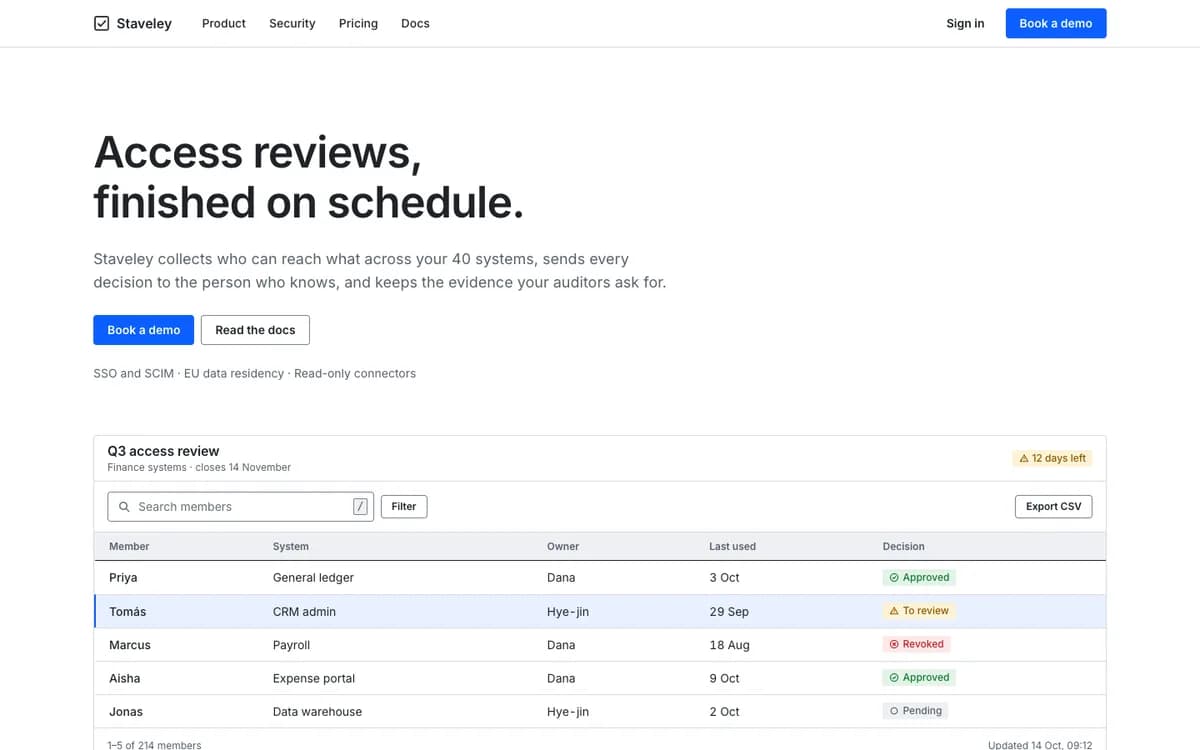
Swiss
Grid discipline, restrained palette, precision
Hanken GroteskFree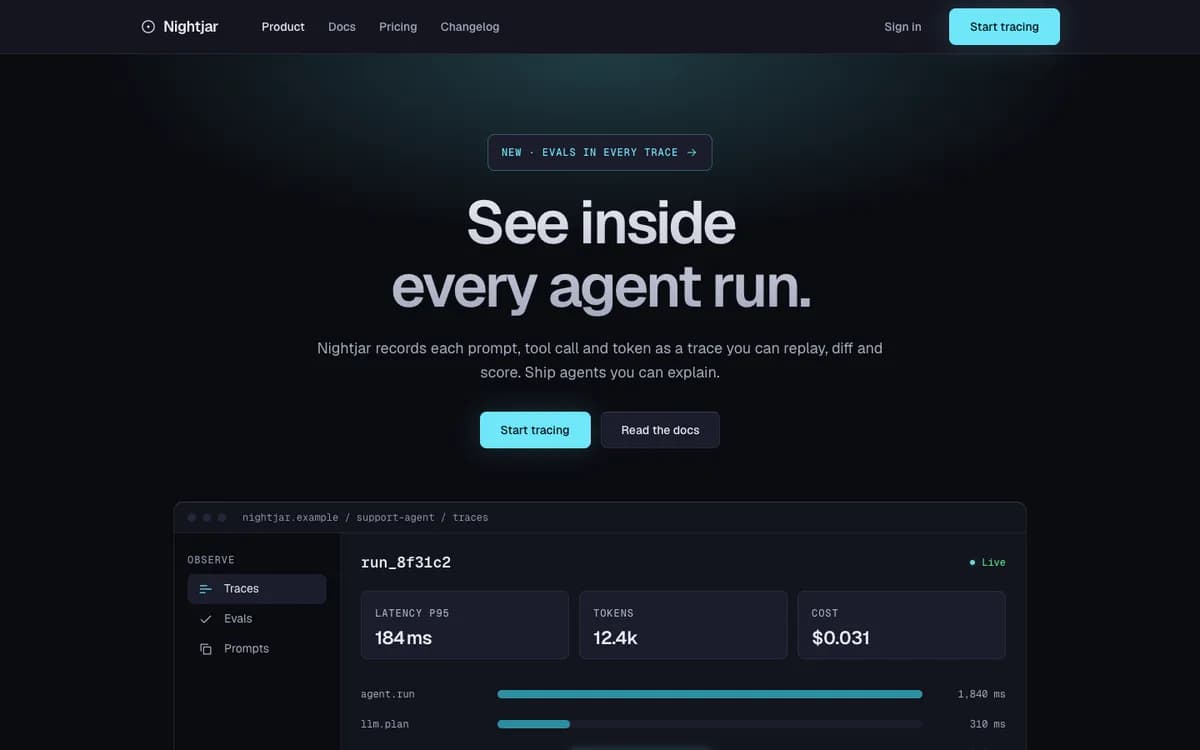
Midnight
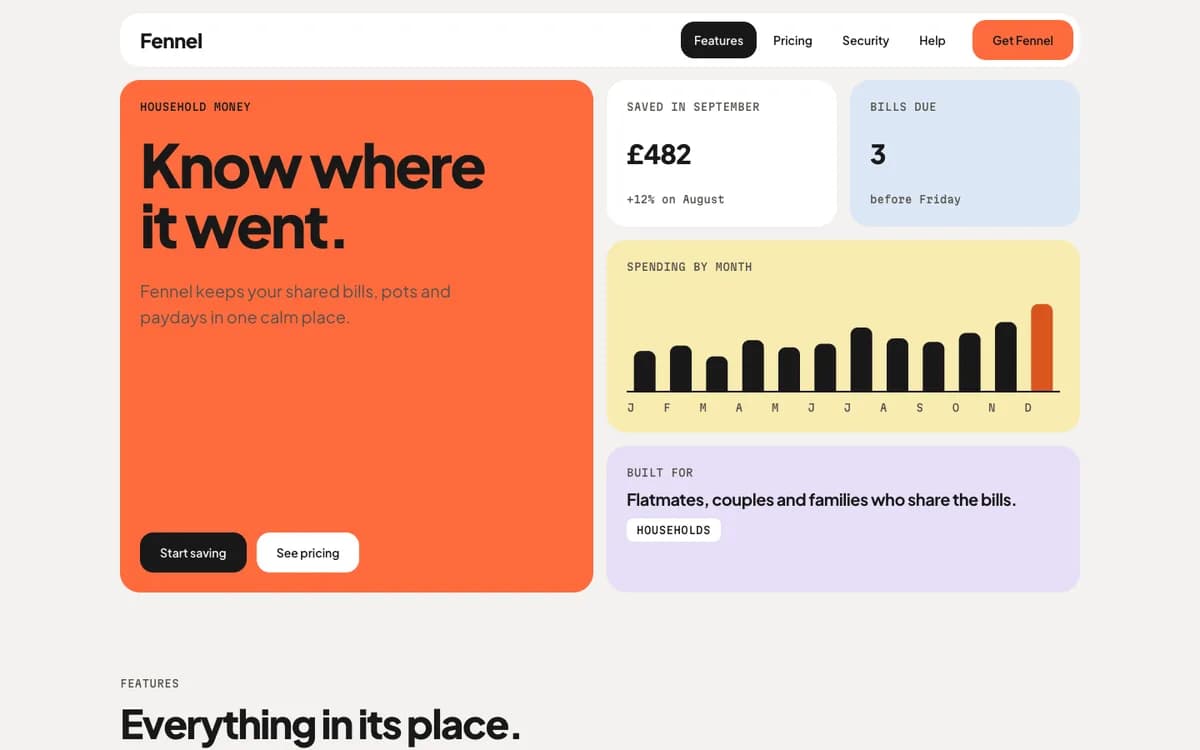
Near-black product marketing, one luminous accent, soft glow
GeistFree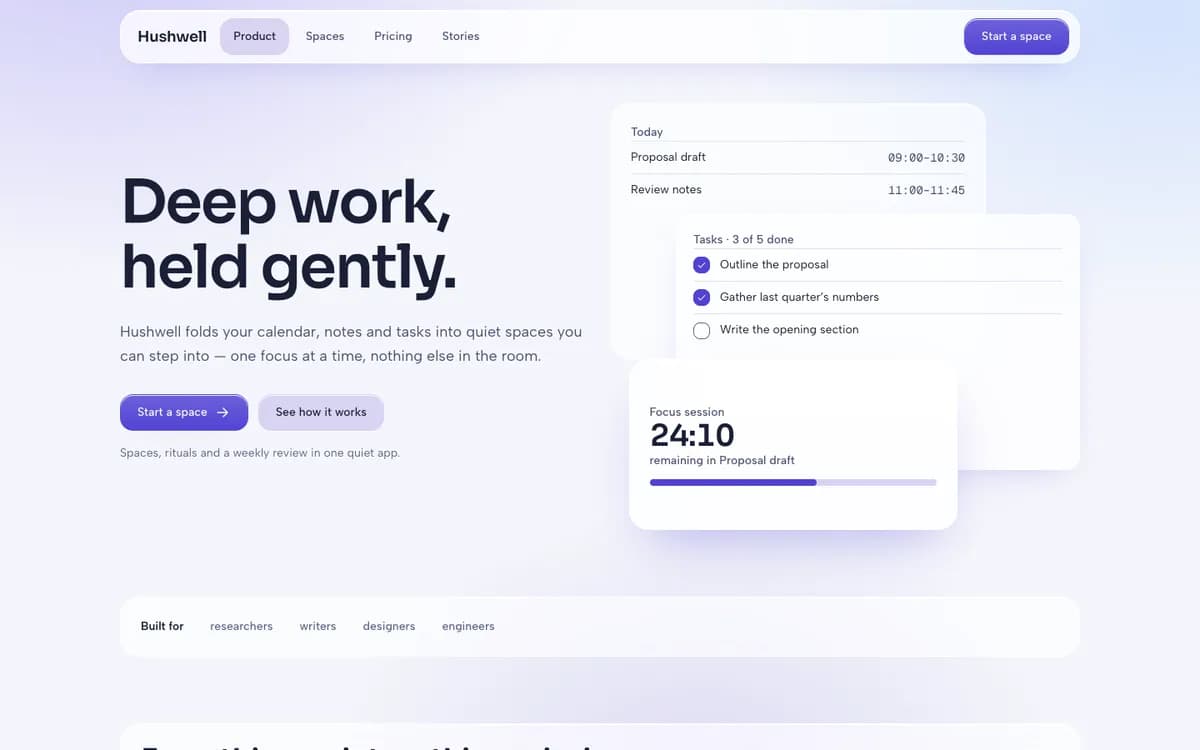
Soft Depth
Layered translucency, gentle gradients
Sora / Albert SansFree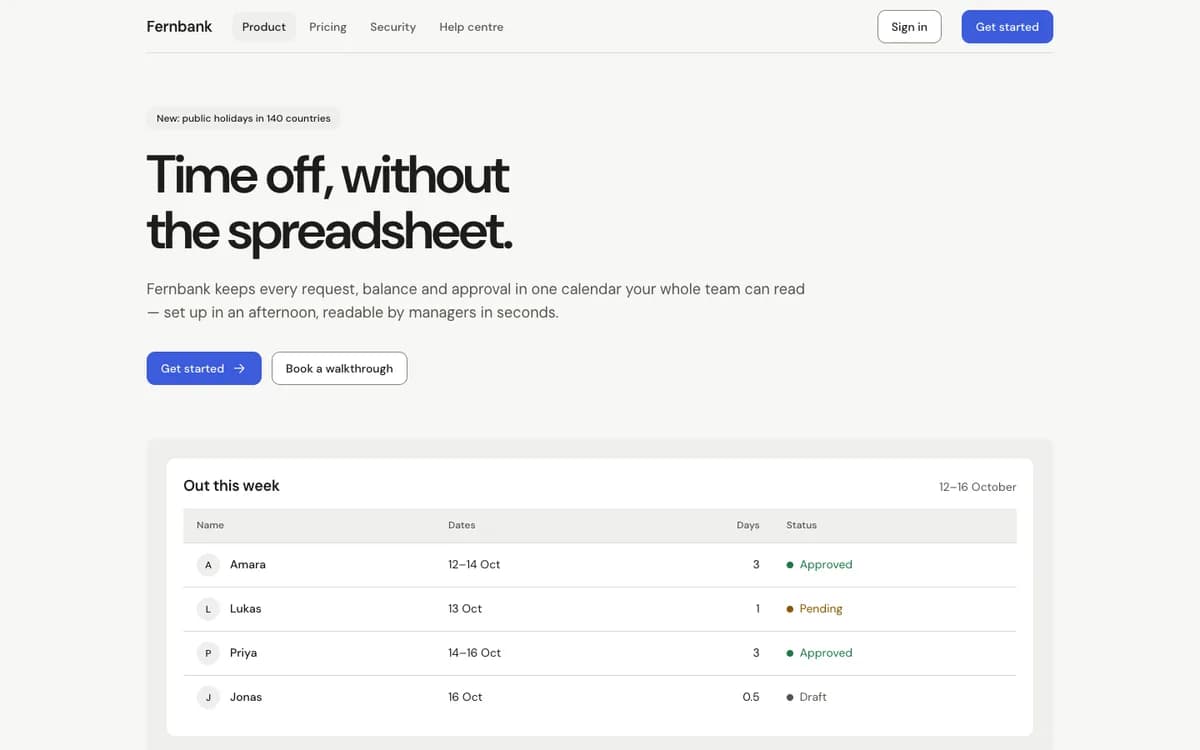
House Blend
Tasteful, versatile default upgrade
DM SansFree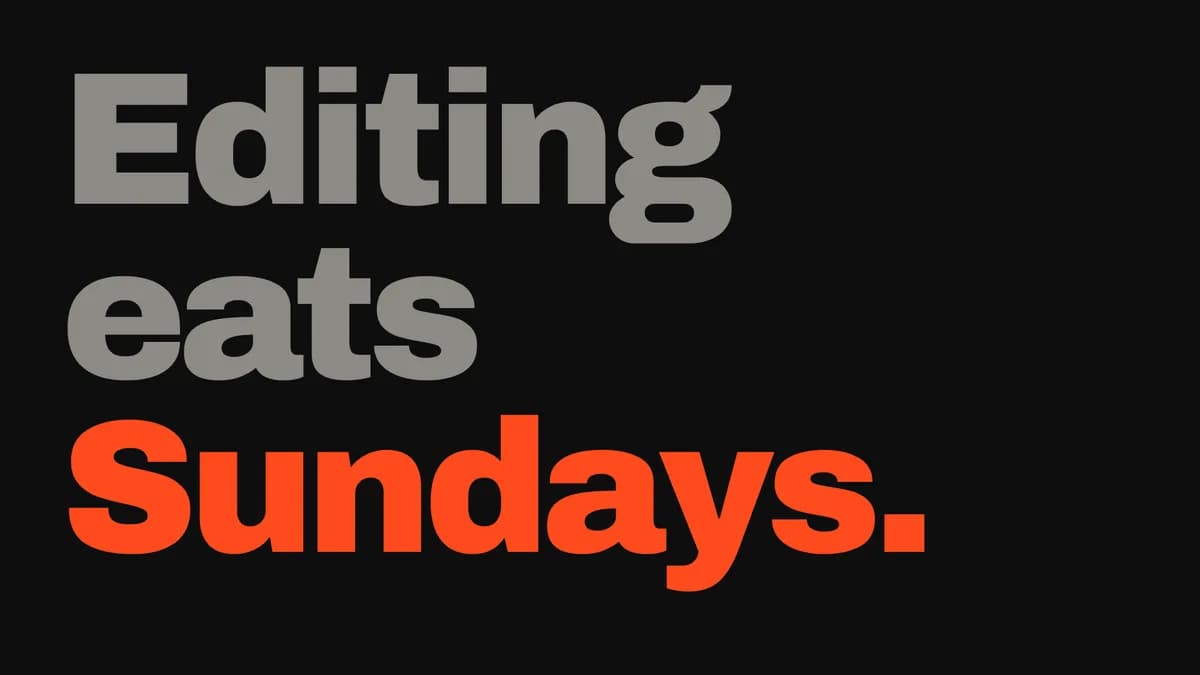 Pro
Kinetic Type
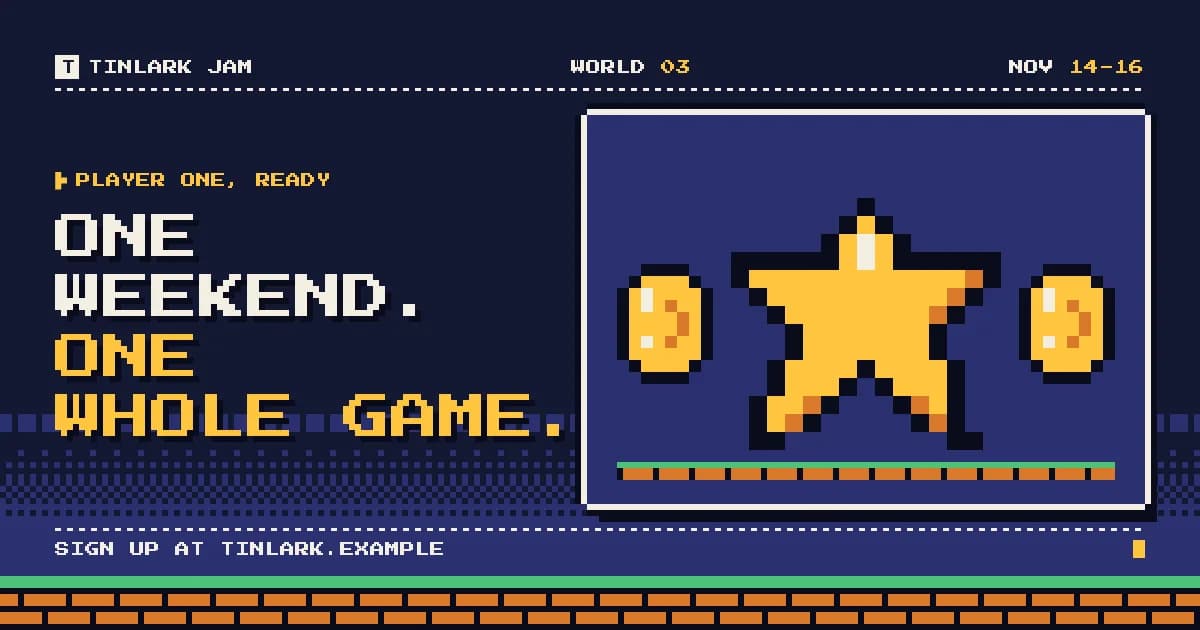
Huge words cut on the beat
Archivo Black / ArchivoPro
Websites & apps
Landing pages, dashboards, stores, portfolios, docs.
- Pro
Editorial
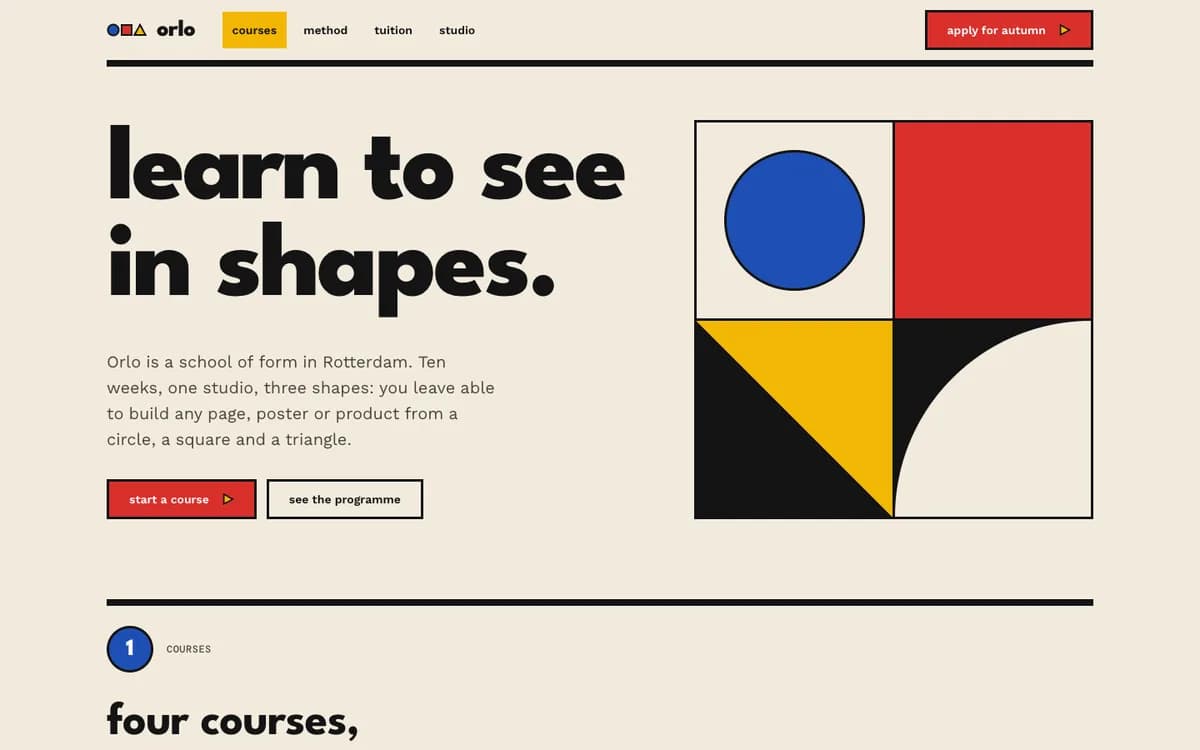
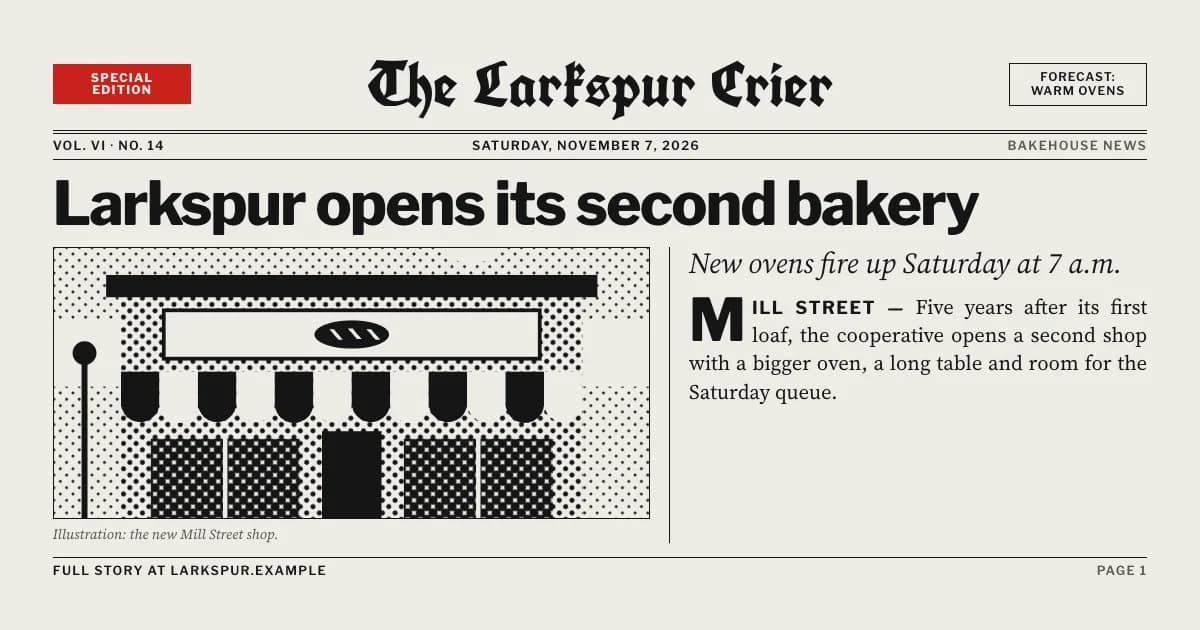
ProvenMagazine typography, warm paper, one vermilion accent
Fraunces / Instrument SansPro Swiss
Grid discipline, restrained palette, precision
Hanken GroteskFree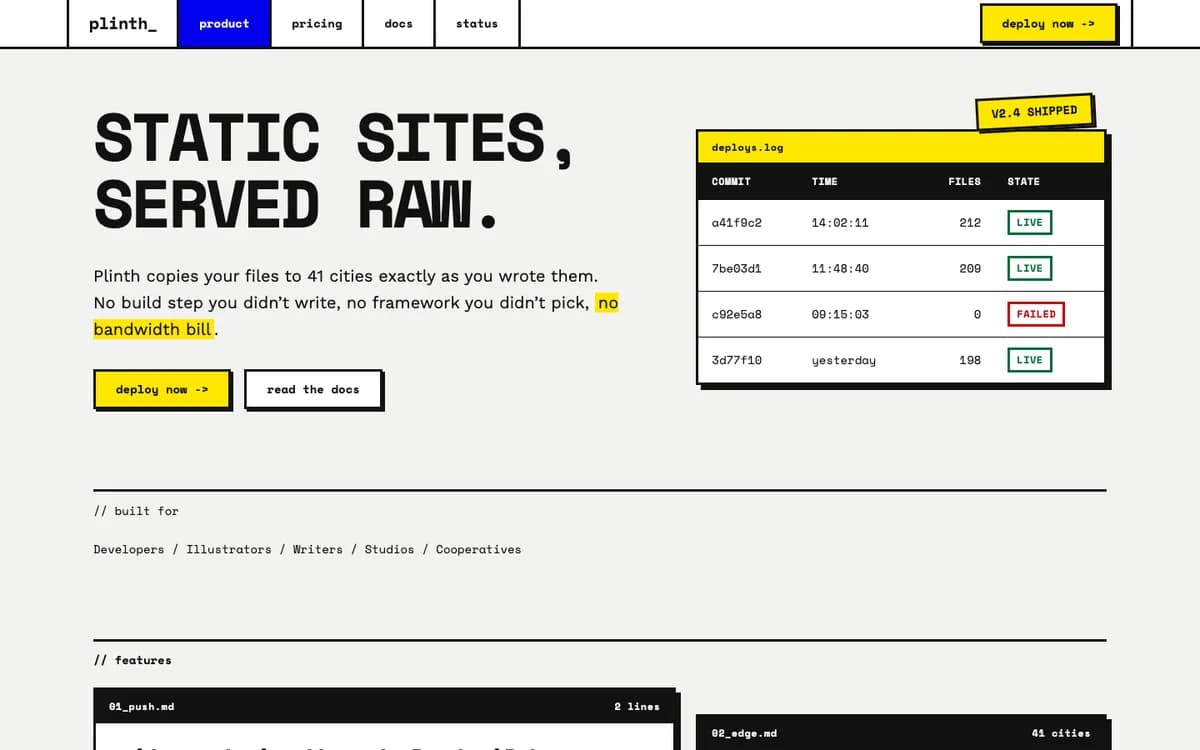 Pro
Brutalist
Raw borders, mono, hard shadows
Space Mono / Work SansProSoft Depth
Layered translucency, gentle gradients
Sora / Albert SansFree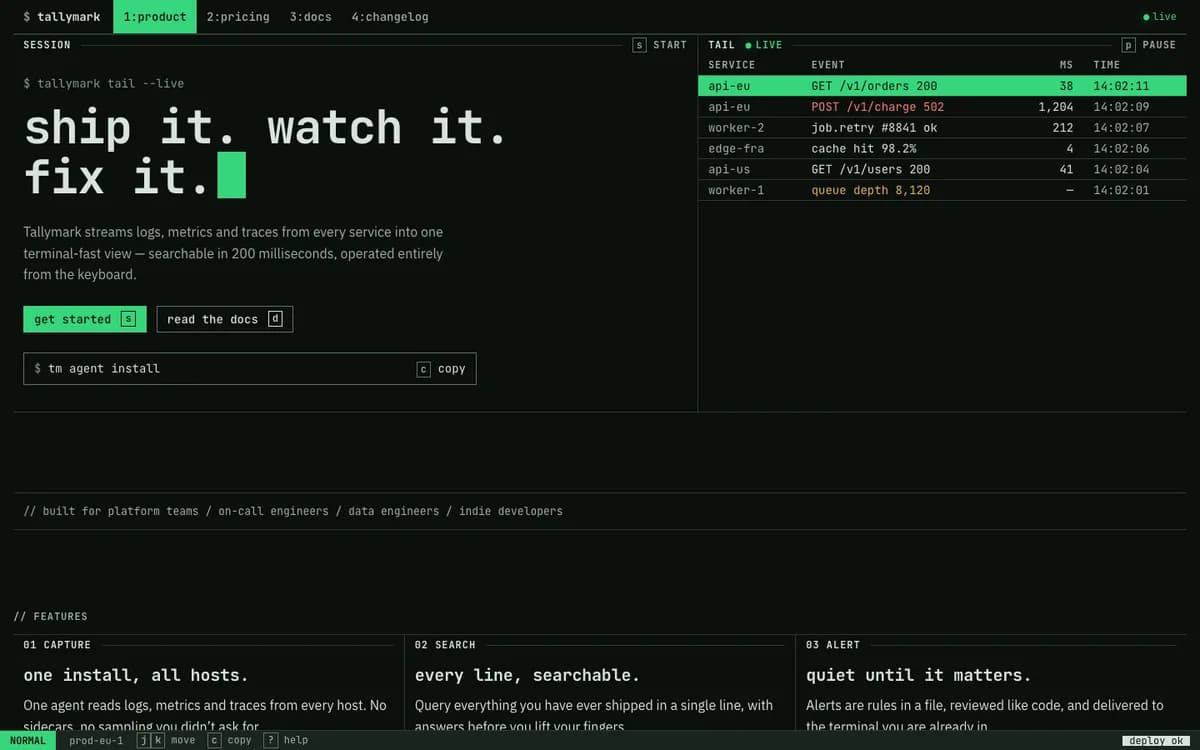 Pro
Terminal
Dark, mono, phosphor accents, dense data UI
JetBrains Mono / IBM Plex SansPro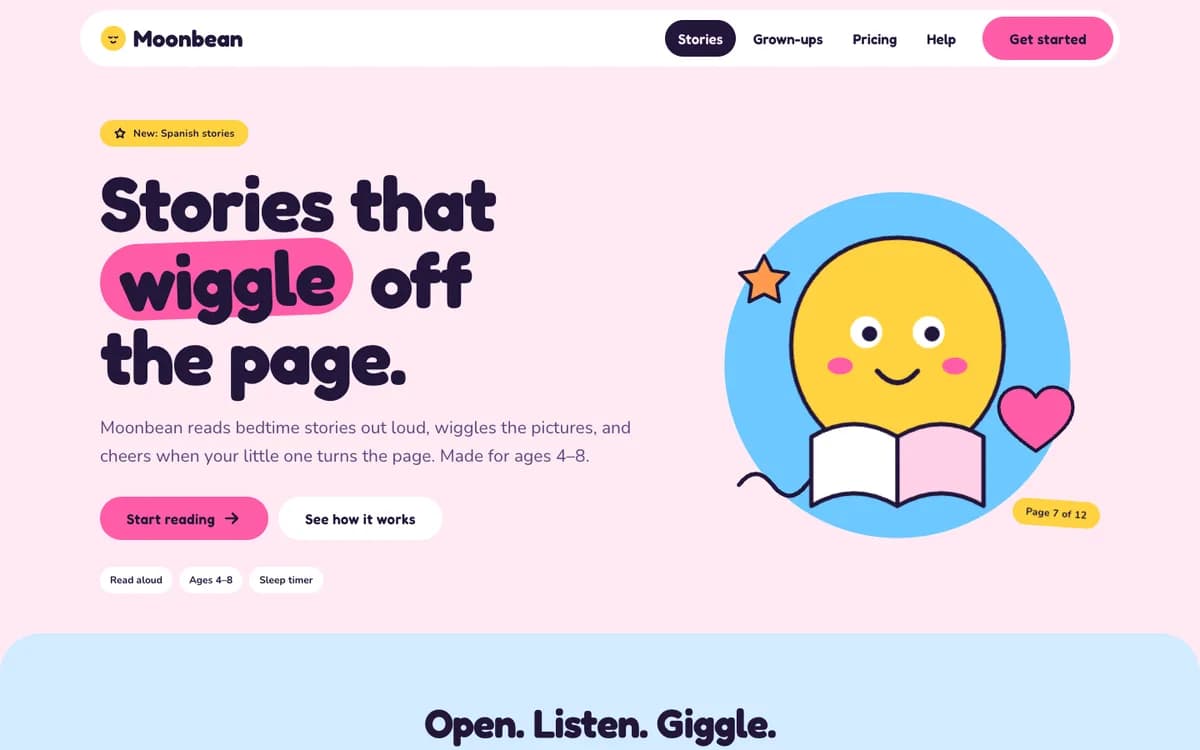 Pro
Playful Pop
Rounded, saturated, bouncy motion
Fredoka / NunitoPro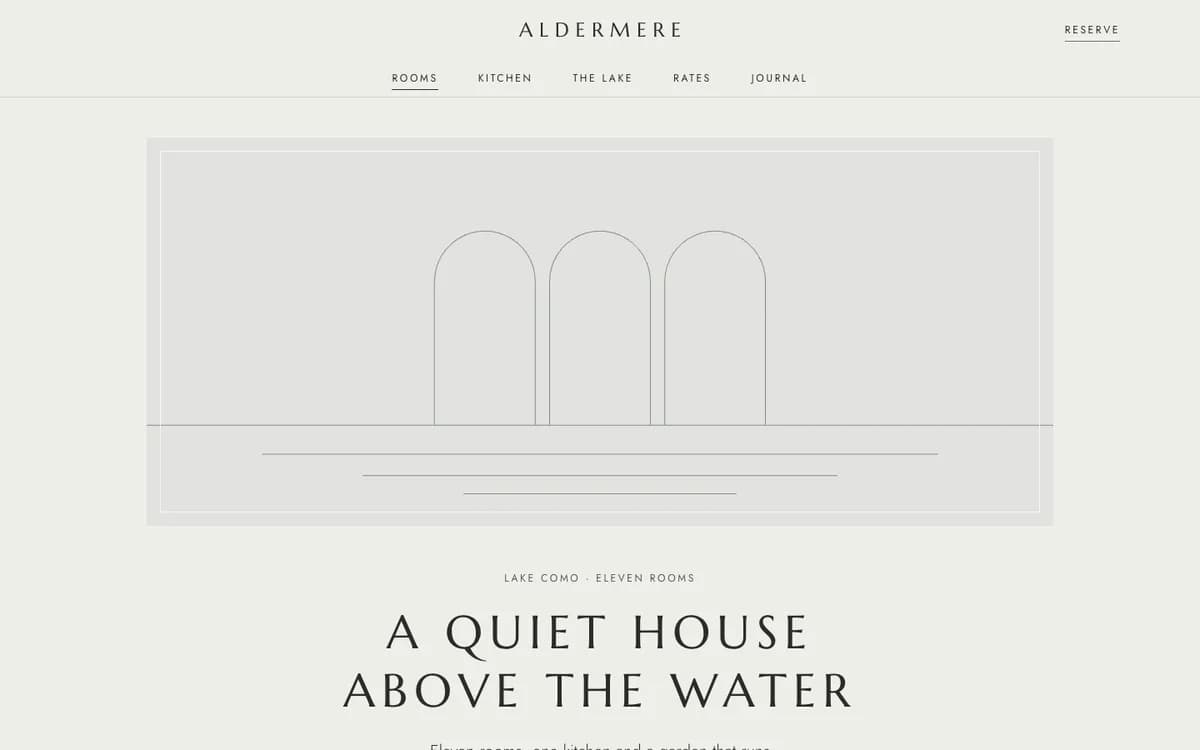 Pro
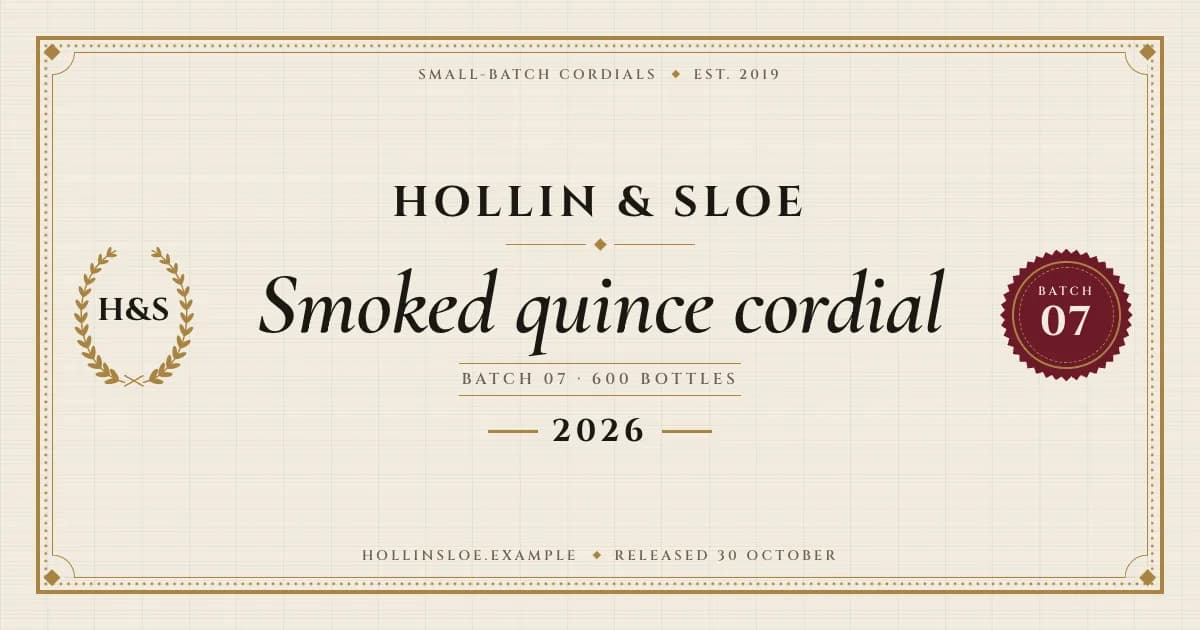
Quiet Luxury
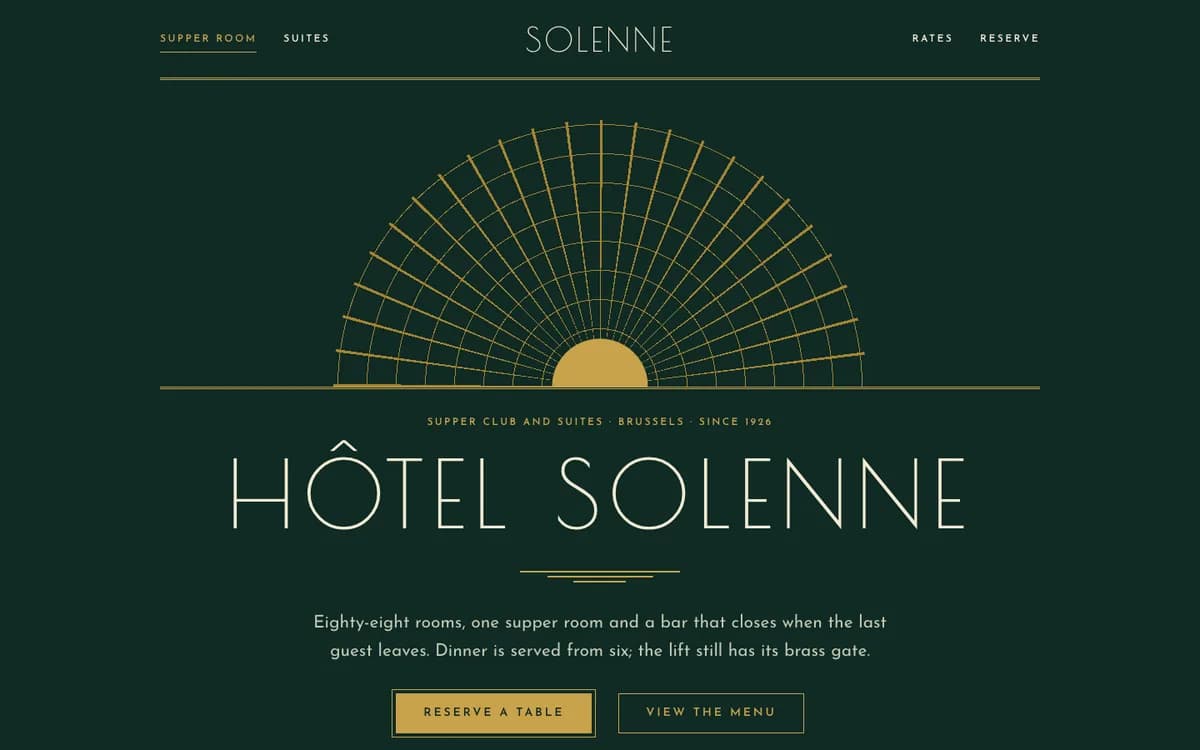
Muted palette, hairlines, wide-tracked serifs
Marcellus / JostProMidnight
Near-black product marketing, one luminous accent, soft glow
GeistFree
Launch videos
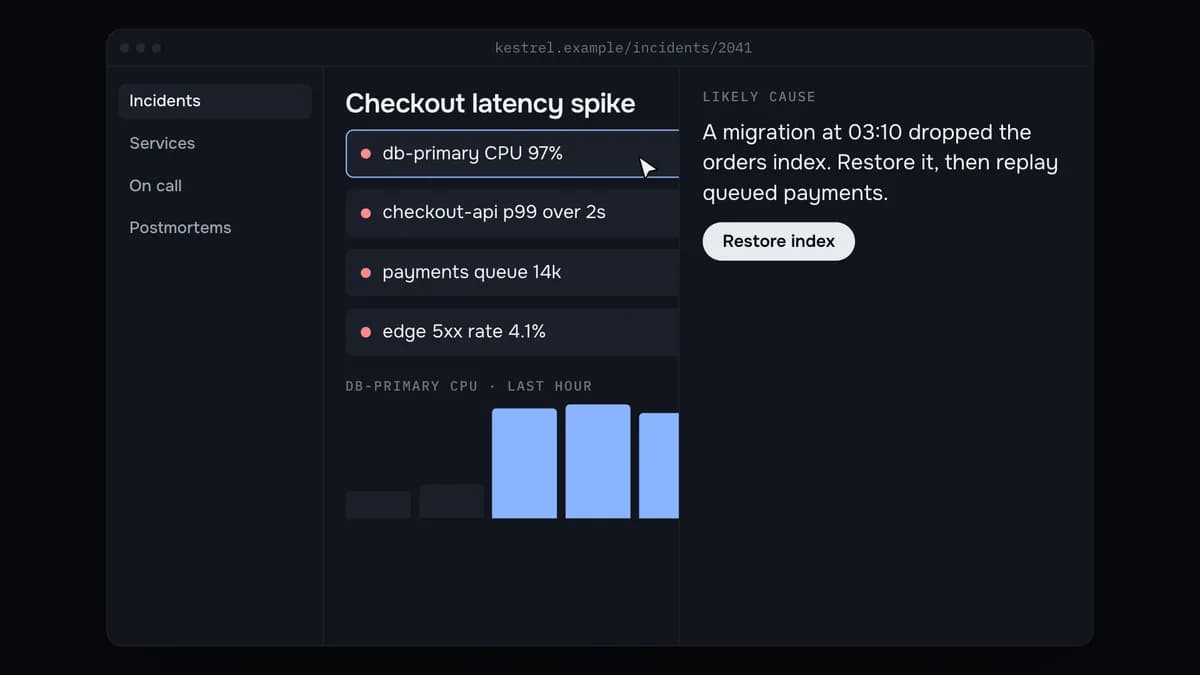
Films your agent renders to MP4 — hover a card to play its opening.
 Pro
Glow UI
Dark product films lit by one blue light
OnestPro- Pro
Kinetic Type
Huge words cut on the beat
Archivo Black / ArchivoPro 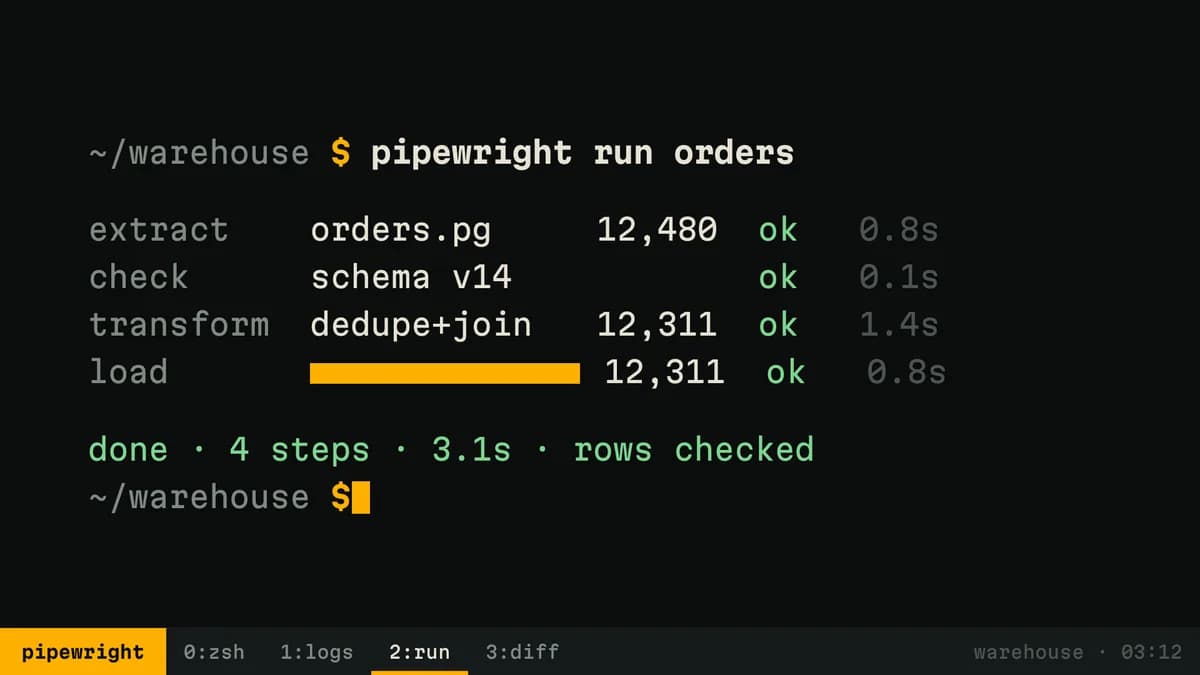 Pro
Terminal
Launch films told in a running terminal
Martian MonoPro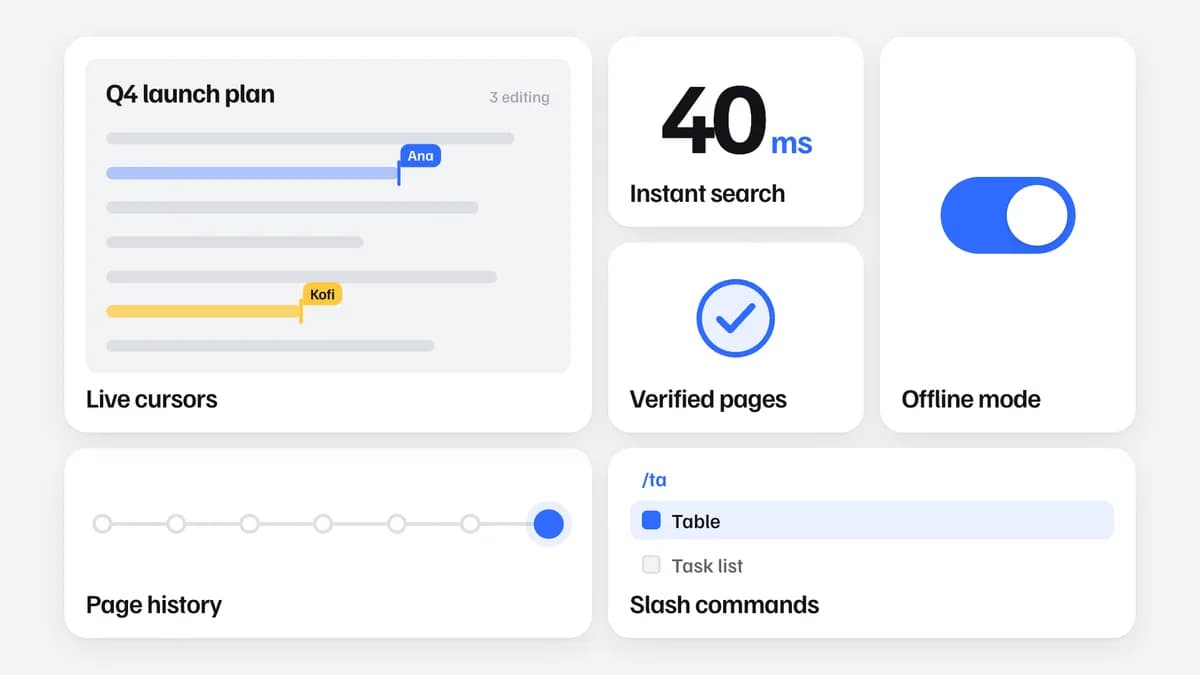 Pro
Bento Reveal
Feature tiles that fly in and lock
Familjen GroteskPro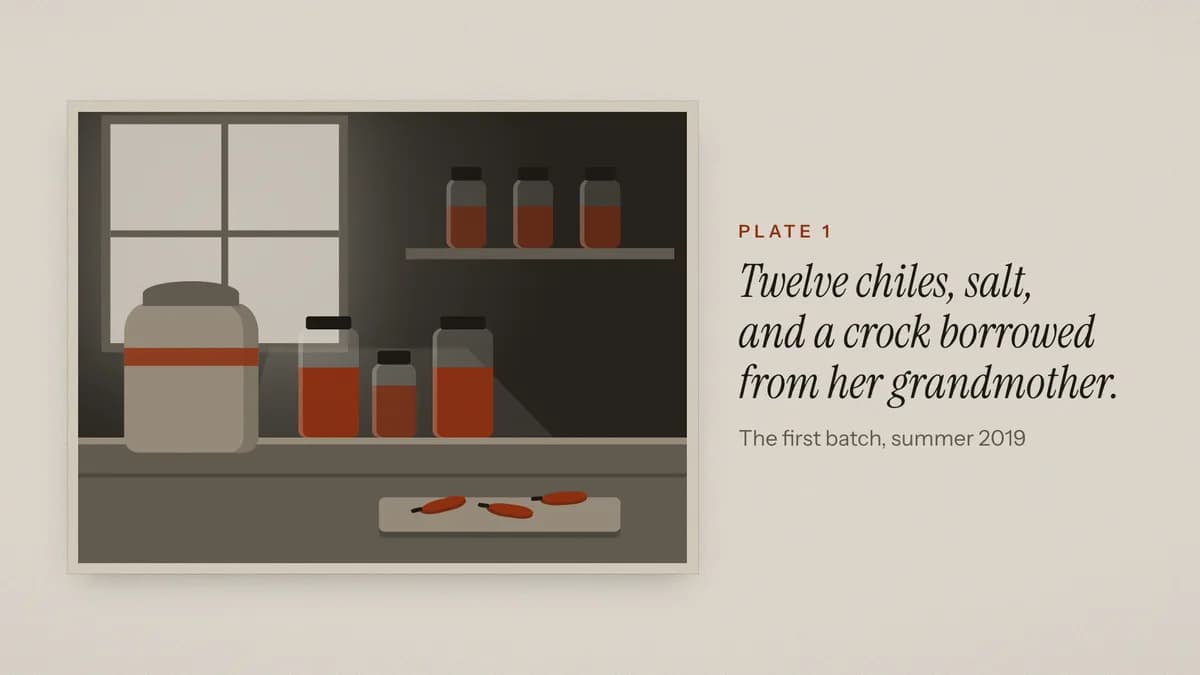 Pro
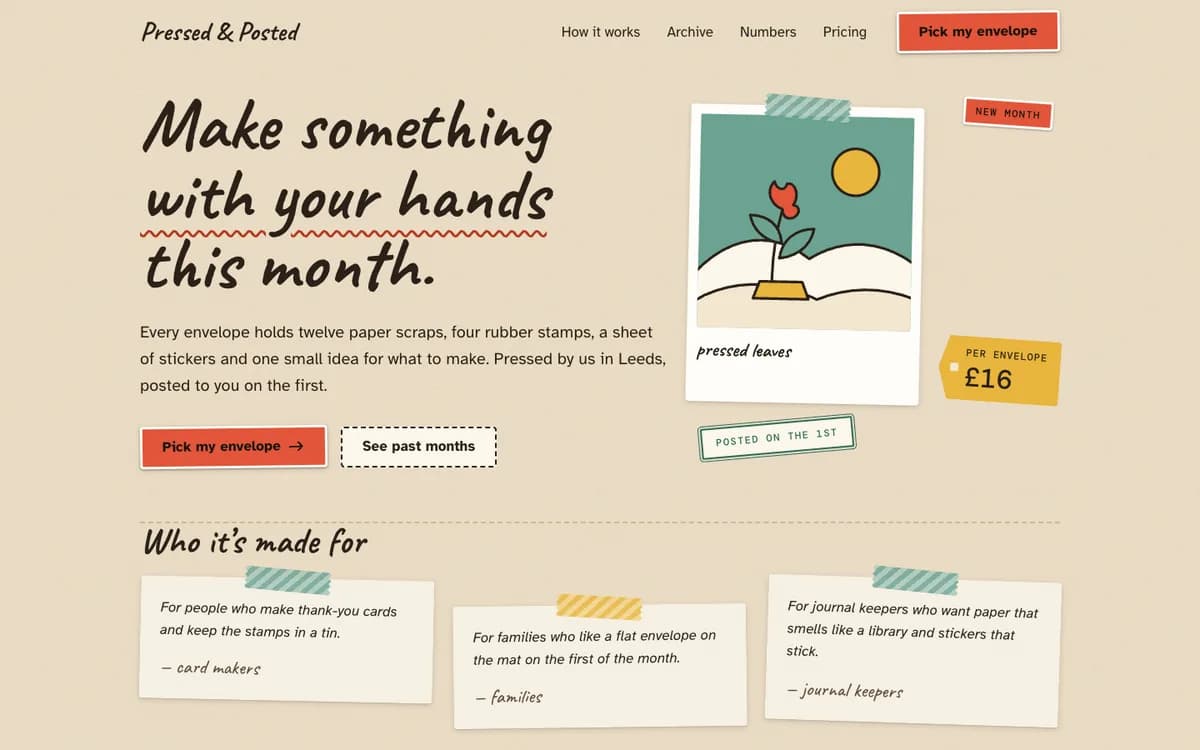
Documentary
Founder stories on warm paper
Instrument Serif / Instrument SansPro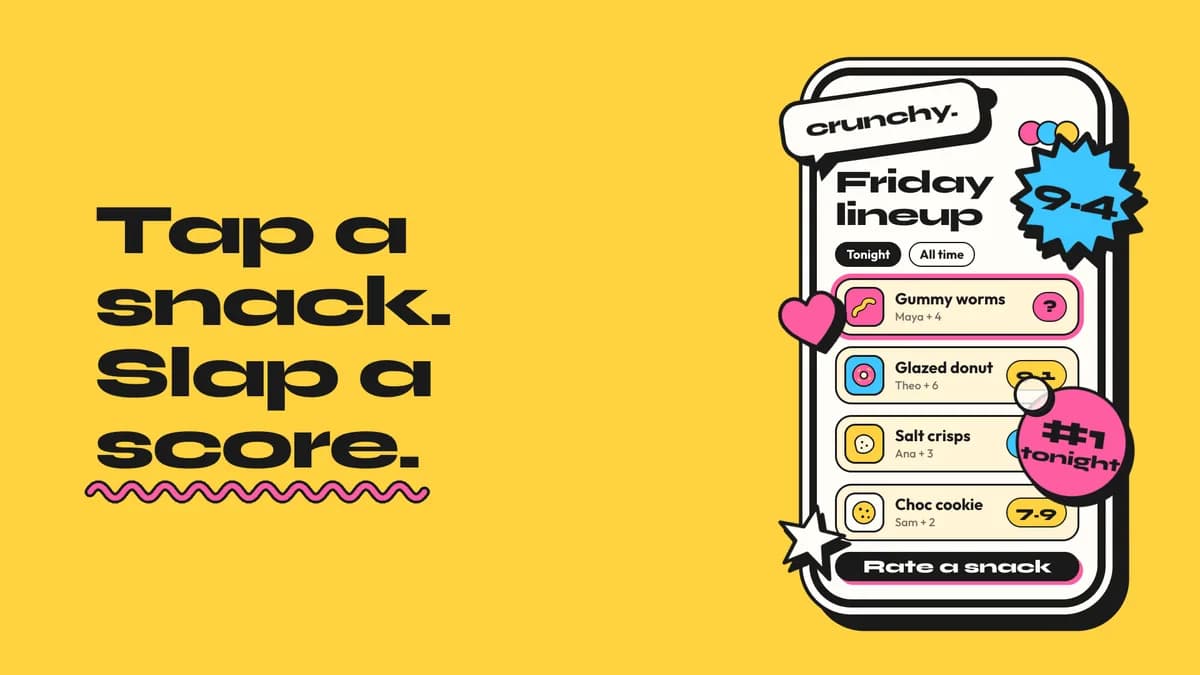 Pro
Pop Sticker
Springy stickers and bright fields
Syne / OutfitPro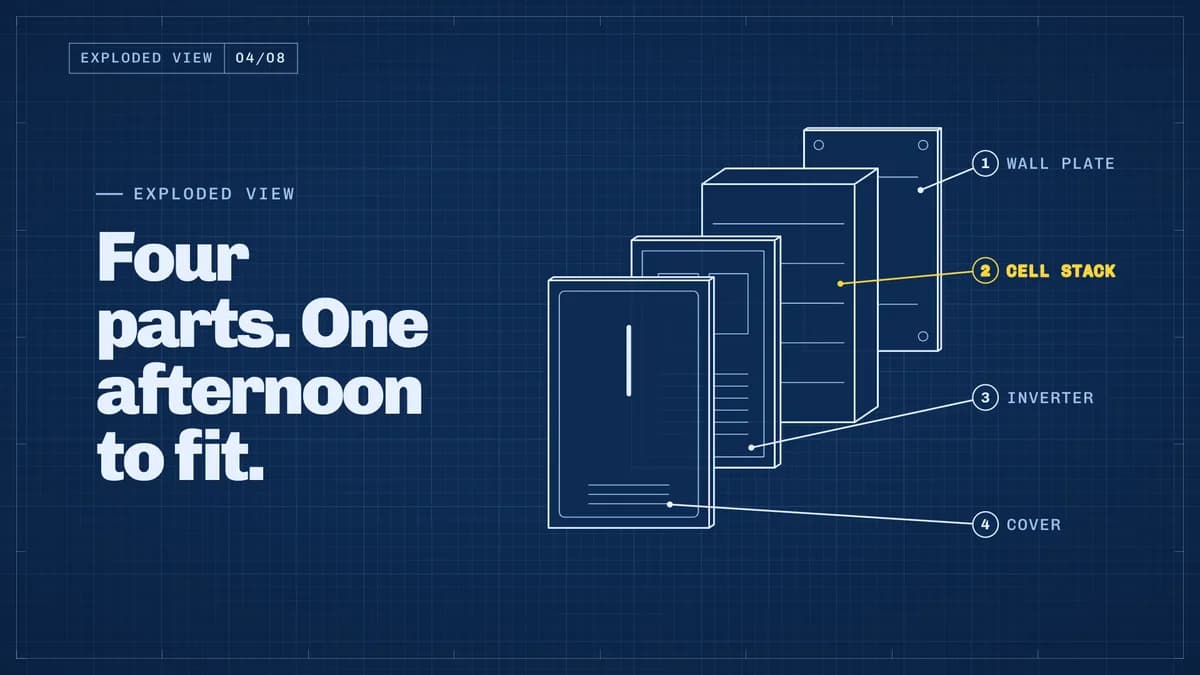 Pro
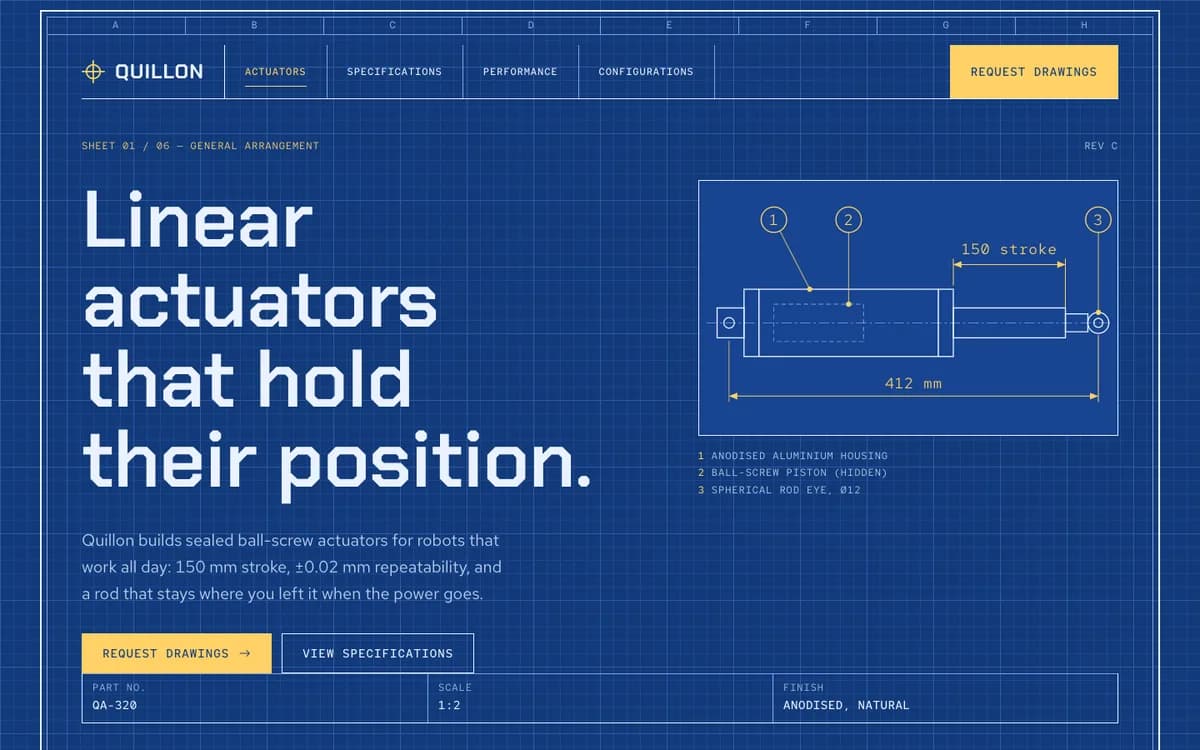
Blueprint
Products that draw themselves
ChivoPro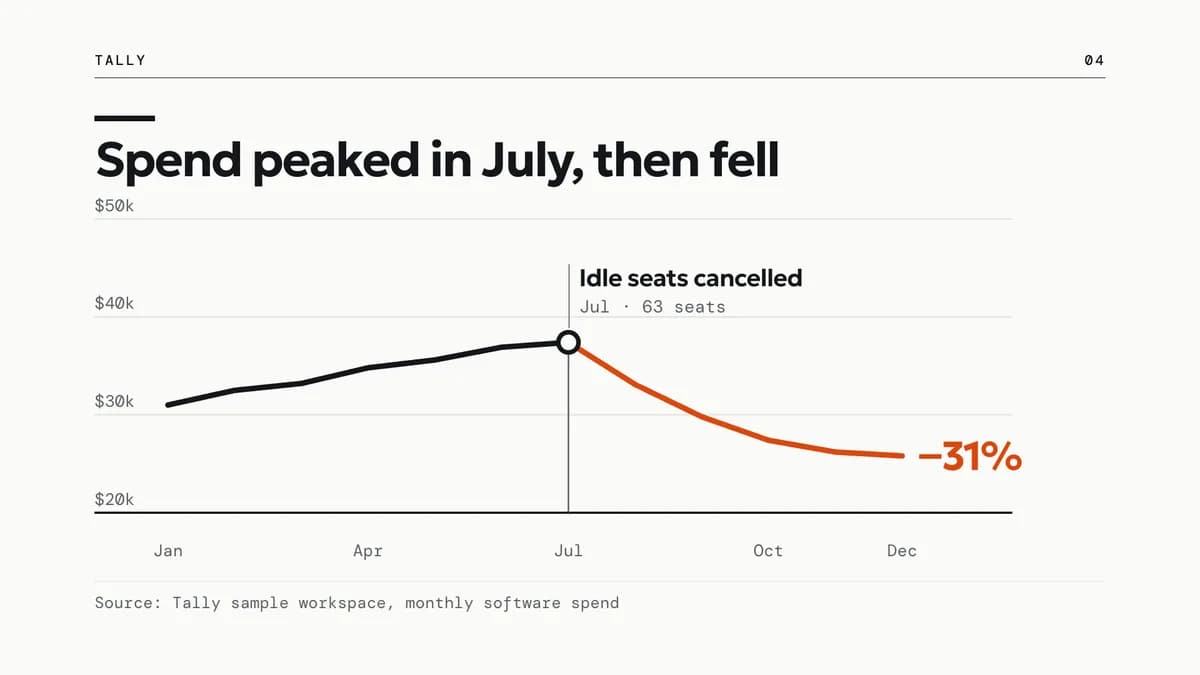 Pro
Data Story
Charts that grow to the claim
GeologicaPro
Motion moves
Single beats — an opener, a reveal, a stat, an end card — your agent drops into any film. Sold in sets of about twenty.
 Hook4.2 s
Word punch
Three short pain phrases cut in one after another at full size, then the stage snaps to ink for the promise.
--move word-punch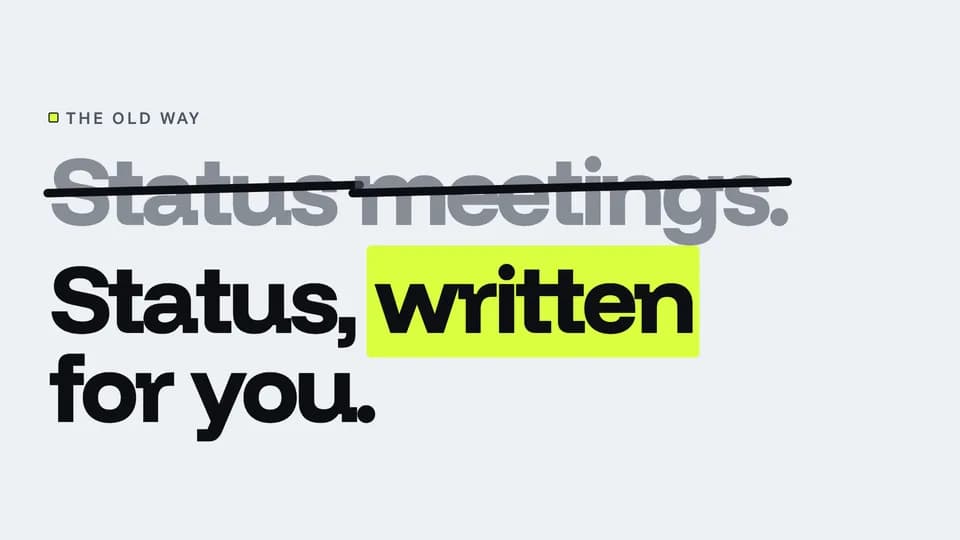 Hook4.8 s
Strike and swap
The old way sits in soft ink, an ink rule strikes it out, and the new way rises beneath it with one highlighted word.
--move strike-swap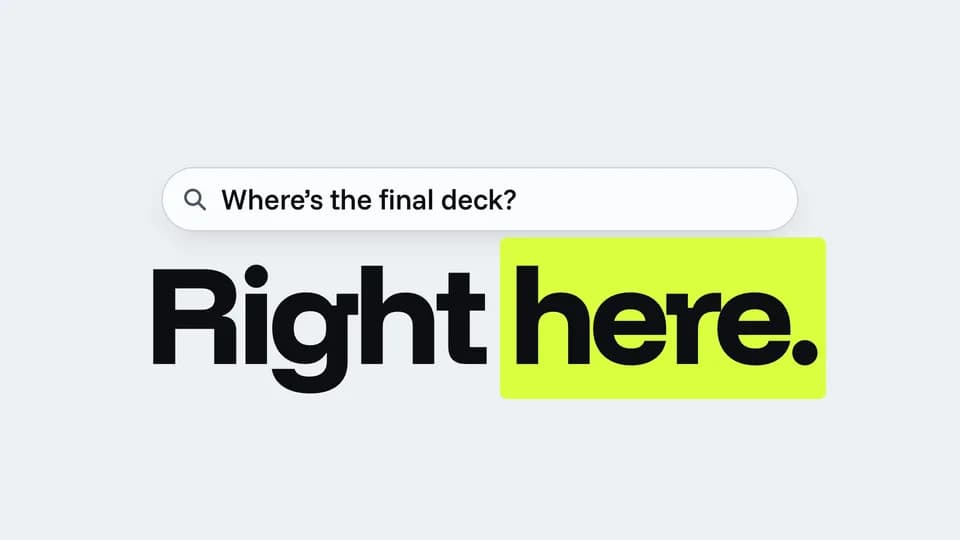 Hook5.2 s
Ask and answer
A question types itself into a search bar, holds a beat, and a two-word answer slams in underneath.
--move ask-answer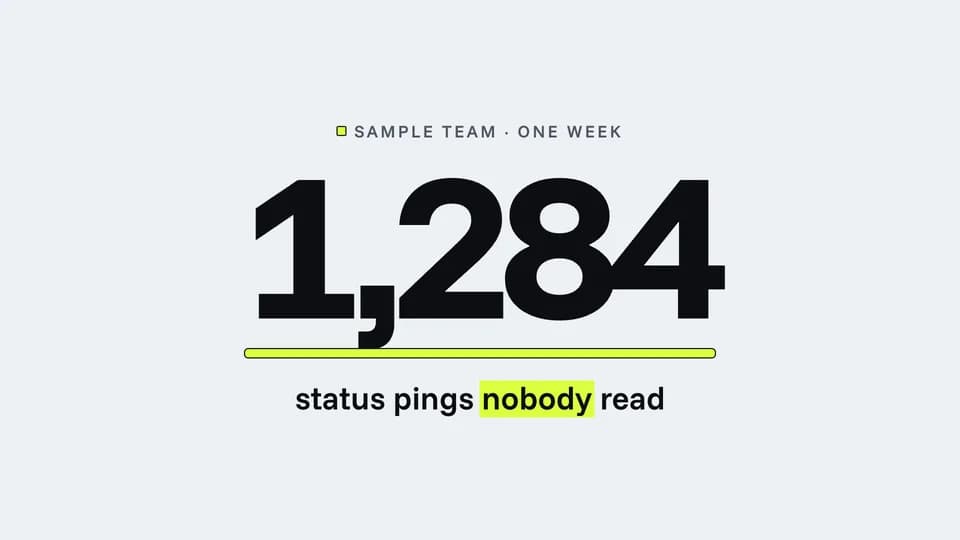 Hook · hook · proof4.6 s
Counter race
A huge number races up and lands on a surprising sample figure while a highlighter rule grows under it.
--move counter-race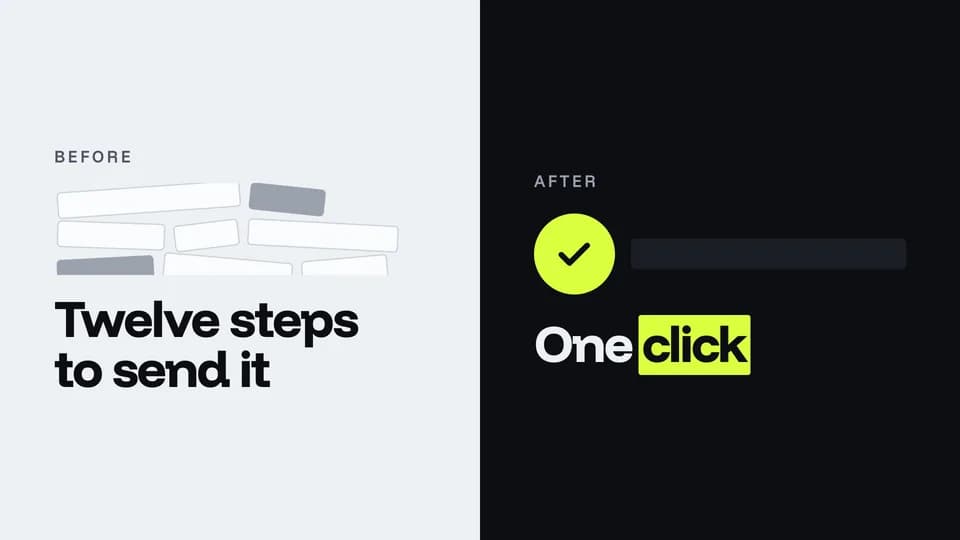 Hook · hook · contrast5.6 s
Before / after
A cluttered paper half and a clean ink half split the frame; the after side wipes in with one highlighted check.
--move before-after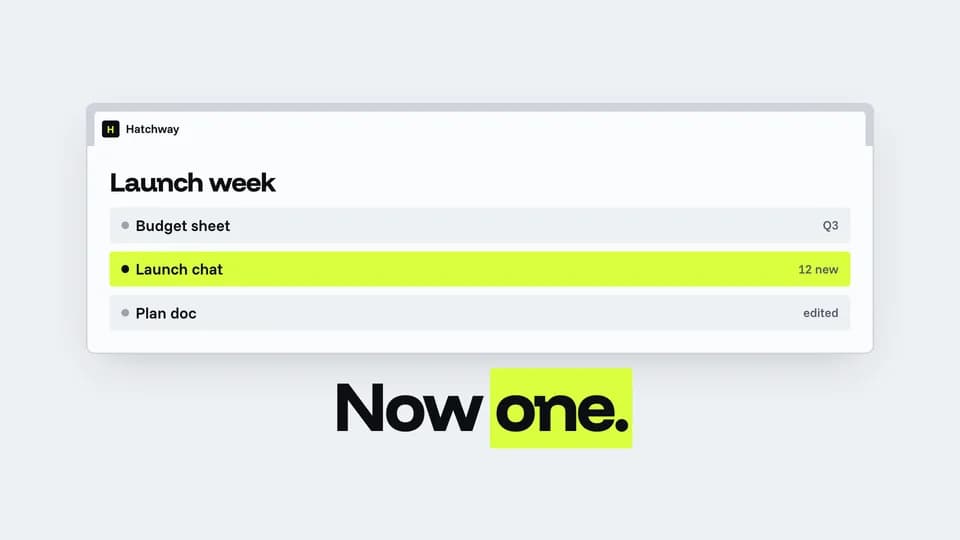 Hook · hook · reveal5.8 s
Tab collapse
Browser tabs pile up across the strip, then fold away until one tab, the product, stretches across the window.
--move tab-collapse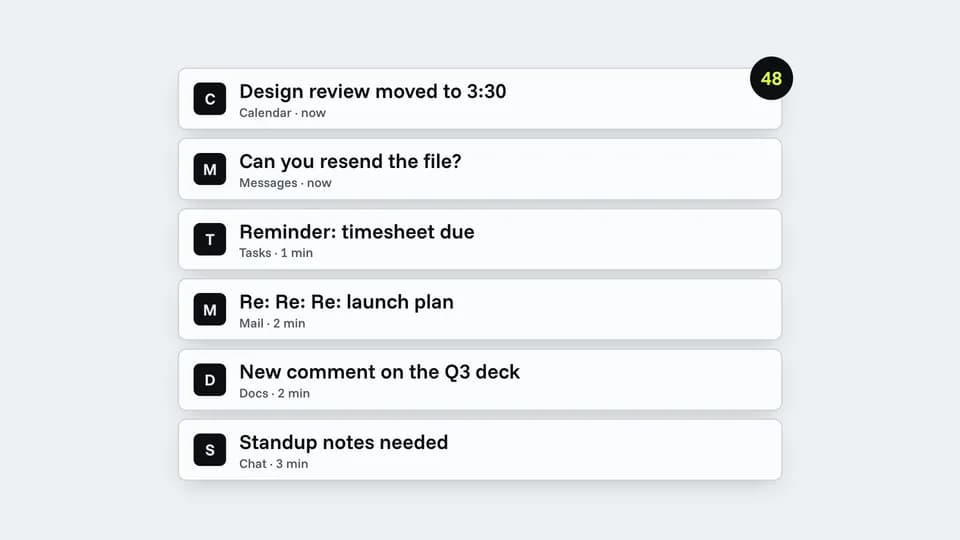 Hook · hook · pain5.8 s
Ping storm
Notification cards stack up fast with a climbing badge, then all sink away and one calm line is left.
--move ping-storm Hook · hook · payoff3.2 s
One-word slam
One giant word slams onto an ink stage and the highlighter sweeps under it; a small line sets the scene.
--move one-word-slam
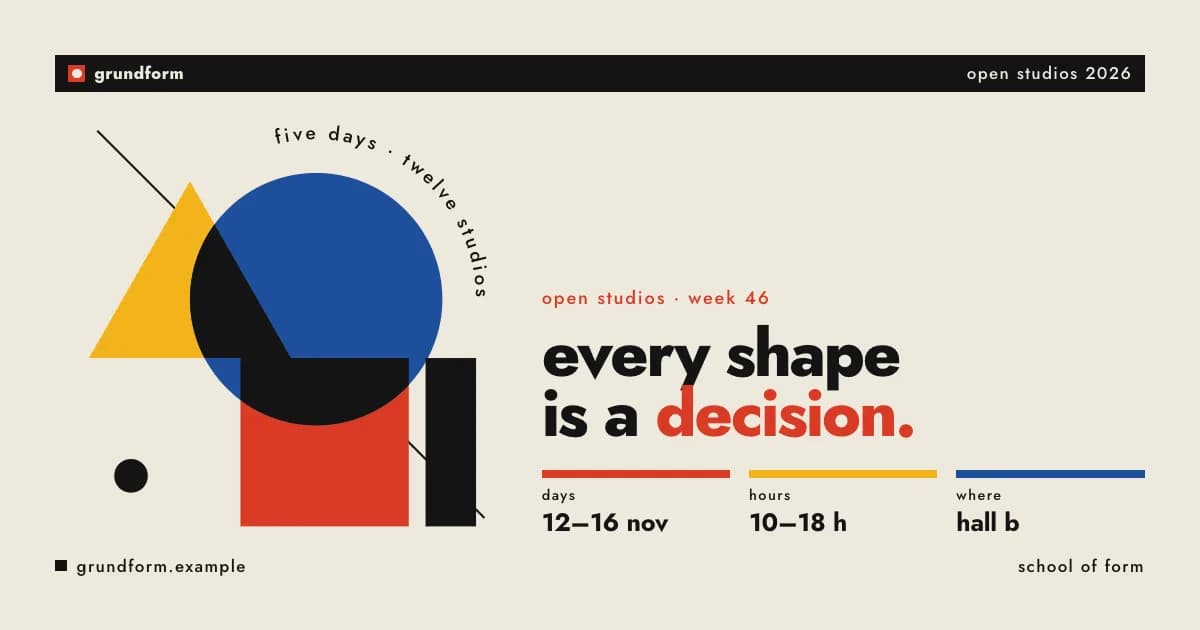
Social images & OG cards
Link previews, posts, posters — rendered to PNG.
 Pro
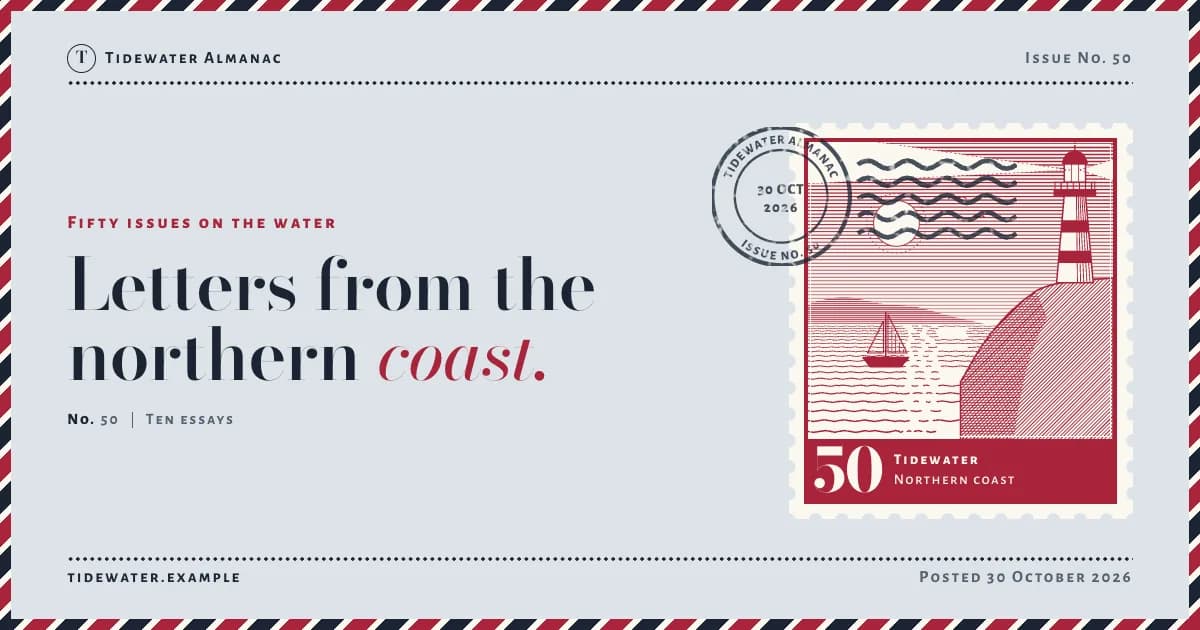
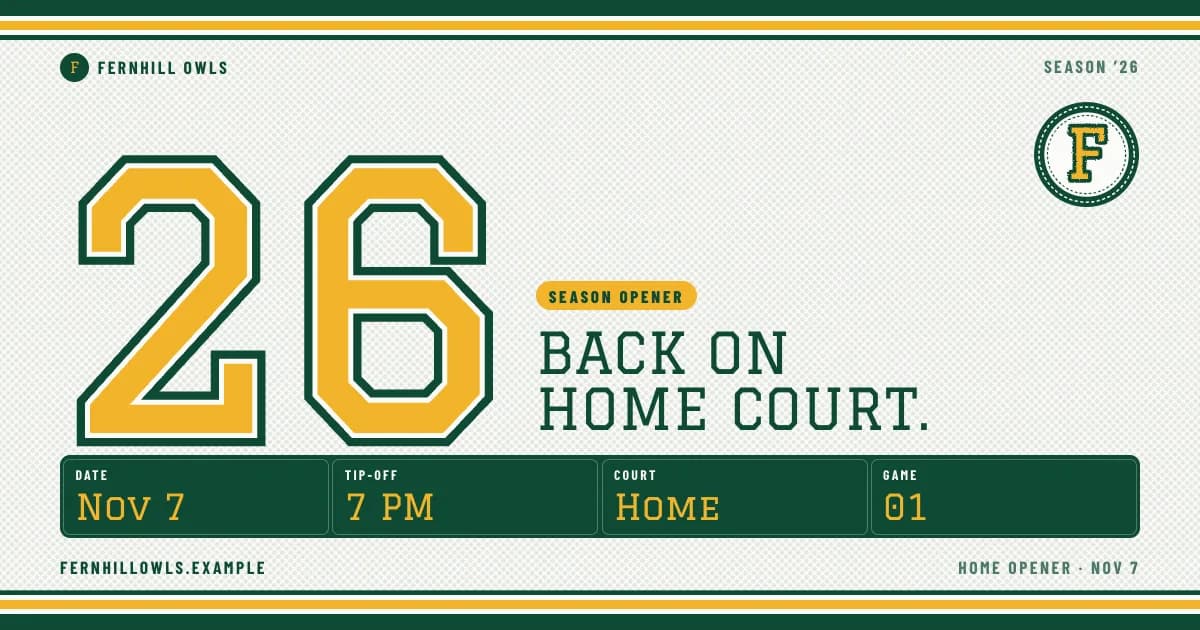
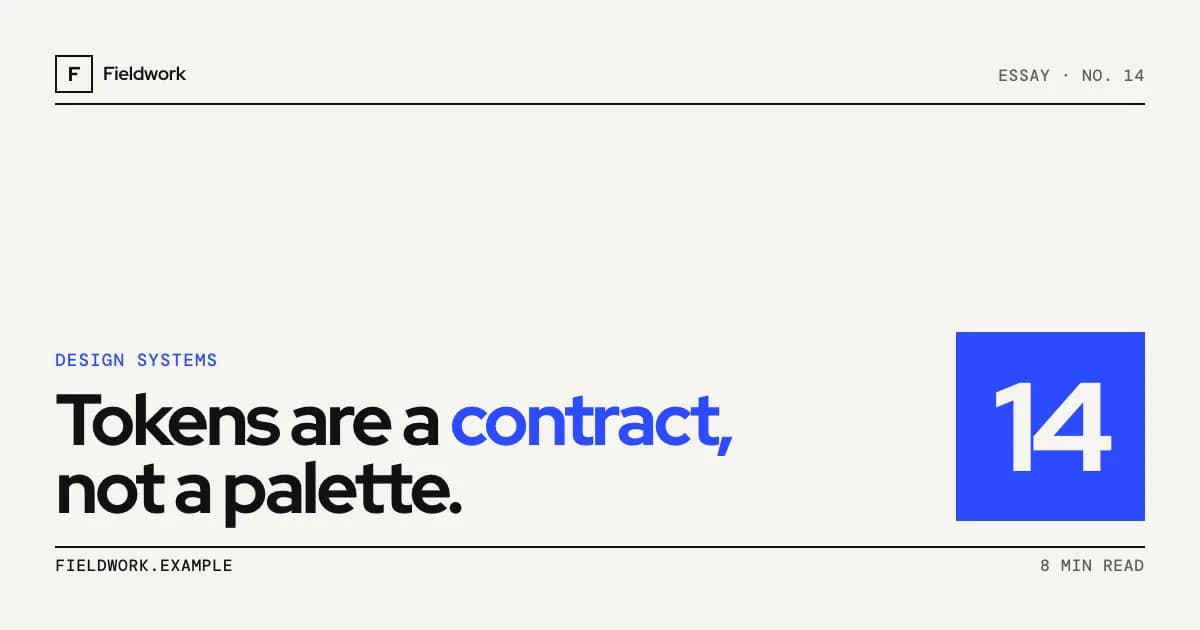
Signal Card
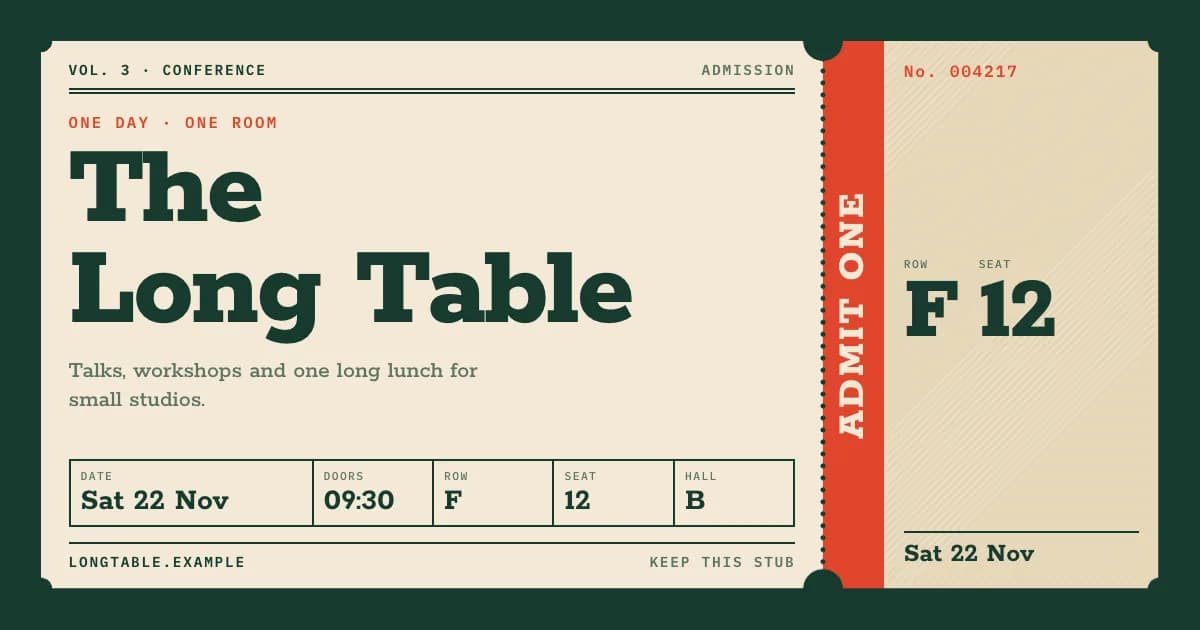
Poster cards with one cobalt block
Red Hat DisplayPro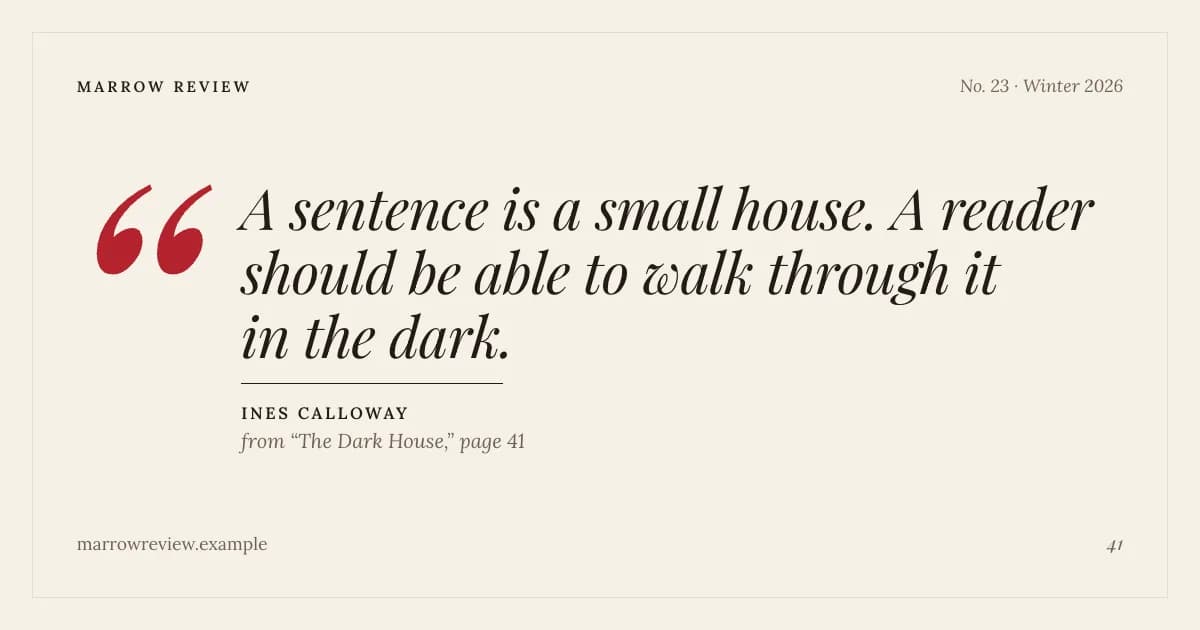 Pro
Quote Card
Typeset quotes on cream paper
Playfair Display / LoraPro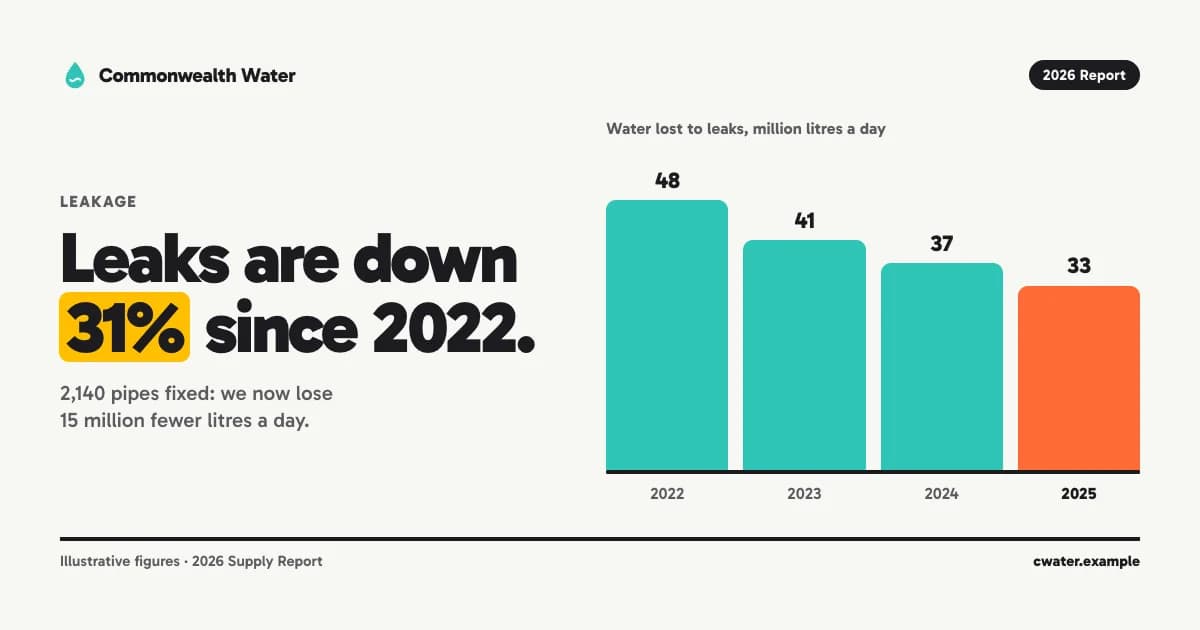 Pro
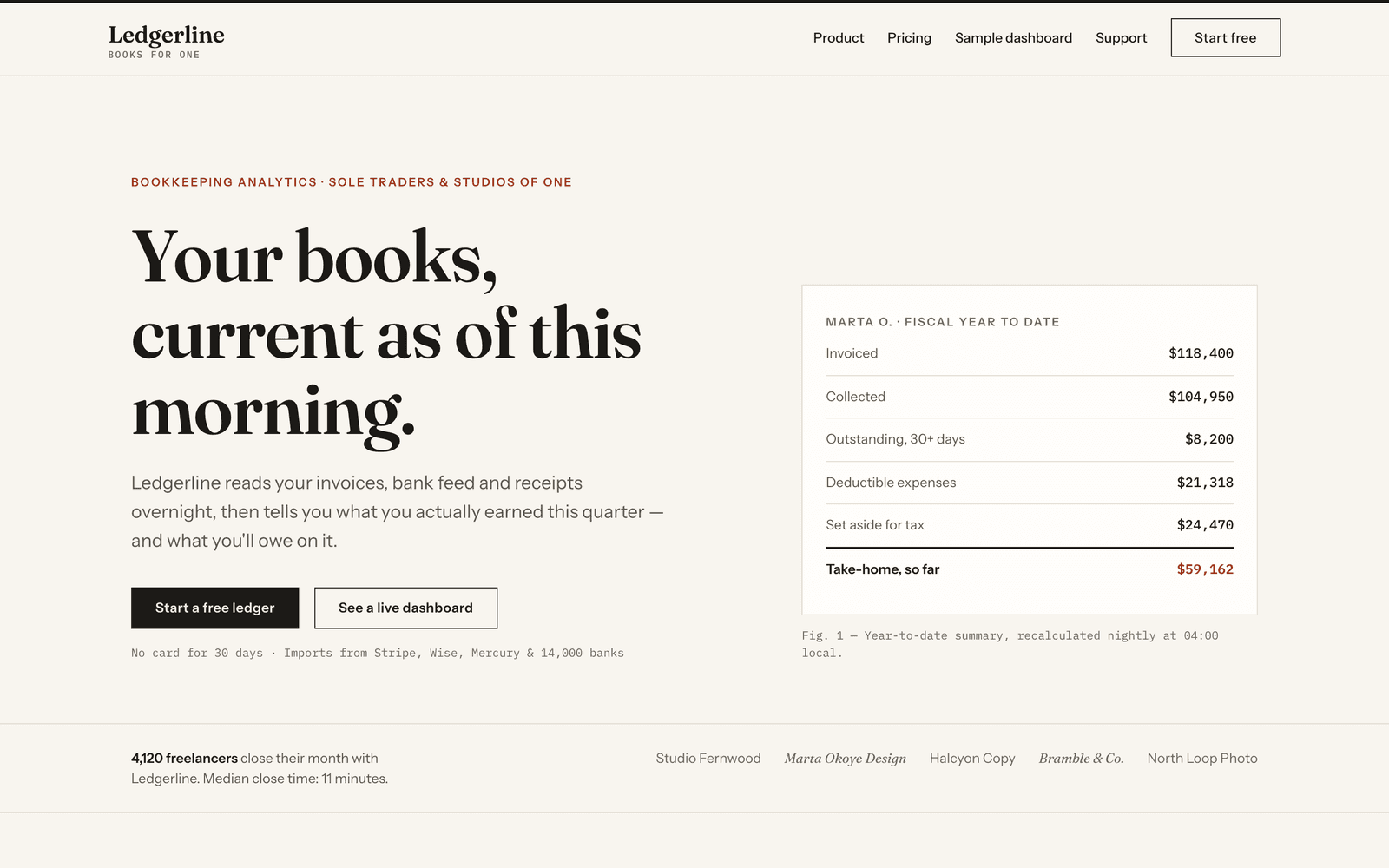
Infographic
One claim, one chunky chart
GabaritoPro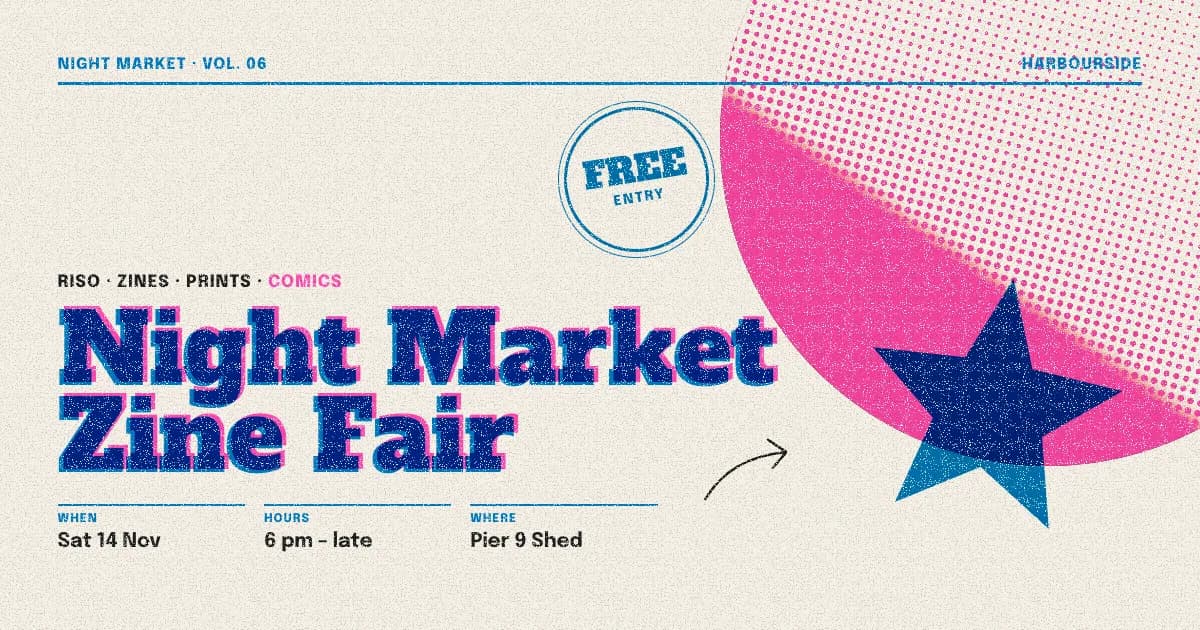 Pro
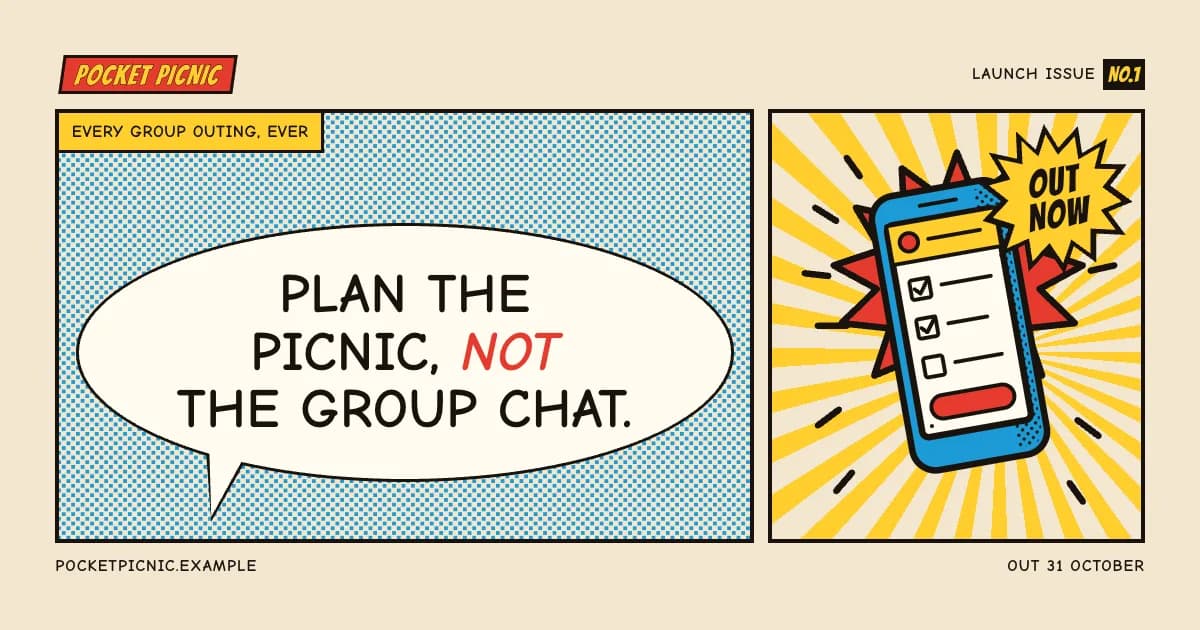
Riso Print
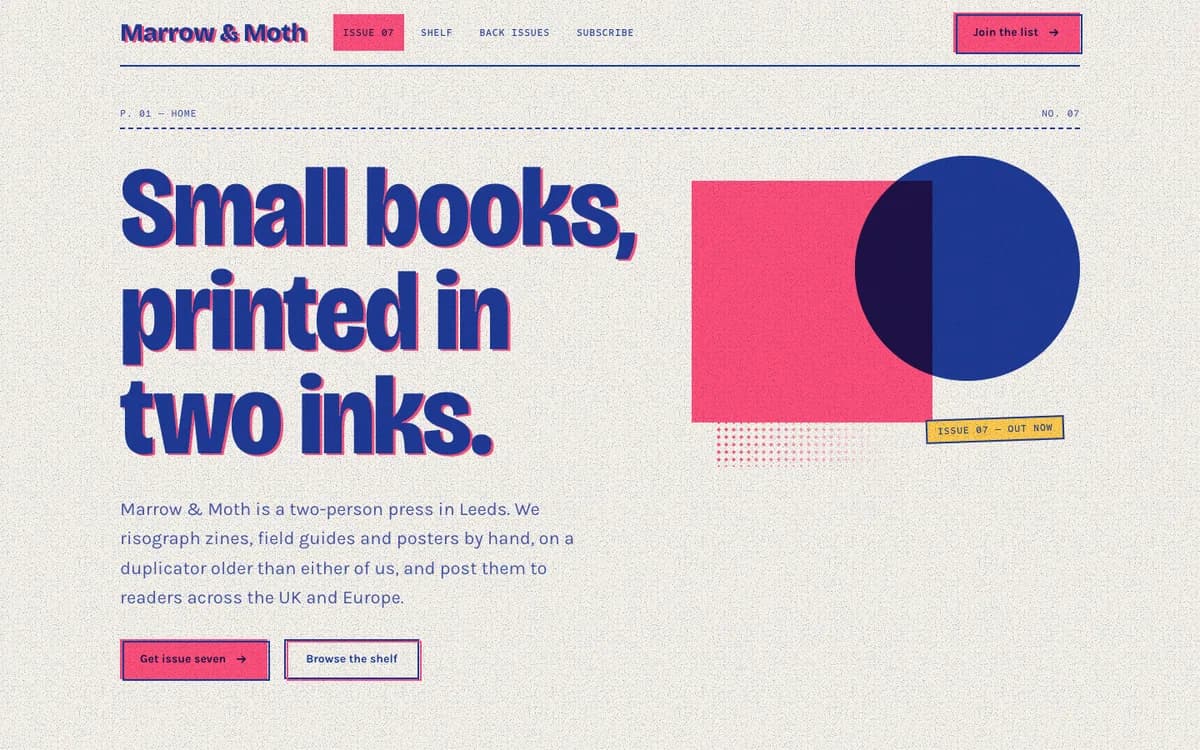
Two inks that overprint
Alfa Slab One / EpiloguePro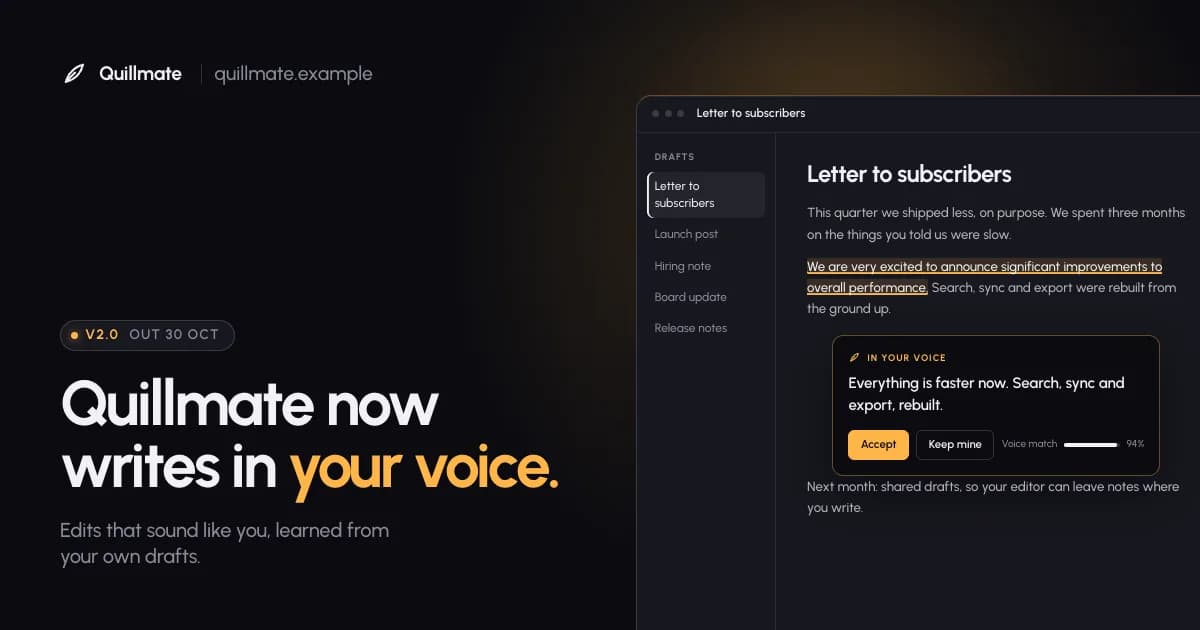 Pro
Launch Card
Product crops under one amber light
UrbanistPro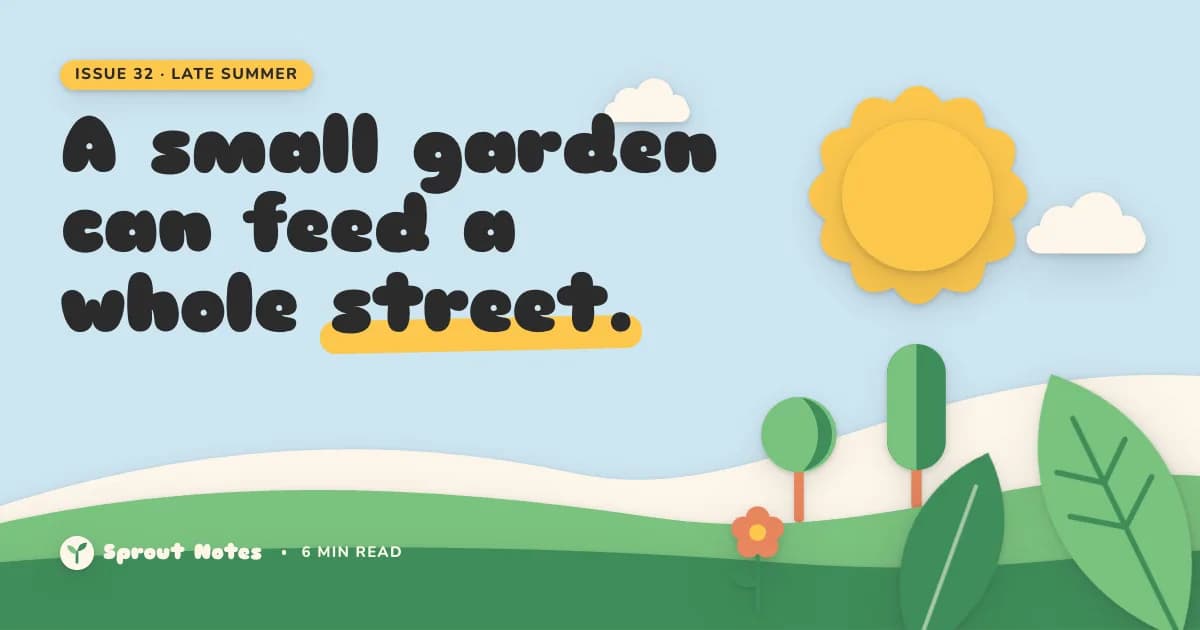 Pro
Paper Cut
Layered paper illustrations
Sniglet / NunitoPro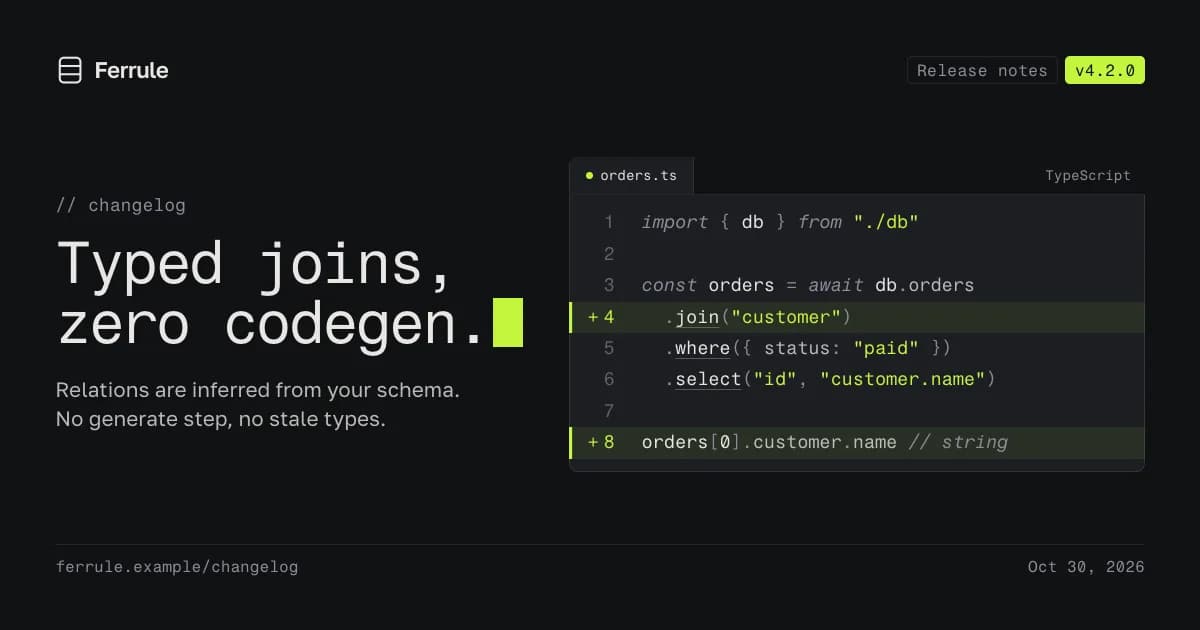 Pro
Code Card
Real code, one lime line
Fragment Mono / Golos TextPro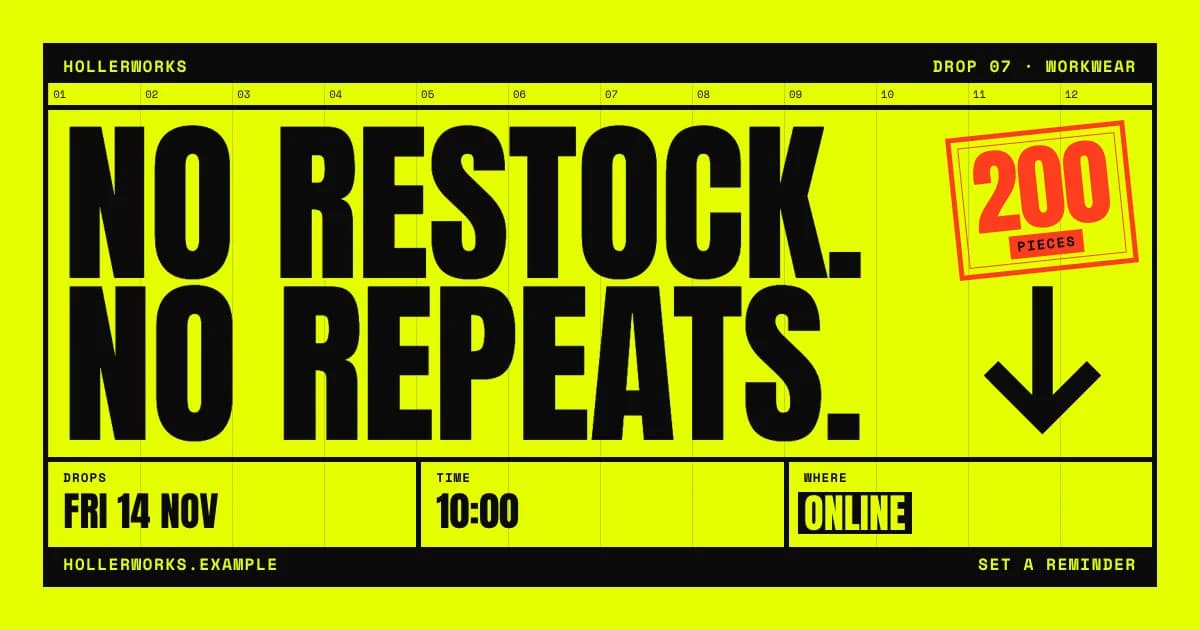 Pro
Shout
Brutalist protest posters
Anton / Space MonoPro
Pitch decks & slides
Decks and keynotes — rendered to PDF.
 Pro
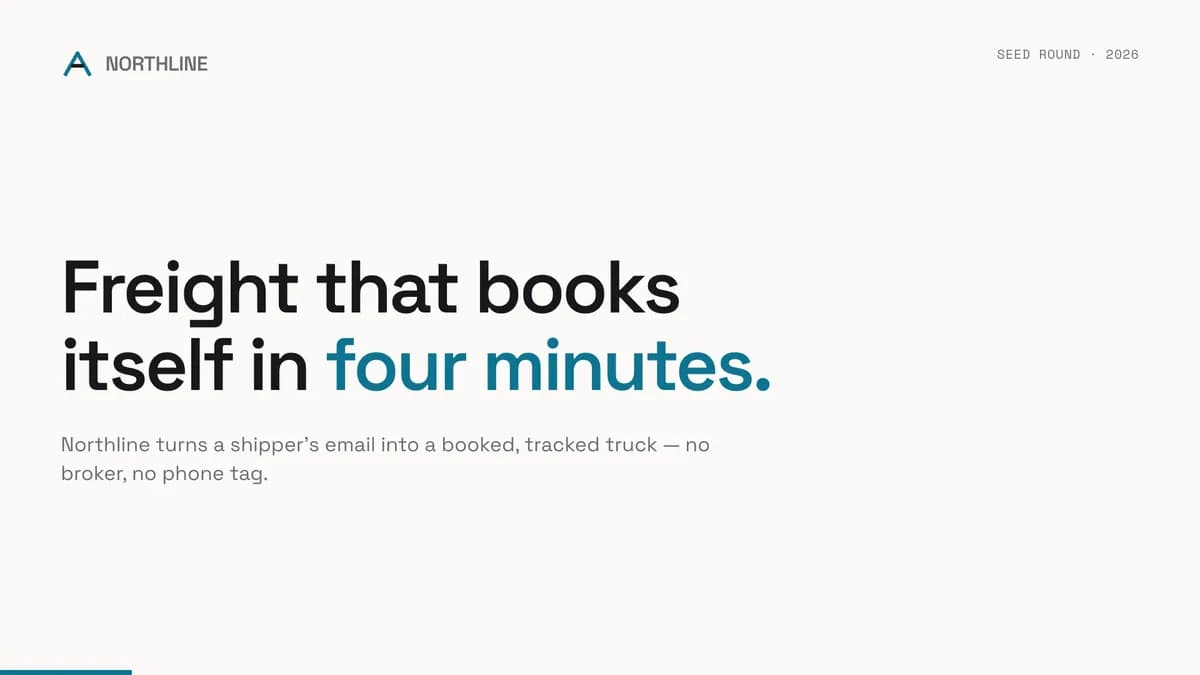
Statement
One claim per slide, evidence beneath
Space GroteskPro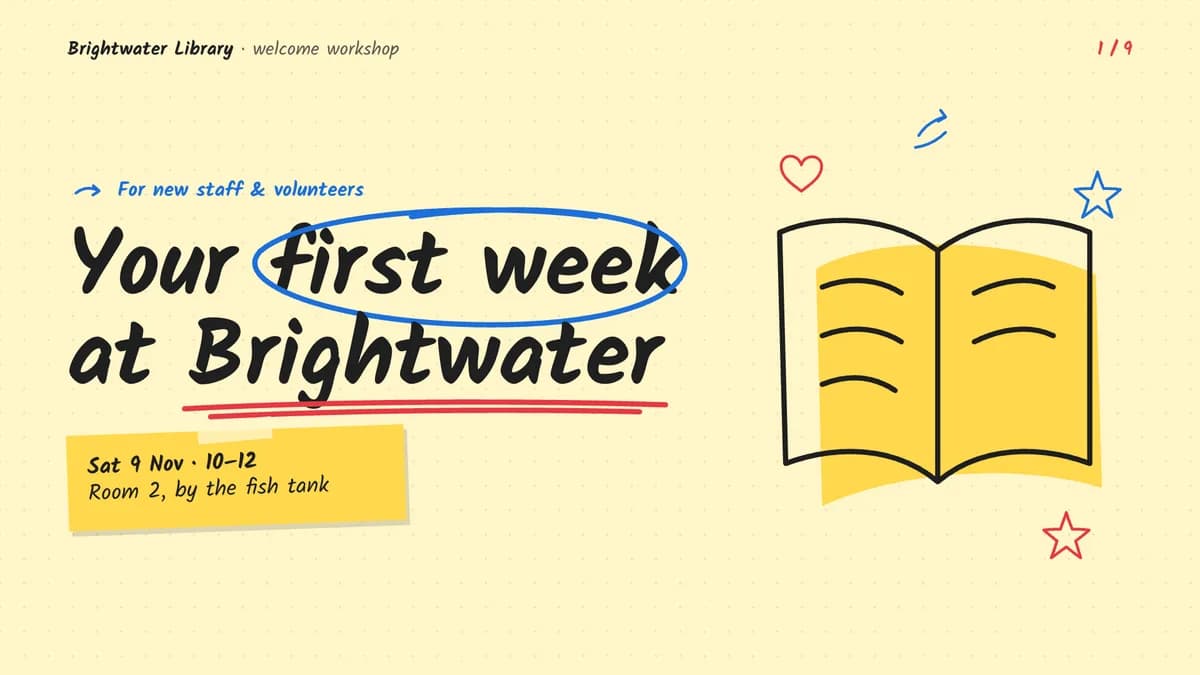 Pro
Sketchnote
Marker drawings on yellow paper
Kalam / Atkinson HyperlegiblePro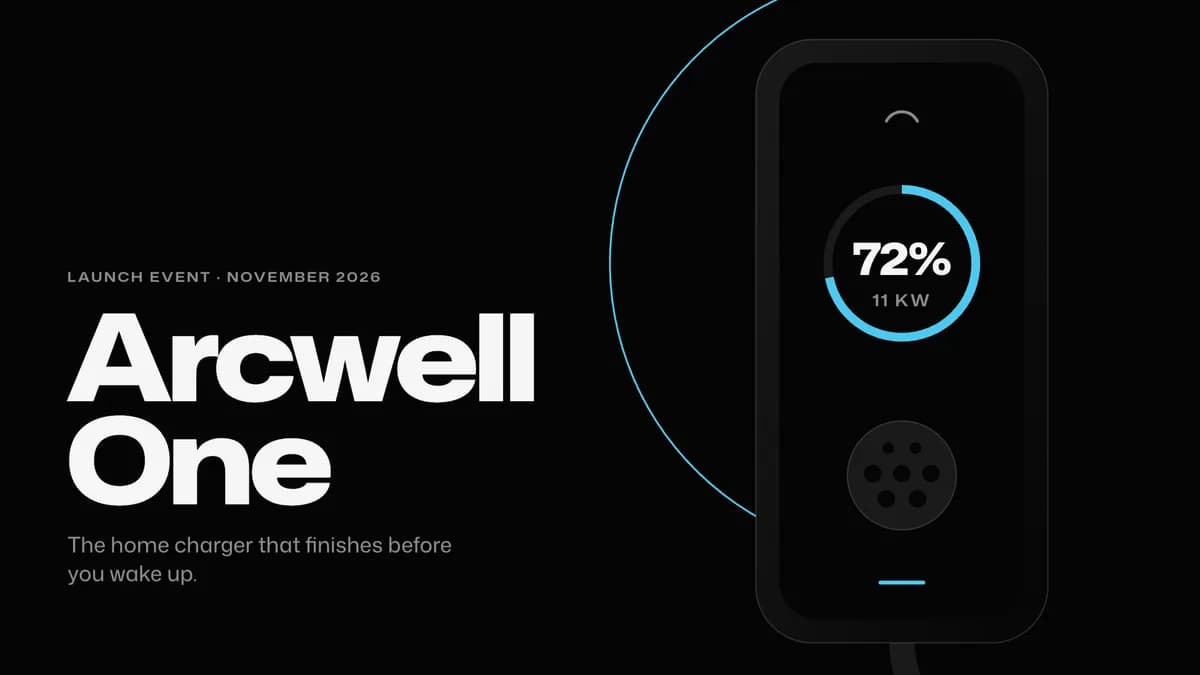 Pro
Keynote Dark
One huge idea per black slide
Mona SansPro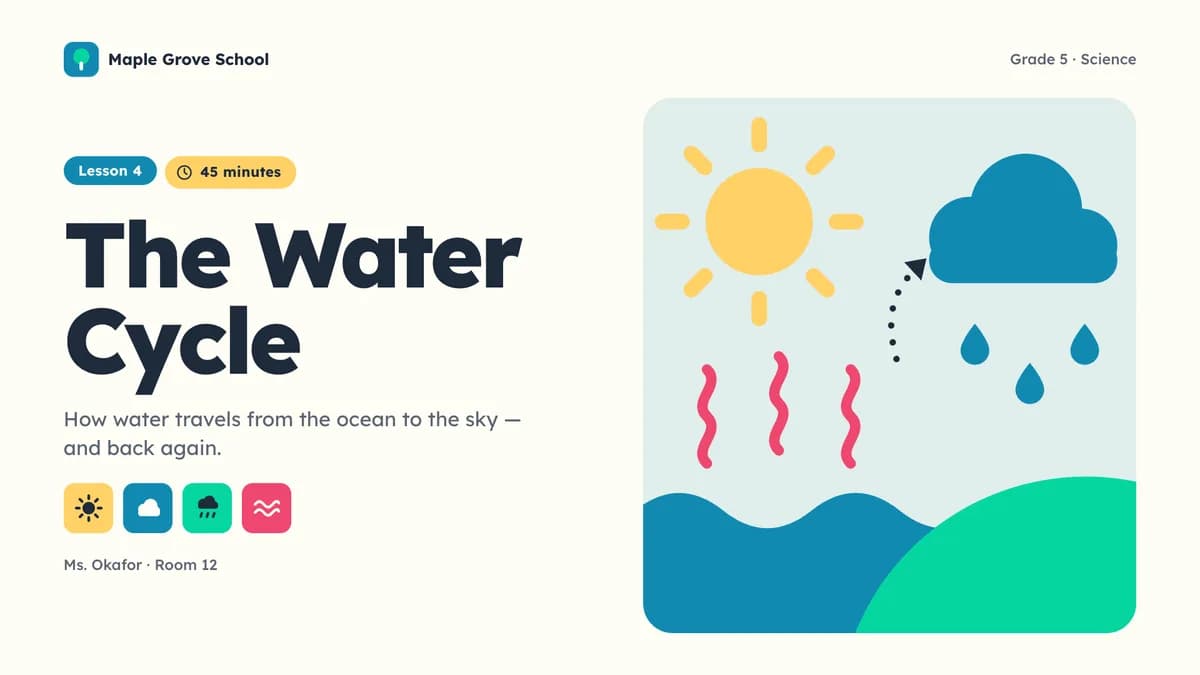 Pro
Classroom
Lessons in bright rounded blocks
LexendPro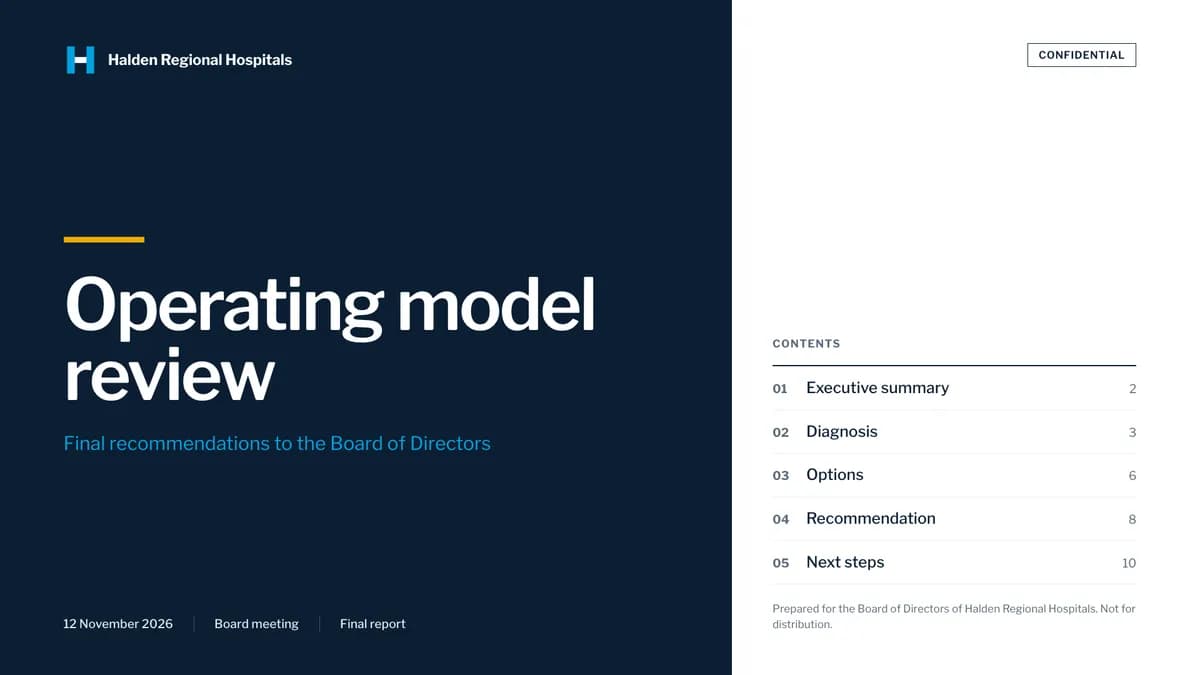 Pro
Consulting
Action titles and numbered exhibits
Libre FranklinPro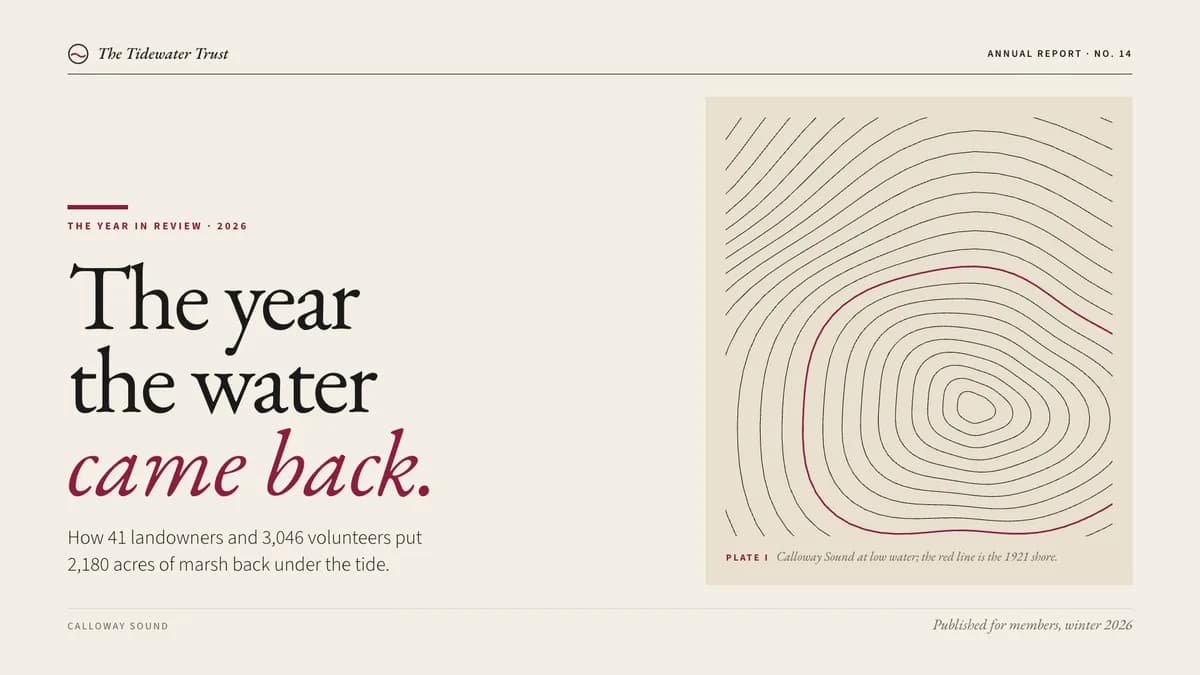 Pro
Editorial Report
A deck that reads like a magazine
EB Garamond / Source Sans 3Pro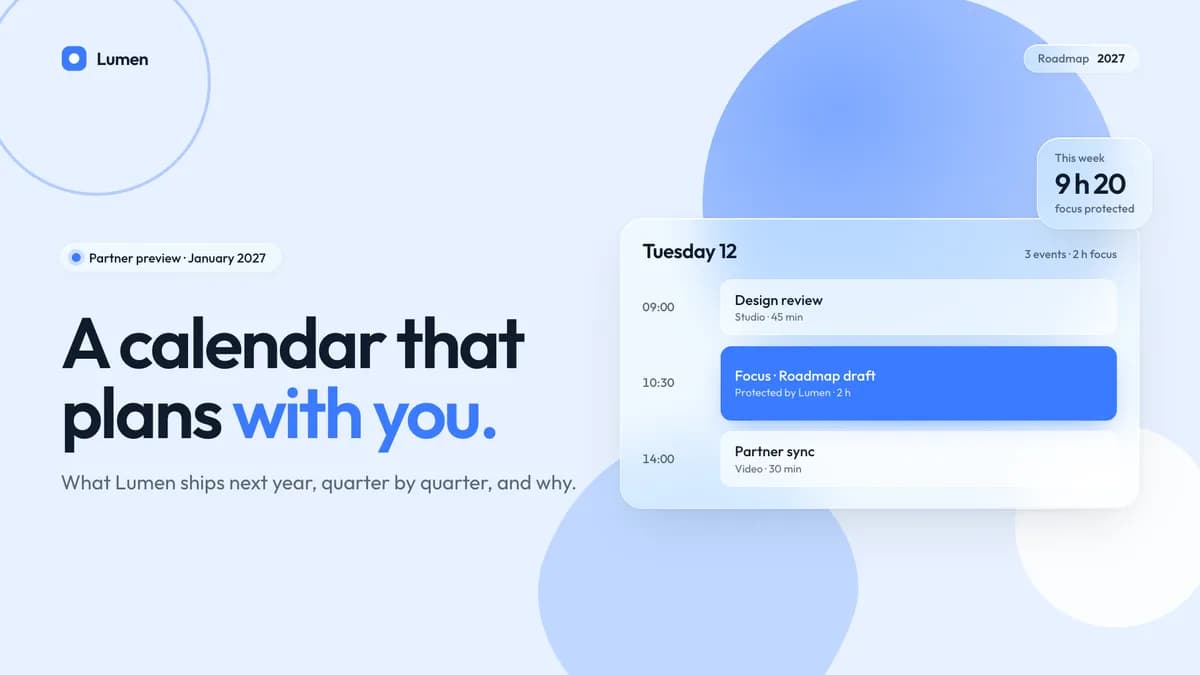 Pro
Soft Glass
Frosted cards over a soft sky
OutfitPro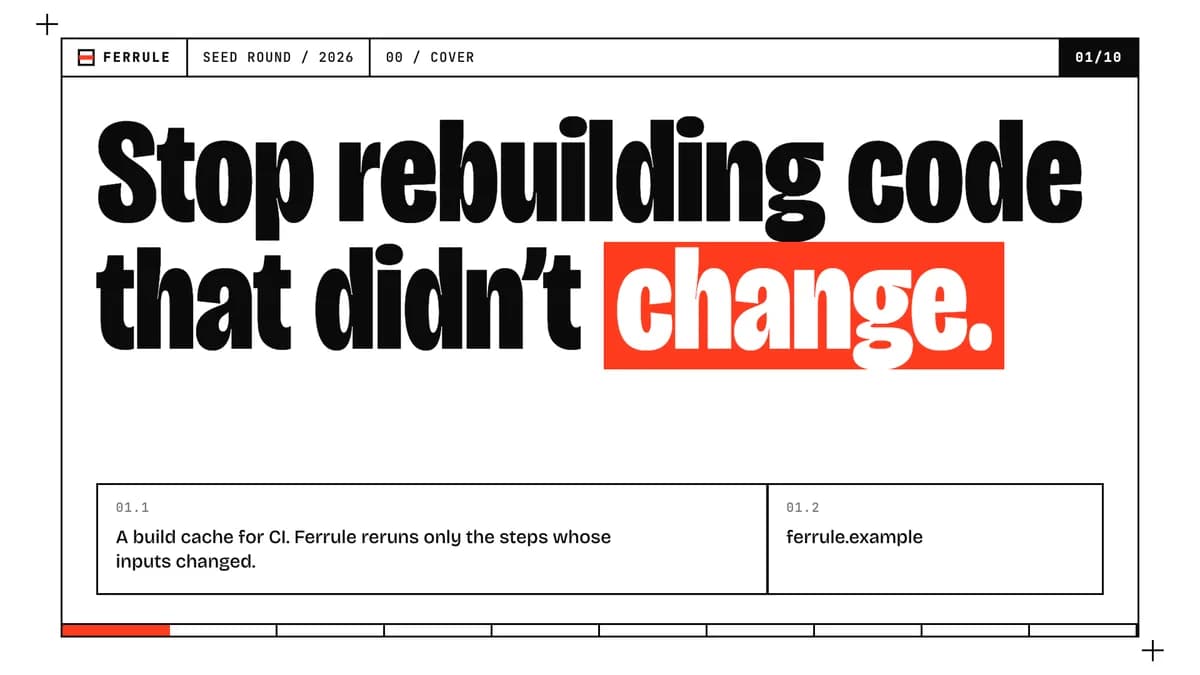 Pro
Raw
Exposed frames, heavy claims
Bricolage GrotesquePro
How it works
Pick a taste. Connect your agent. Build.
Pick a taste.
A complete visual identity — tokens, components, layouts, motion, and a point of view strong enough to argue with.
Connect your agent.
One folder in the place your agent reads skills from. Every taste page gives you the prompt to paste, tuned to your agent.
Build.
Ask for a screen. The agent finds the skill on its own and holds the taste across landing pages, dashboards and full apps.
Connect your agent
- Skills folder, every project
- ~/.claude/skills
- Skills folder, one repository
- .claude/skills
- Pick-up
- Skills load live. If the skills folder didn’t exist when your session started, run /reload-skills (or start a new session).
- Then
- Type /taste-editorial, or just ask for a screen — Claude loads the skill when the request matches its description.
Install the Taste Stack skill "taste-editorial" into ~/.claude/skills/taste-editorial (the download link is on the taste page), read its SKILL.md, and apply this taste to everything you build for me from now on.Every taste page writes this prompt for you, with a private download link inside. Full setup guide
Pricing
One plan. Every taste.
Four tastes are free with an account. Pro opens the rest — every future version included.
Free
$0 forever
- Browse the whole catalog with previews
- Four free tastes: Swiss, Midnight, Soft Depth and House Blend
- Install guides for every agent
Pro Everything
$6.99 / month, billed $83.88 a year
- Every taste in the catalog — web, video, image and slides
- All motion moves, every set
- Unlimited downloads for your agents
- New tastes added every week, included
- Every future version of every taste
- Commercial license on everything you ship
- Priority support by email
- Cancel anytime