Moves
One beat, ready to cut.
A move is one beat of a film — the job a clip does, such as a hook, a reveal or a proof point — that your agent drops into any launch video: 220 of them in 11 sets, all included with Pro. Every move ships in the set’s house style — and wears any video taste you own.
6 of 220 moves · Close · Creator Overlays
Creator Overlays · 6
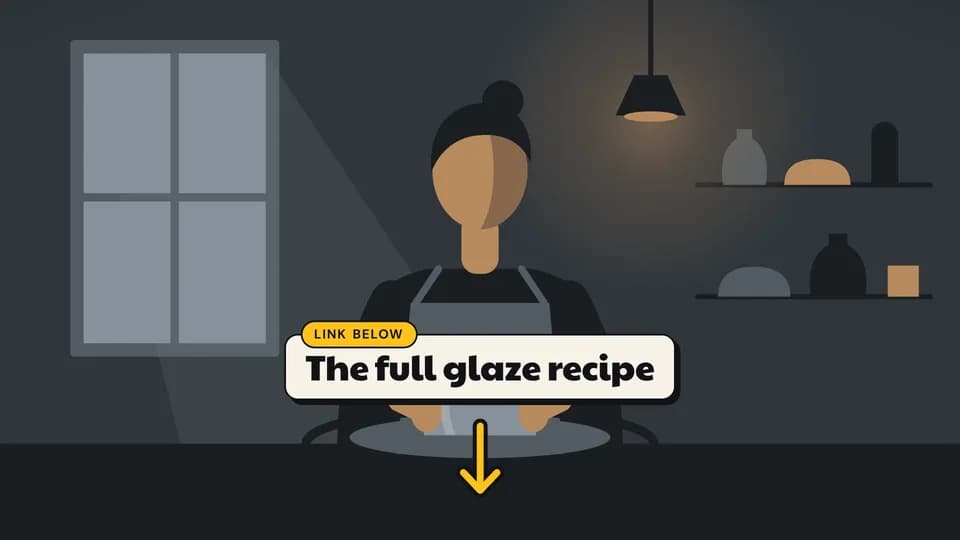 Close · CTA4.6 s
Link below
A bone card names what is linked, a marigold tab says where, and a drawn arrow draws down toward the description.
--move link-below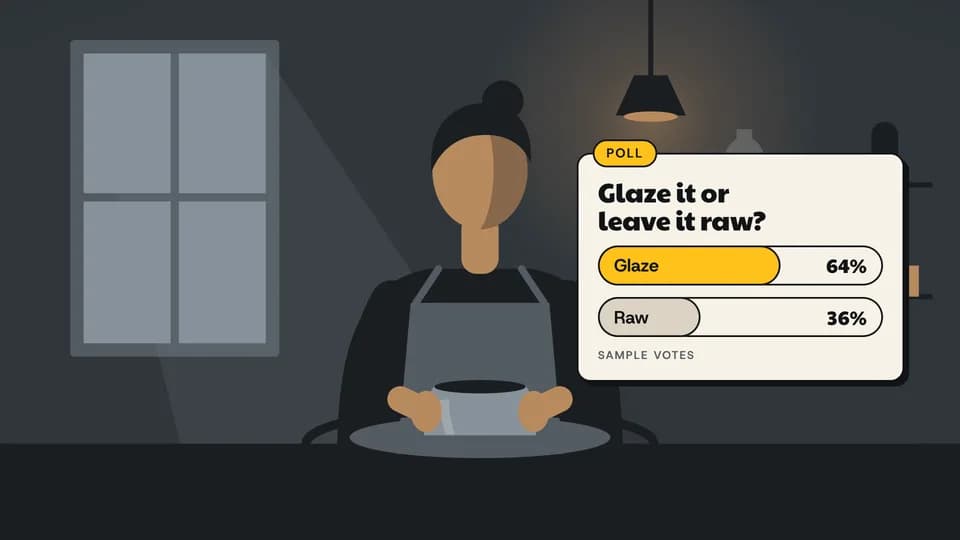 Close · engagement5.6 s
Poll card
A poll card zooms in with a question; two vote bars fill and count up, the leader in marigold, labelled as sample votes.
--move poll-card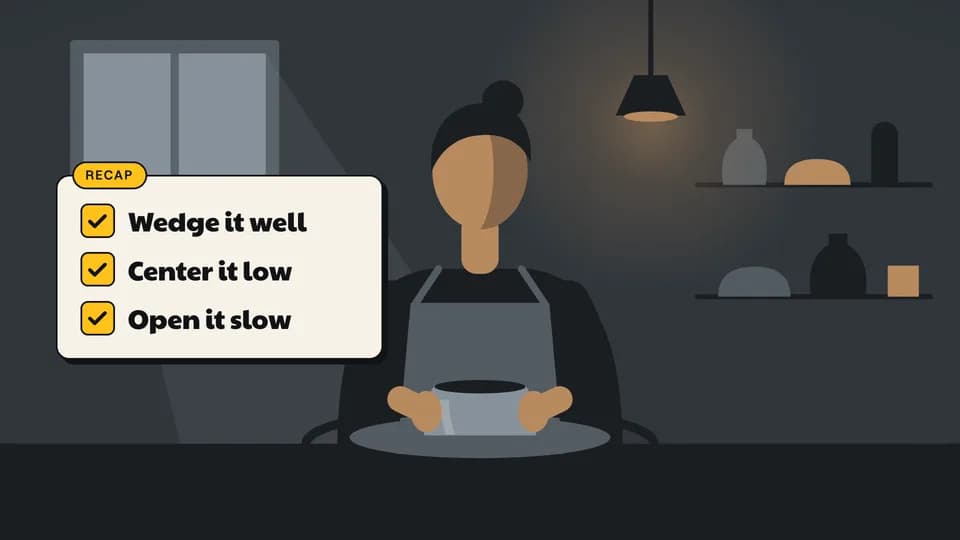 Close · summary6.2 s
Recap list
A recap card lists three steps; each box fills marigold and a check draws through it, one after another.
--move recap-list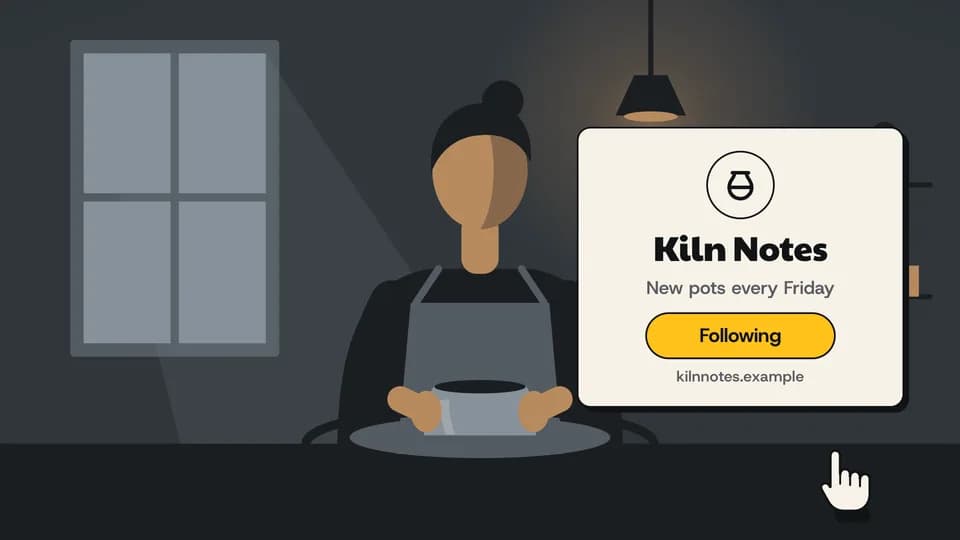 Close · CTA5.6 s
Follow for more
A channel card zooms in with name, schedule and address; an invented drawn hand taps the button and it turns marigold.
--move follow-card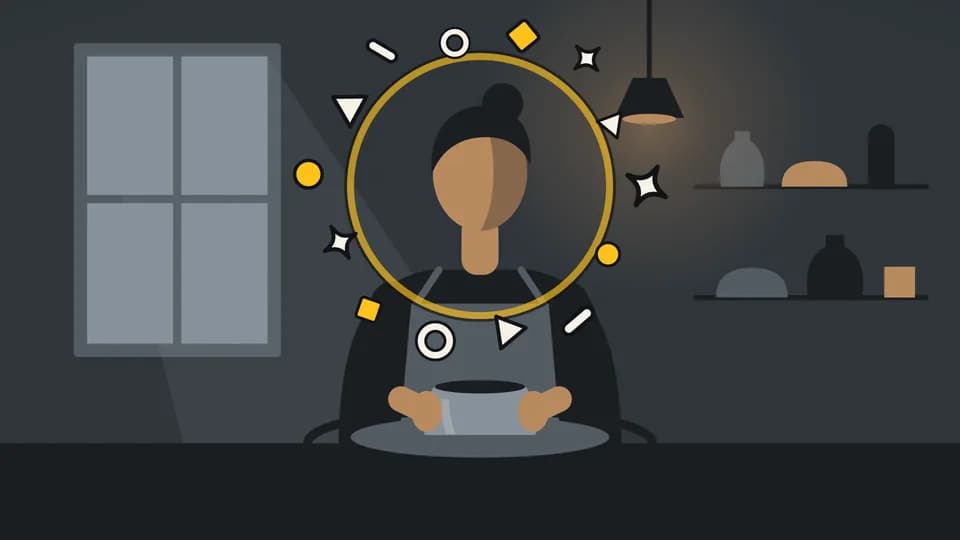 Close · reaction3.6 s
Reaction burst
A marigold ring snaps open around the creator and fourteen drawn shapes fly out from it, hang, and clear — no emoji, no words.
--move shape-burst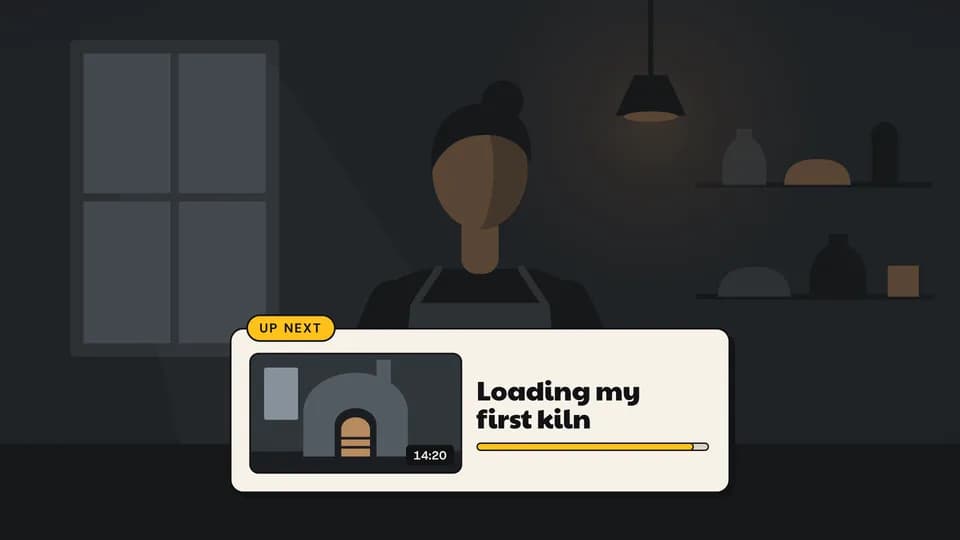 Close · outro6.2 s
Up next
The footage dims, an up-next card rises with a drawn thumbnail and title, and a marigold bar fills toward autoplay.
--move up-next
How moves work
A move is a film with one scene.
Pick a move.
Each one is a single beat — an opener, a reveal, a stat, an end card — as one scene, 3 to 8 seconds, in 16:9, 1:1 and 9:16.
Start a film from it.
Your agent runs new.mjs with --move and the move’s slug, then edits words and figures. Check, QA and render work as for any film.
Wear any taste.
wear.md maps a Taste Stack video taste’s palette and type onto the move, so one beat comes in every style in the catalog.