Moves
One beat, ready to cut.
A move is one beat of a film — the job a clip does, such as a hook, a reveal or a proof point — that your agent drops into any launch video: 220 of them in 11 sets, all included with Pro. Every move ships in the set’s house style — and wears any video taste you own.
4 of 220 moves · Proof · Kinetic Titles
Kinetic Titles · 4
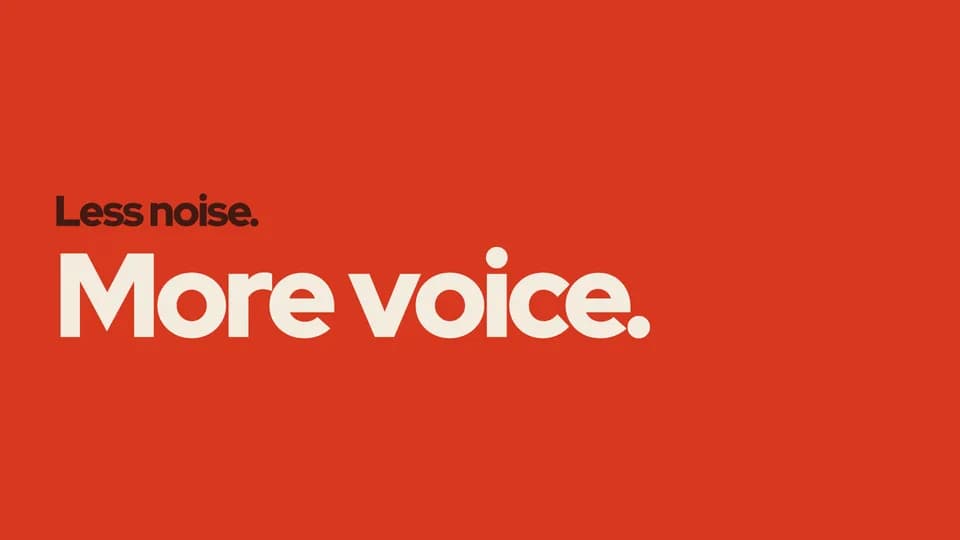 Proof · statement · contrast4.8 s
Contrast swap
A loud line and a quiet line trade places: the big one shrinks into grey as the small one grows big and hot.
--move contrast-swap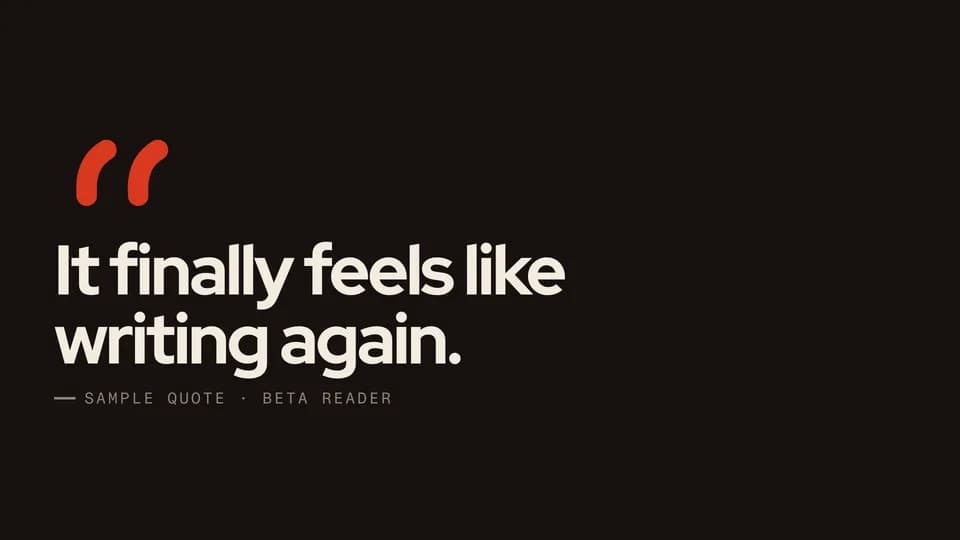 Proof · proof · quote5 s
Quote draw
Two vermilion quotation marks draw themselves stroke by stroke, the quote rises beneath them and its source fades in.
--move quote-draw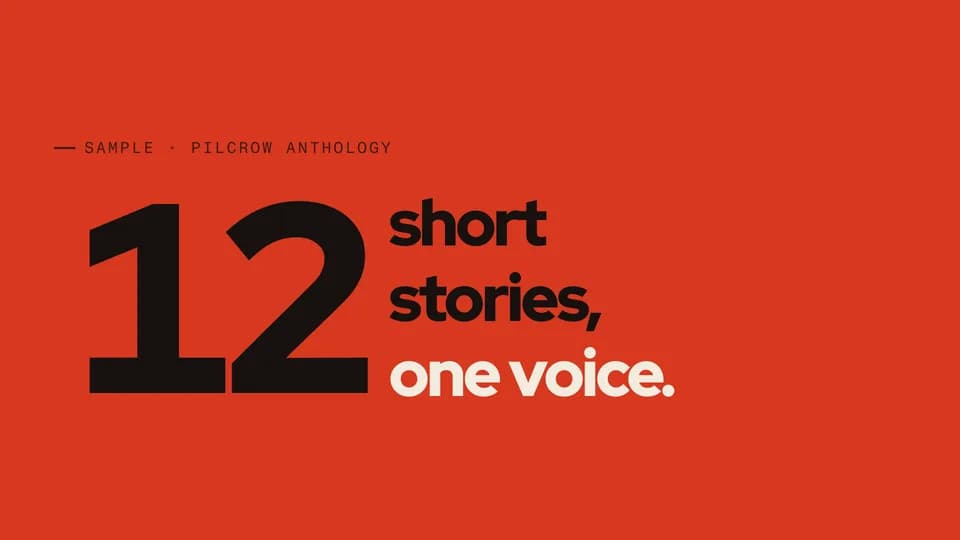 Proof · proof · figure4.6 s
Number lockup
A giant number counts up while three short lines lock to its height beside it, the last one in the hot color.
--move number-lockup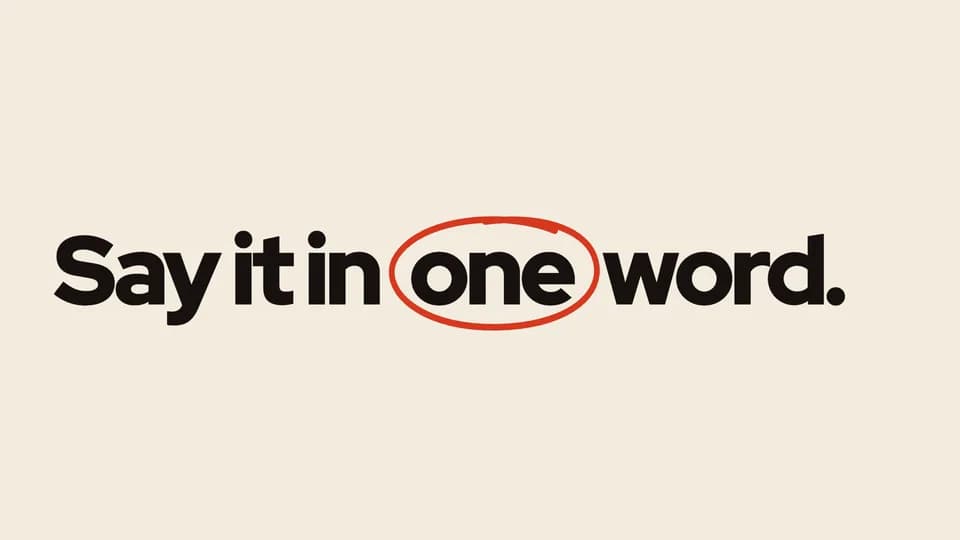 Proof · statement · emphasis4.4 s
Word circle
A statement sets in, then a hand-drawn vermilion loop circles its one key word like a marker on a proof.
--move word-circle
How moves work
A move is a film with one scene.
Pick a move.
Each one is a single beat — an opener, a reveal, a stat, an end card — as one scene, 3 to 8 seconds, in 16:9, 1:1 and 9:16.
Start a film from it.
Your agent runs new.mjs with --move and the move’s slug, then edits words and figures. Check, QA and render work as for any film.
Wear any taste.
wear.md maps a Taste Stack video taste’s palette and type onto the move, so one beat comes in every style in the catalog.