Moves
One beat, ready to cut.
A move is one beat of a film — the job a clip does, such as a hook, a reveal or a proof point — that your agent drops into any launch video: 220 of them in 11 sets, all included with Pro. Every move ships in the set’s house style — and wears any video taste you own.
5 of 220 moves · Transition · Feature Callouts
Feature Callouts · 5
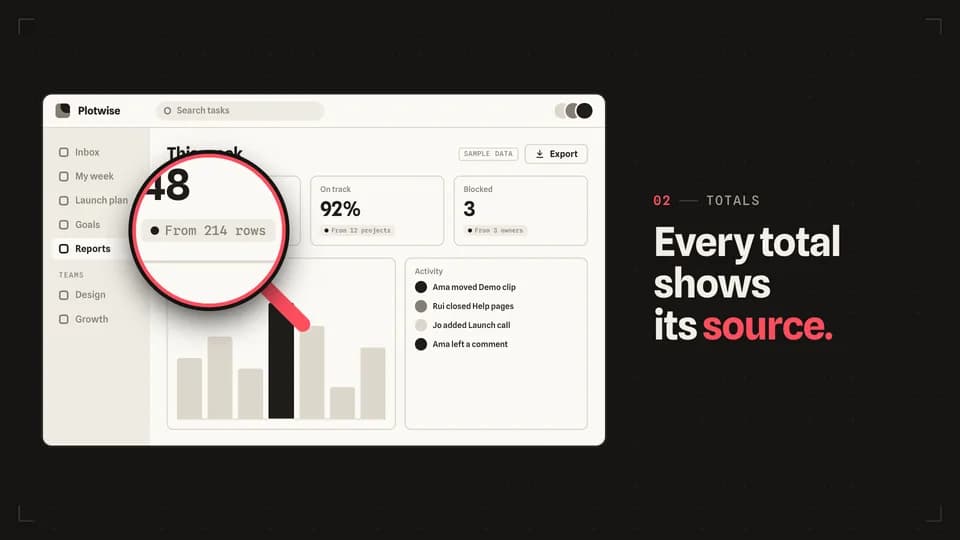 Transition · zoom5.2 s
Magnifier
A redline loupe settles over one small control and magnifies it to double size while the rest of the screen holds still.
--move magnifier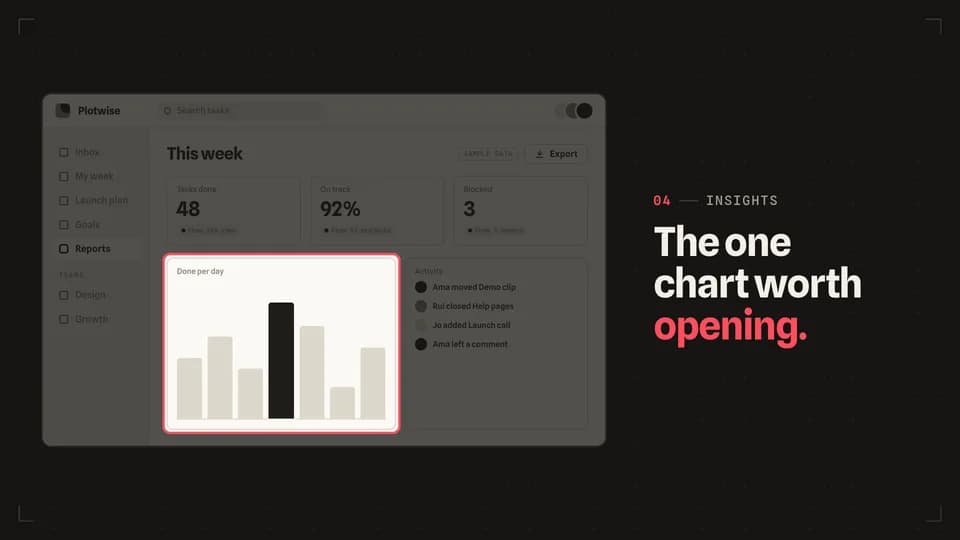 Transition · focus5 s
Spotlight
The screen dims around one panel, which keeps its light and gains a redline rim, so the eye has nowhere else to go.
--move spotlight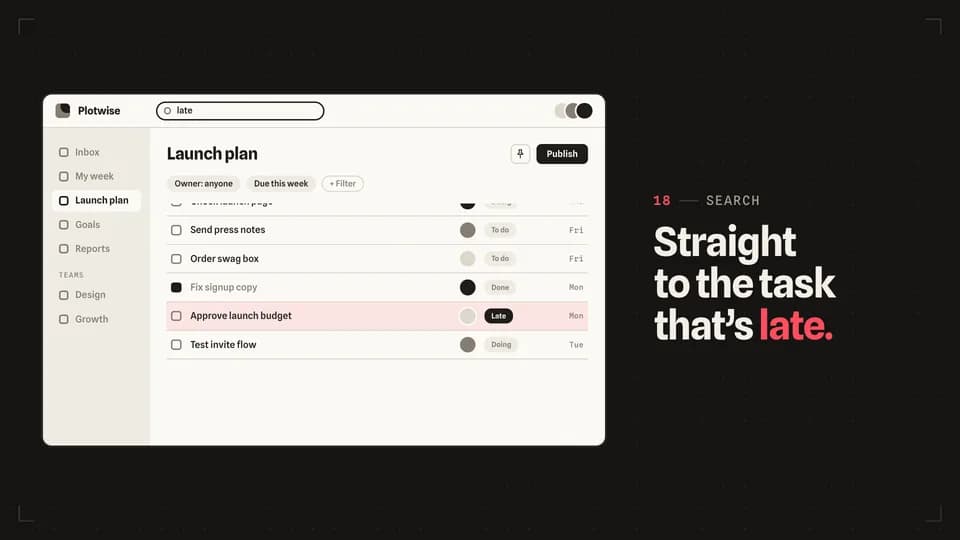 Transition · find5.6 s
Scroll stop
A search types, the long task list runs and eases to a stop on one row, and a redline bar lights that row.
--move scroll-stop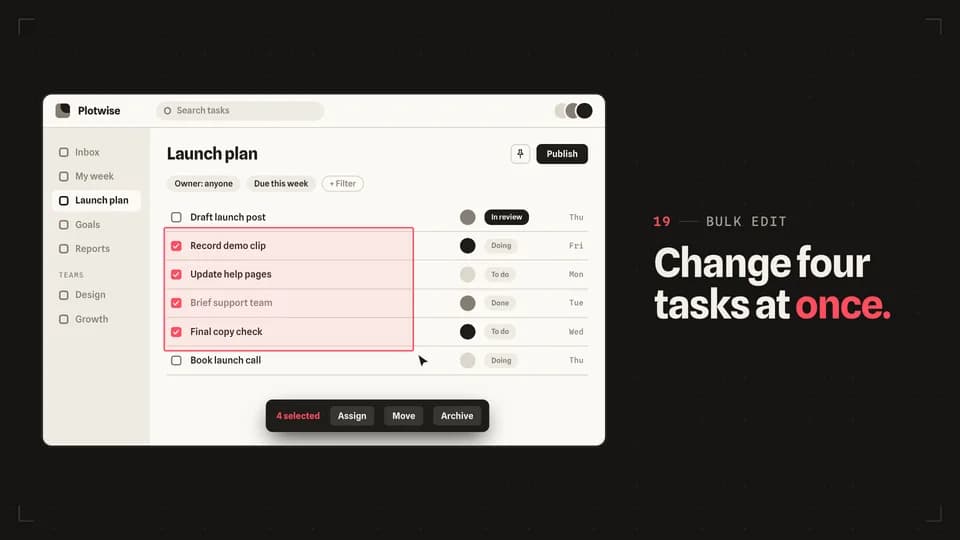 Transition · bulk5.8 s
Marquee select
The cursor drags a redline selection box across four rows, each row ticks as it is caught, and a bulk action bar rises.
--move marquee-select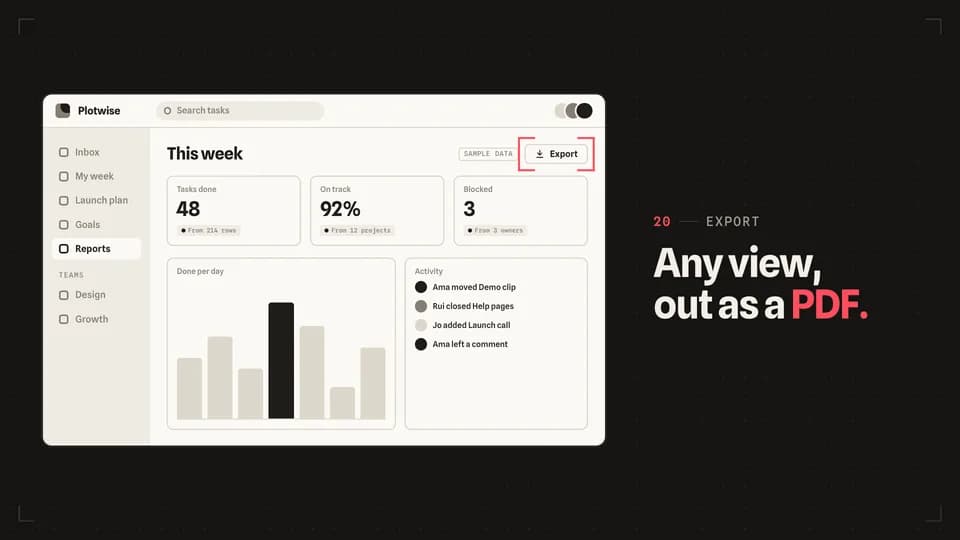 Transition · target4.6 s
Crop marks
Four redline corner marks start at the screen’s edges and close in until they frame one button.
--move crop-marks
How moves work
A move is a film with one scene.
Pick a move.
Each one is a single beat — an opener, a reveal, a stat, an end card — as one scene, 3 to 8 seconds, in 16:9, 1:1 and 9:16.
Start a film from it.
Your agent runs new.mjs with --move and the move’s slug, then edits words and figures. Check, QA and render work as for any film.
Wear any taste.
wear.md maps a Taste Stack video taste’s palette and type onto the move, so one beat comes in every style in the catalog.