Moves
One beat, ready to cut.
A move is one beat of a film — the job a clip does, such as a hook, a reveal or a proof point — that your agent drops into any launch video: 220 of them in 11 sets, all included with Pro. Every move ships in the set’s house style — and wears any video taste you own.
20 of 220 moves · Explainer Beats
Explainer Beats · 20
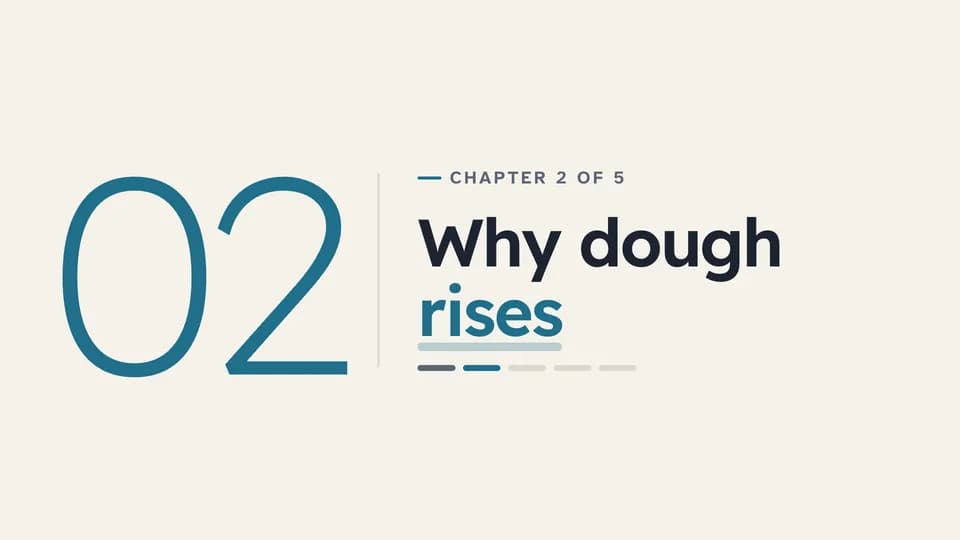 Transition · chapter · section open4.6 s
Chapter card
A large light chapter number reveals beside a rule, then the chapter title, its place in the course and a progress strip.
--move chapter-card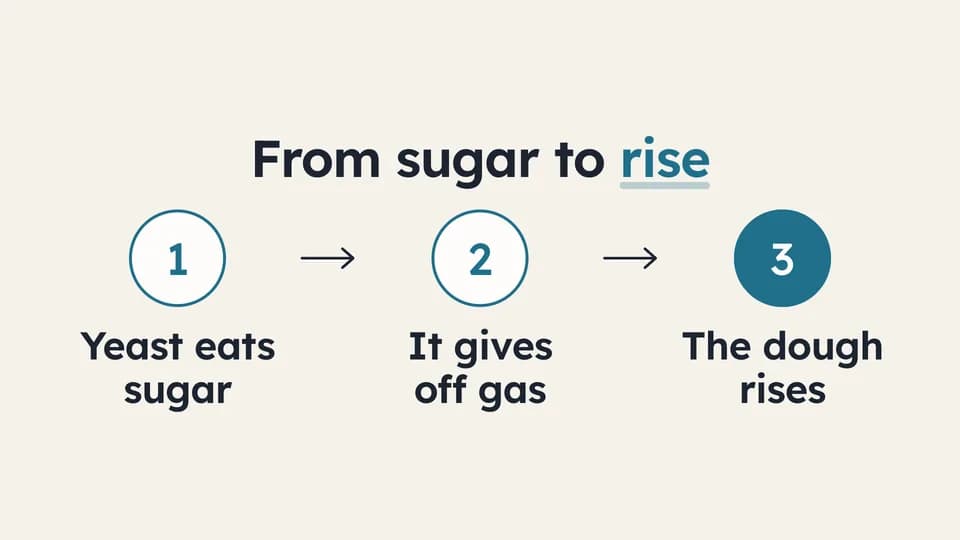 Explain · process6.4 s
Three steps
Three numbered steps appear one at a time, joined by drawn arrows; the last number fills teal as the result.
--move three-steps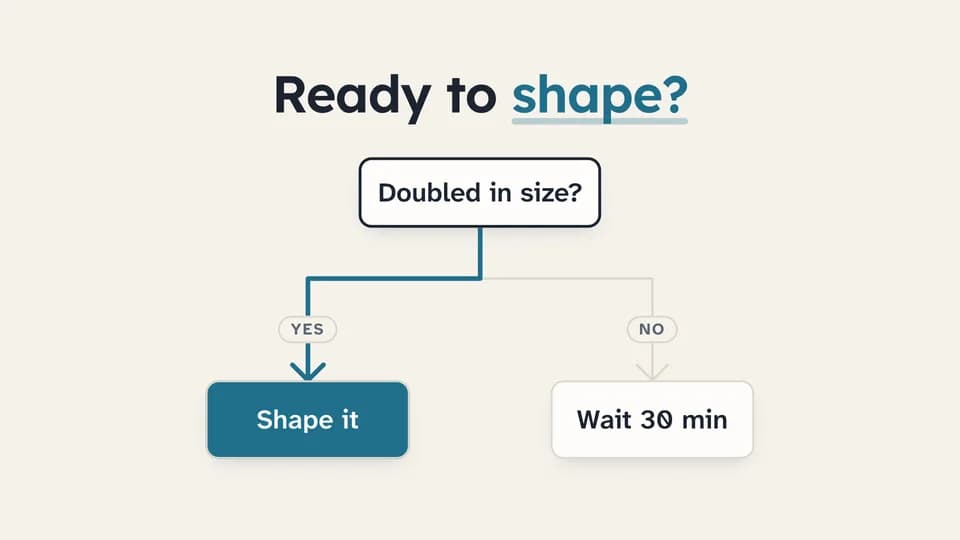 Explain · decision · logic6.6 s
Flowchart branch
A question node drops a line that forks into Yes and No outcomes; the chosen path redraws in teal and its outcome fills.
--move flow-branch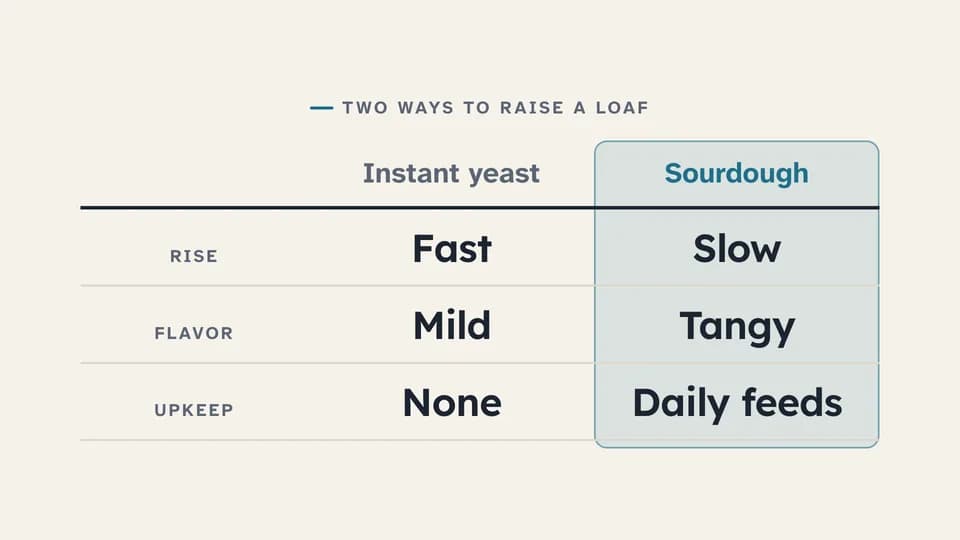 Proof · compare7.2 s
Comparison table
A two-option table fills one row at a time, then a soft teal band settles on the column being taught.
--move table-fill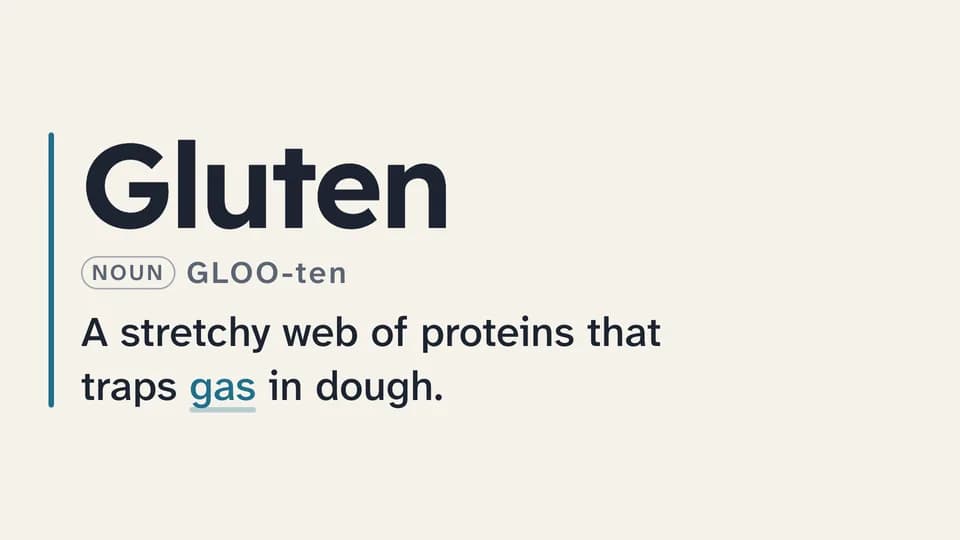 Explain · define5.8 s
Definition card
A term sets large beside a teal rule, its pronunciation and word class fade in, and the one-line definition wipes across.
--move definition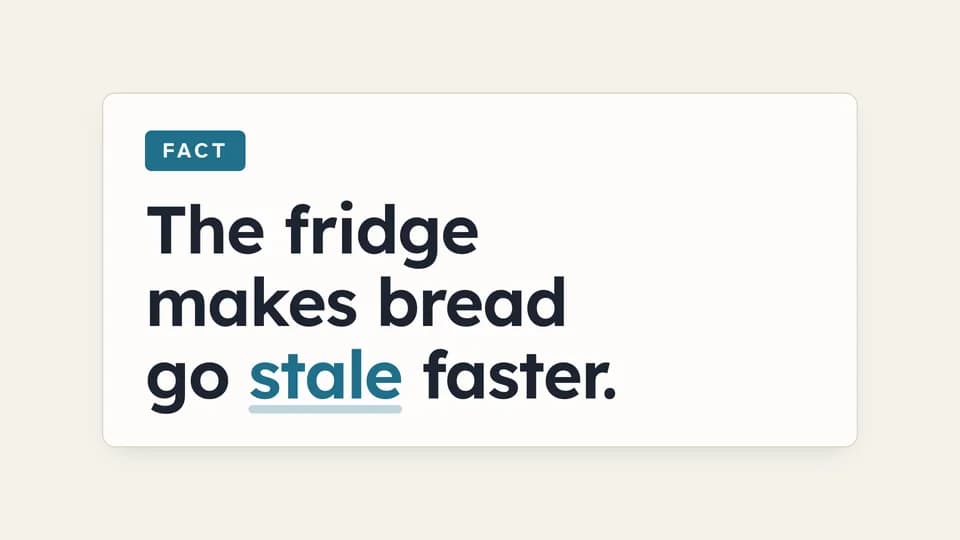 Explain · correct a belief7.4 s
Myth / fact flip
A card tagged Myth states a common belief, holds, then flips over to the Fact side with the correction.
--move myth-fact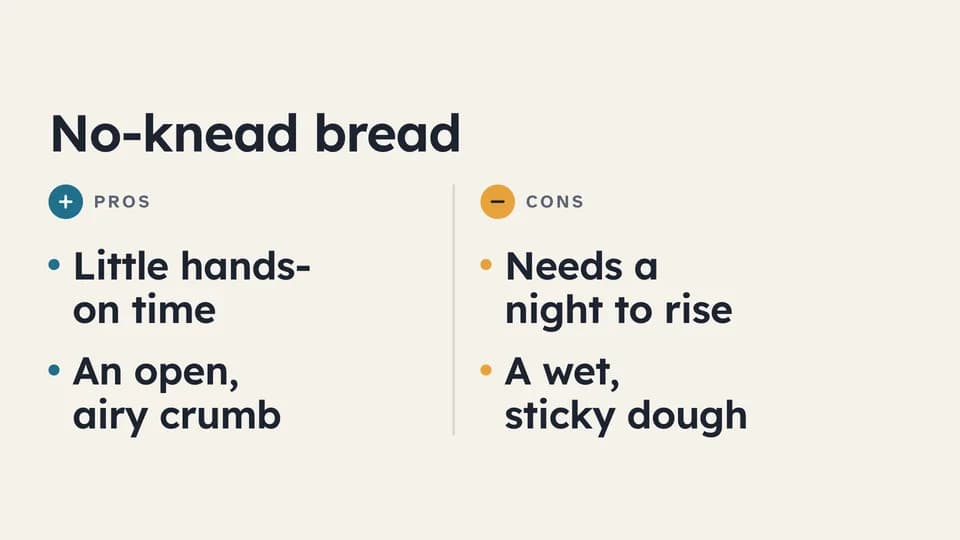 Explain · weigh7 s
Pros and cons
A rule splits the frame into a teal Pros column and an amber Cons column; points alternate in, one side then the other.
--move pros-cons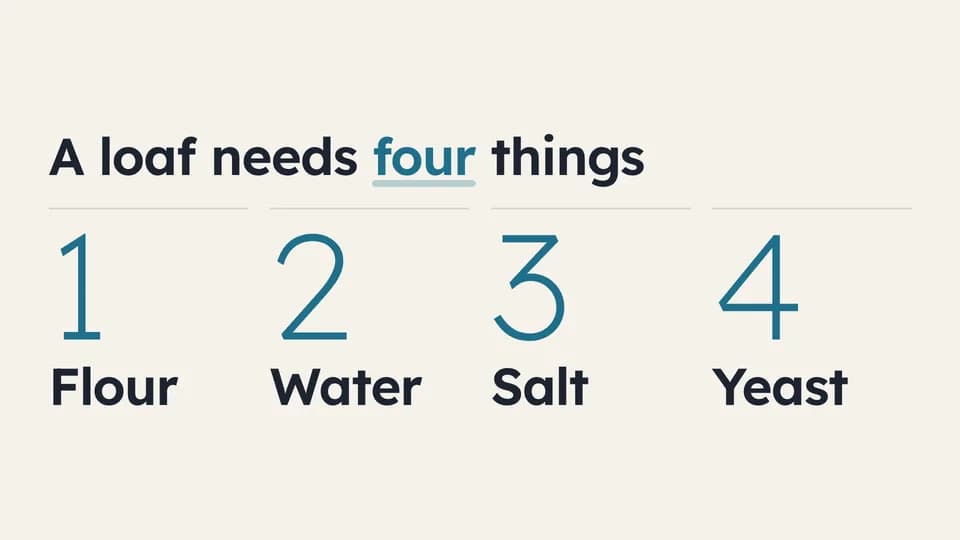 Explain · list6.2 s
Numbered list
Four large light numerals rise in sequence, each with its item, under a title that names the count.
--move numbered-list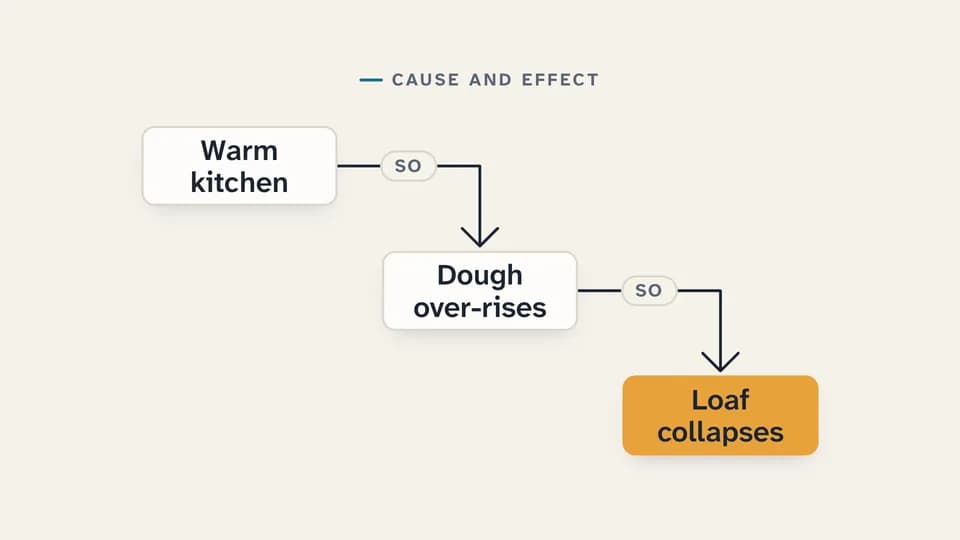 Explain · explain why6.6 s
Cause and effect
Three cards step down the frame joined by drawn elbow arrows tagged “so”; the last card, the effect, lands in amber.
--move cause-effect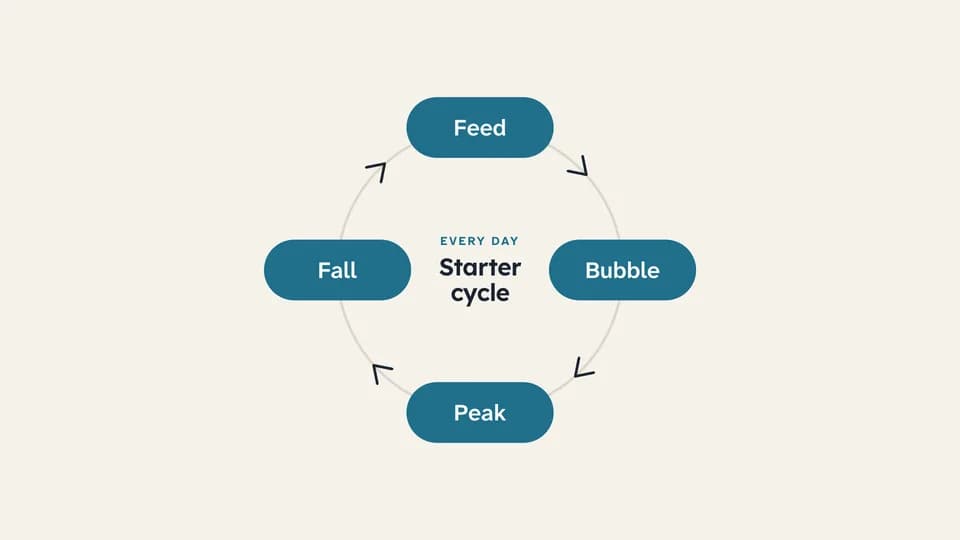 Transition · loop6.6 s
Cycle diagram
A ring draws itself, then a teal dot travels once around it, lighting each of four stages as it passes.
--move cycle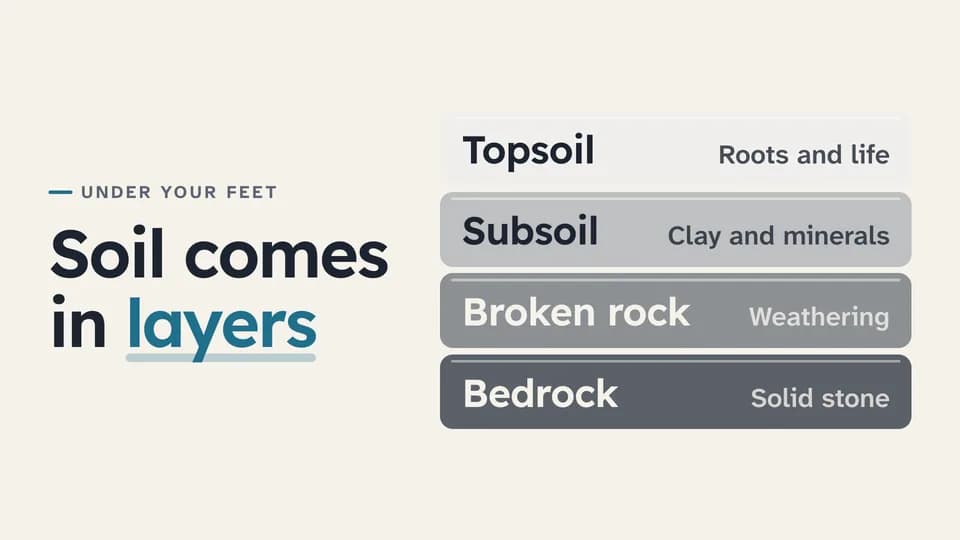 Explain · structure · how it works7.4 s
Layer stack
Four labelled layers drop in from the bottom up into one stack, the deepest darkest, beside the line that names them.
--move layer-stack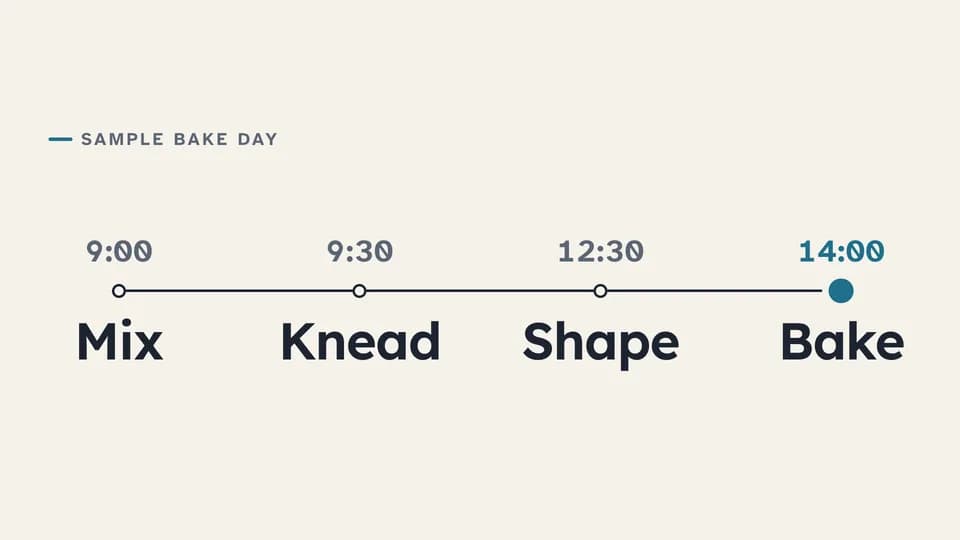 Explain · sequence over time7 s
Timeline
A line draws across the frame while a teal dot travels it, and four timed stops rise in along the way.
--move timeline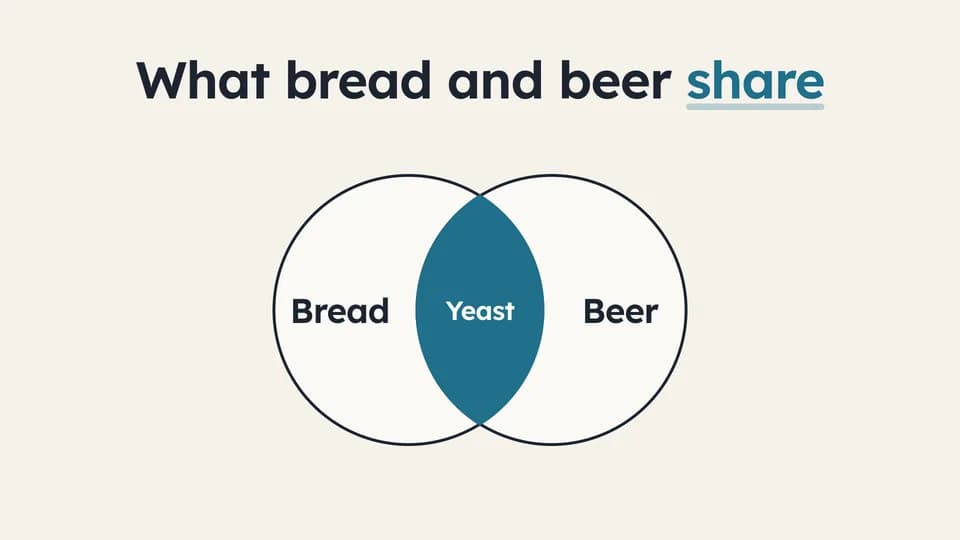 Transition · overlap6 s
Venn of two ideas
Two outlined circles slide in from either side and overlap; the shared lens fills teal and names what both have.
--move venn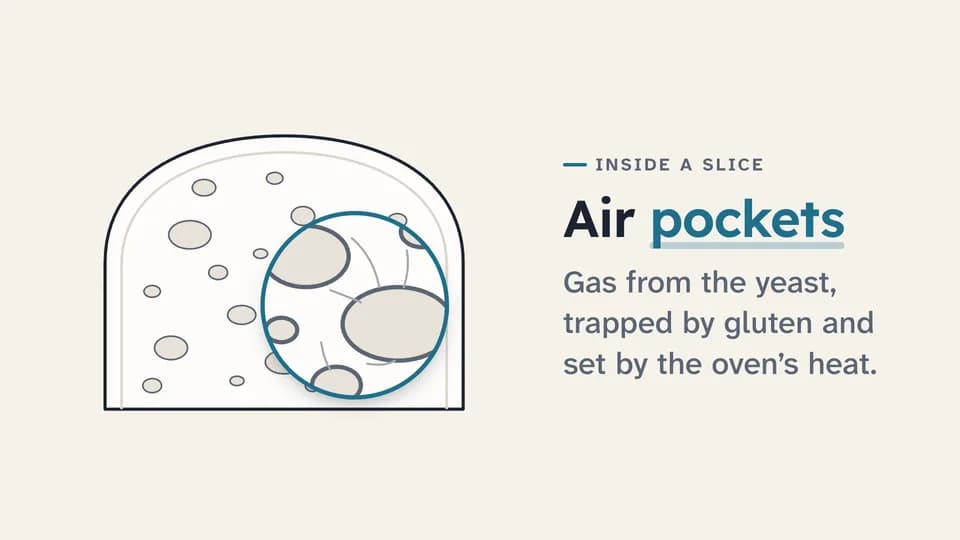 Reveal · detail · callout6.8 s
Zoom to detail
A drawn object sits still, a teal loupe grows over one part and magnifies it, and a label names what we are looking at.
--move zoom-detail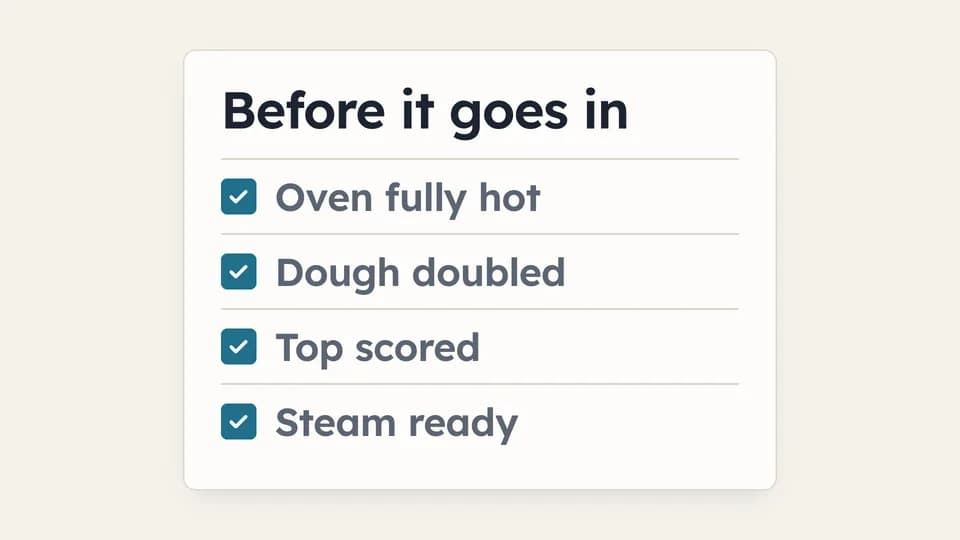 Close · recap · readiness6.2 s
Checklist
A checklist card sets in, then each box fills teal and draws its tick in turn while the item settles to soft ink.
--move checklist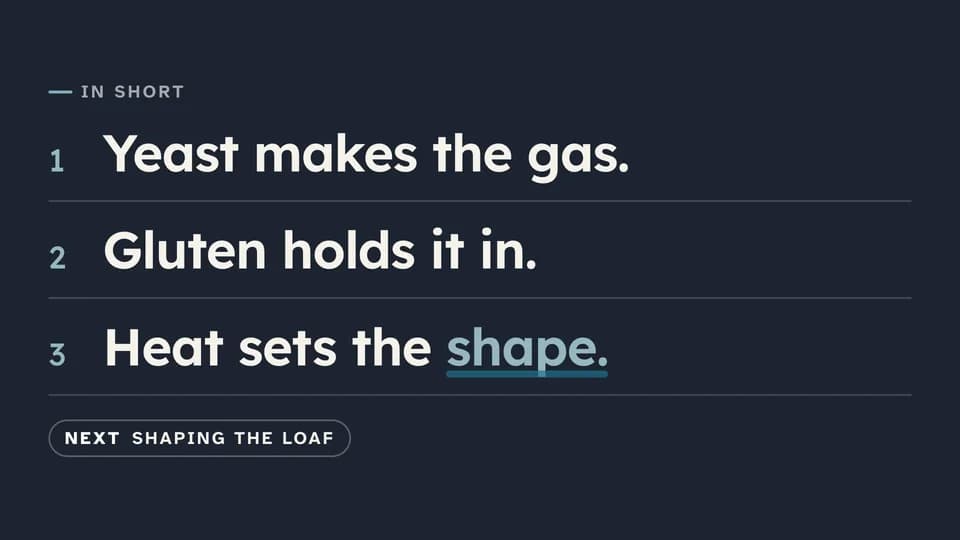 Close · close a section7 s
Summary card
On the ink stage, “In short” sets in and three numbered takeaways rise one by one, then a chip points to what is next.
--move summary-card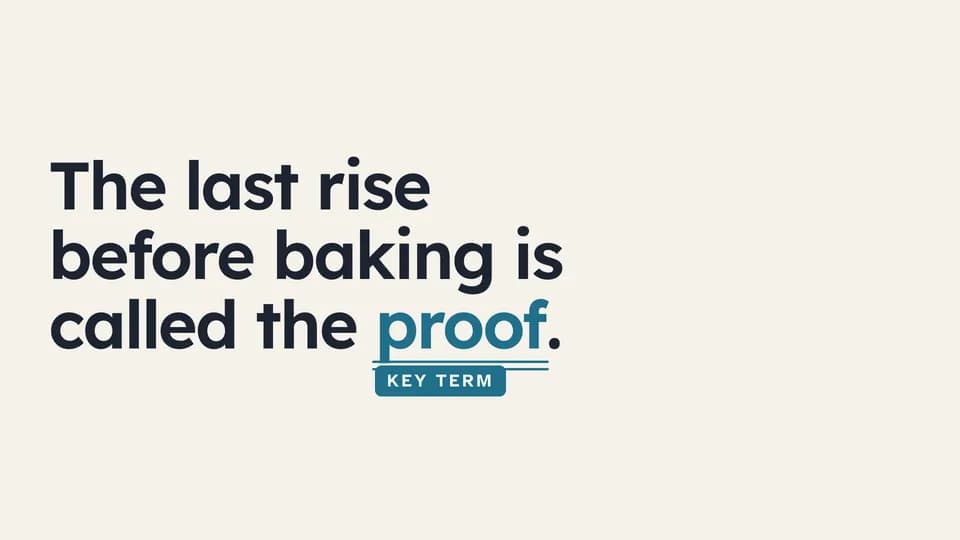 Hook · name a concept5.4 s
Key-term underline
A sentence sets in, then a teal double rule draws under its one key term and a Key term tag drops in beneath.
--move key-term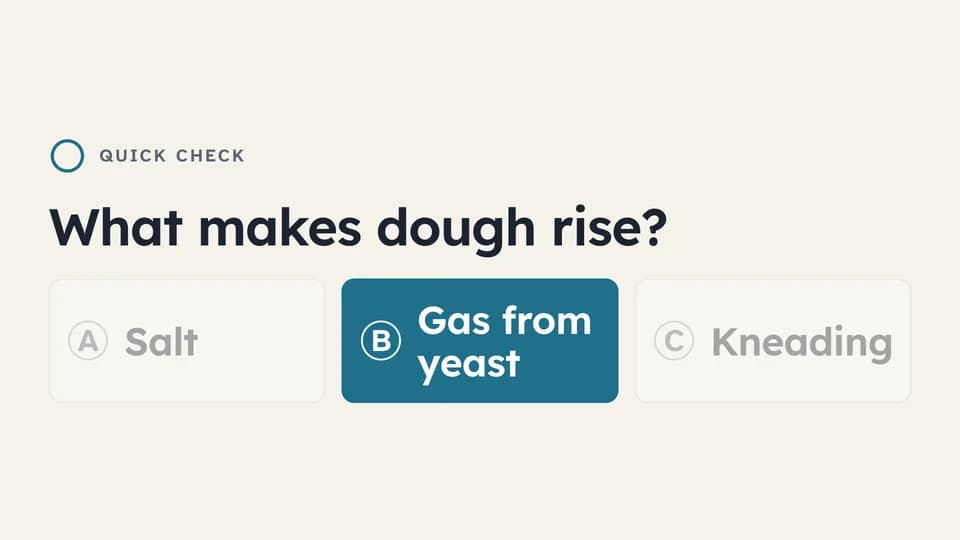 Explain · check understanding7.4 s
Question and answer
A question, three lettered options and a thinking ring that fills; then two options dim and the right one fills teal.
--move quiz-options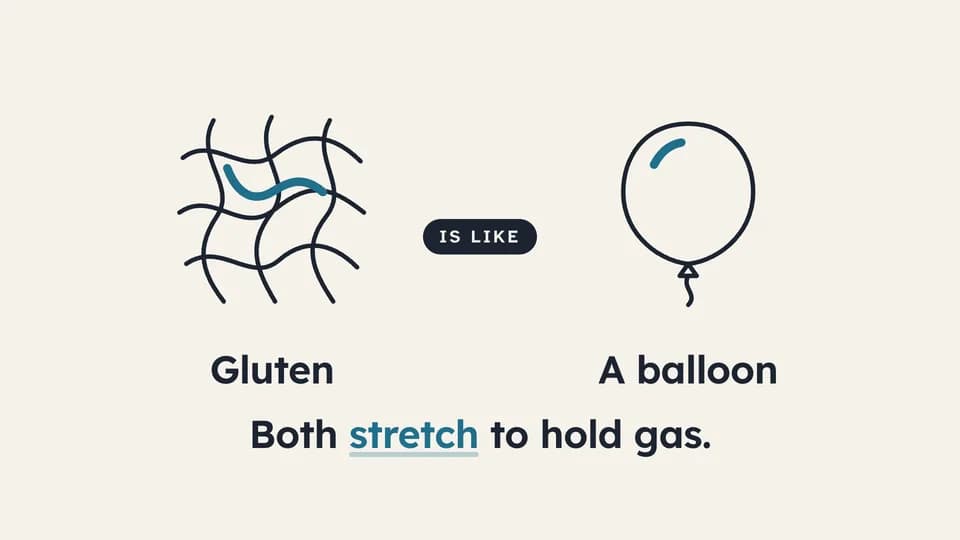 Explain · relate6.4 s
Analogy bridge
A line drawing of the idea draws on the left, an everyday object on the right, an “is like” chip bridges them, and the reason lands.
--move analogy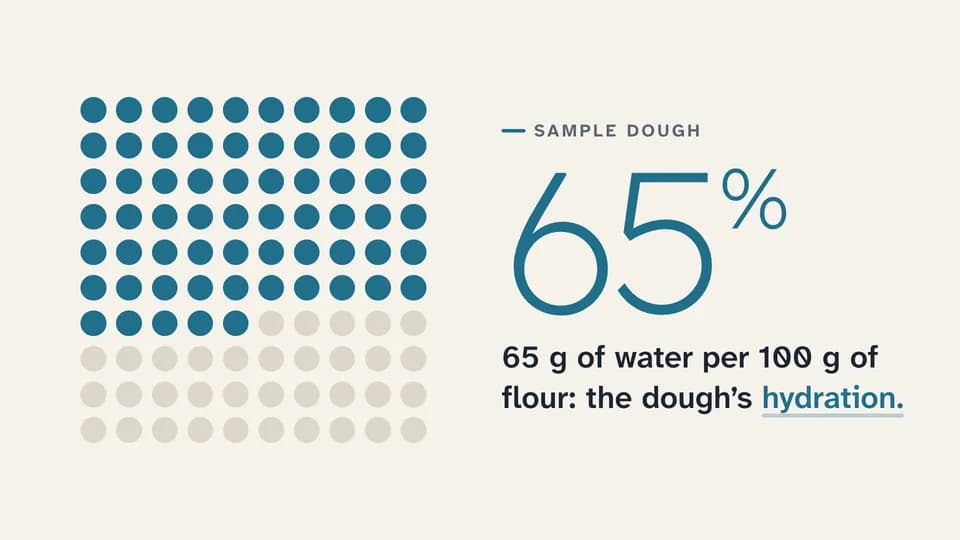 Proof · quantify6.6 s
Part of a whole
A grid of one hundred dots fills teal to a labelled sample share while the number counts up beside it and the term lands.
--move part-whole
How moves work
A move is a film with one scene.
Pick a move.
Each one is a single beat — an opener, a reveal, a stat, an end card — as one scene, 3 to 8 seconds, in 16:9, 1:1 and 9:16.
Start a film from it.
Your agent runs new.mjs with --move and the move’s slug, then edits words and figures. Check, QA and render work as for any film.
Wear any taste.
wear.md maps a Taste Stack video taste’s palette and type onto the move, so one beat comes in every style in the catalog.