VideoTS-457$3.99
Close-Up
Screen-recording demos: the real window on a soft wallpaper, a zoom on every click.
Reddit Sans · Soft & friendly · Light
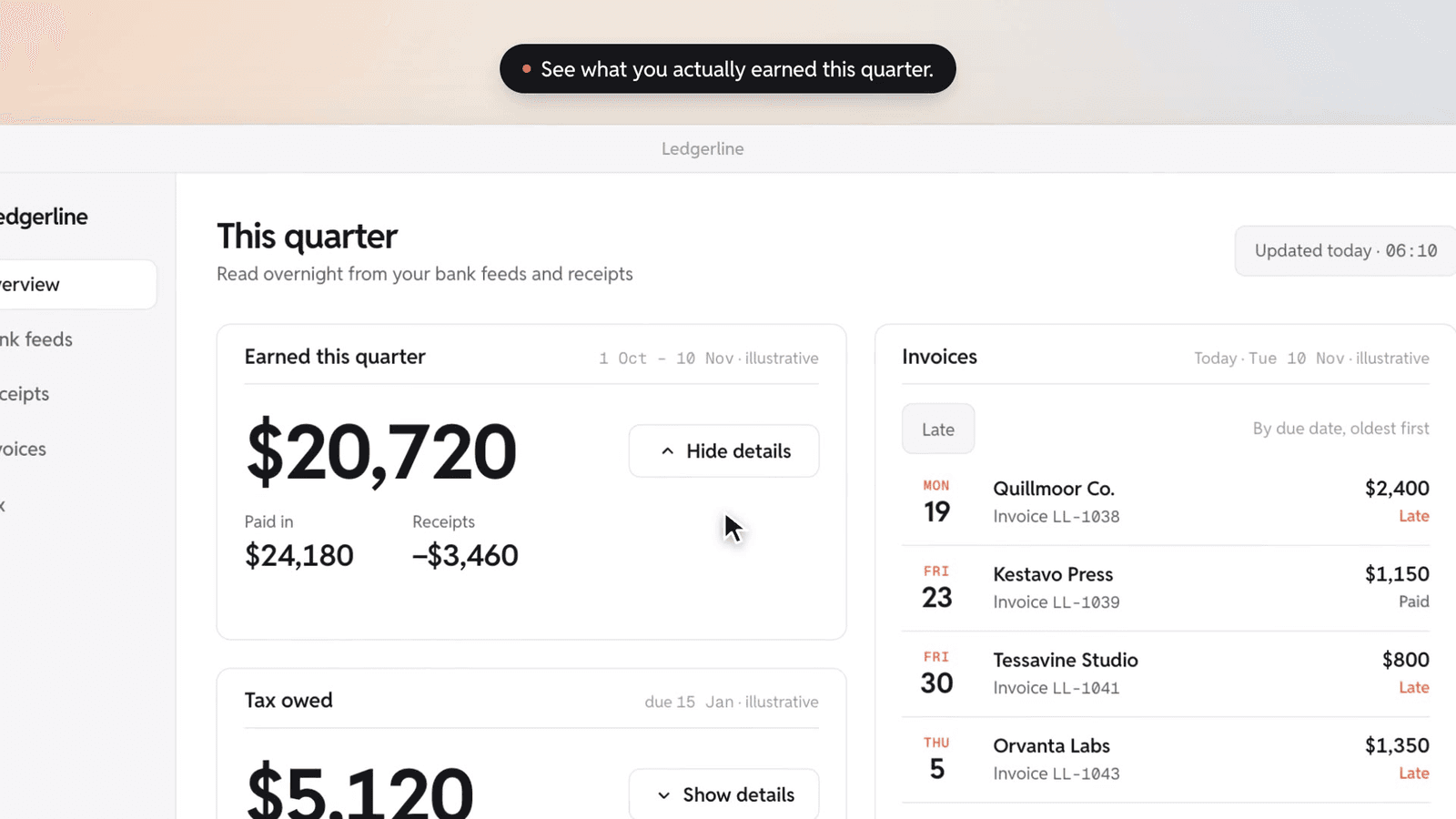
Proof
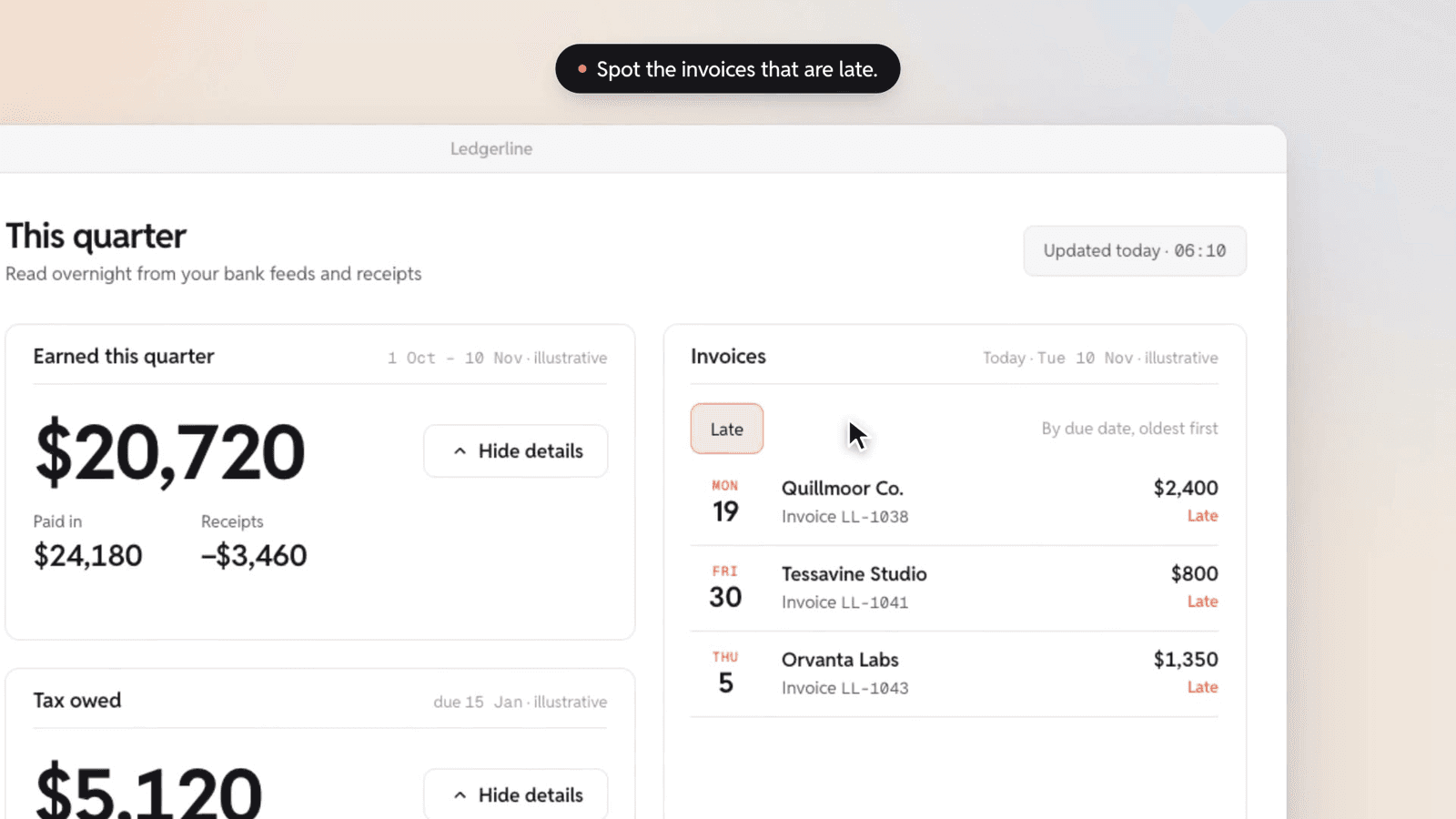
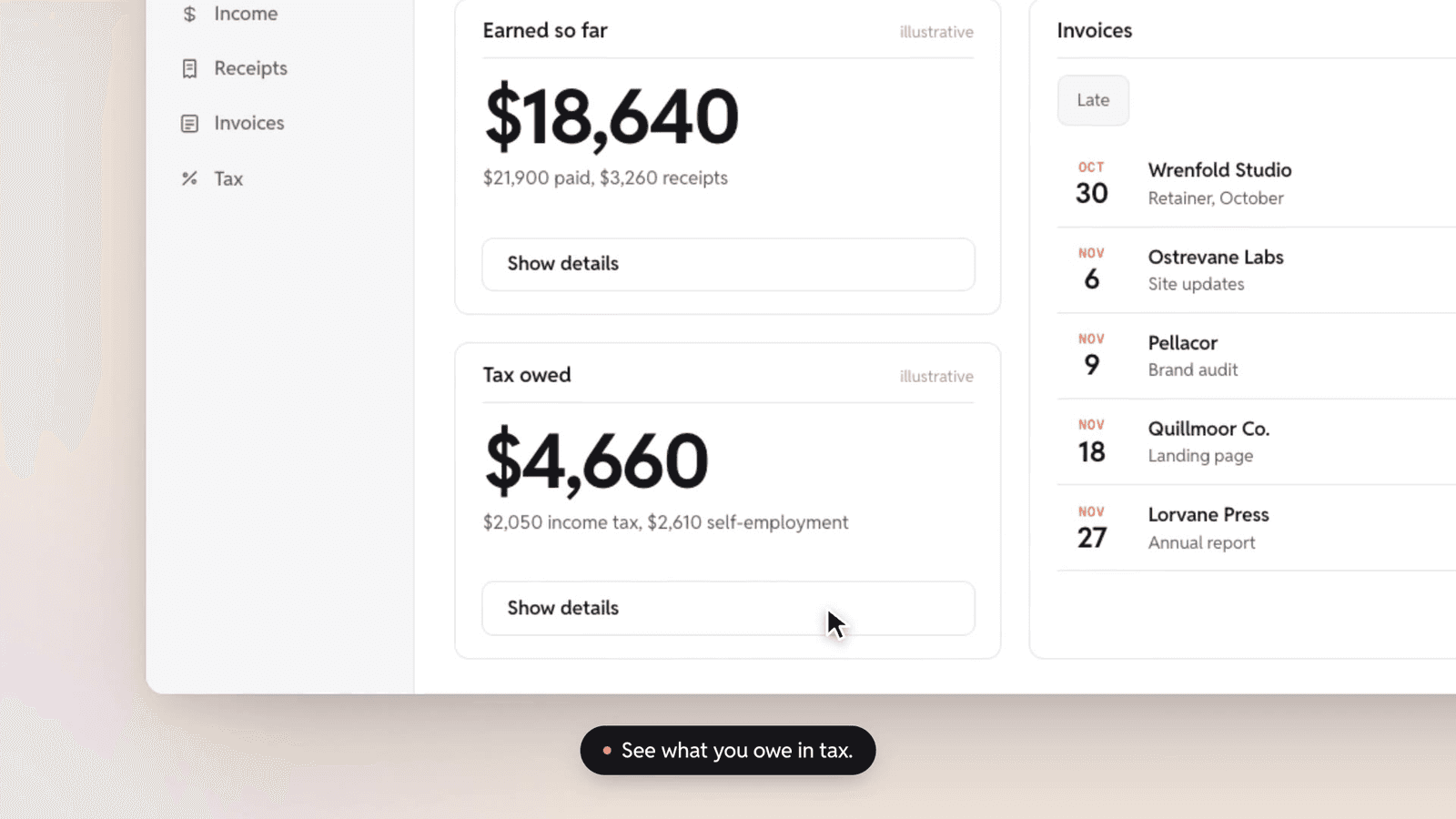
Fit
Good for
- Product demos and feature walkthroughs from a real recording
- Launch clips for software with a strong interface
Not for
- Hardware reveals
- Brand films with no product to show
Install
Install Close-Up for your agent.
Choose your agent, install, then explicitly use the skill on your own task. Your personal link works for seven days.
Get your install link
Buy it once for $3.99, or get Pro for every taste. Sign in with your checkout email and your personal link appears here.
Buy now — $3.99Then a one-line terminal command, or a prompt to paste into Claude Code, appears right here.
Reload Claude Code
Skills load live. If the skills folder didn’t exist when your session started, run /reload-skills (or start a new session).
Use Close-Up on your own task
Ask for a video for your own project. Include the audience, message, duration and where you will publish it.
Type /taste-film-close-up to explicitly use the installed skill, then describe your task.
Check before building: Type / in Claude Code and look for taste-film-close-up in the list. Ask which SKILL.md it read and have it summarize the rules before it builds.
Package & license
Close-Up · v1.0.0 · local ZIP package
Install a skill folder in your own compatible agent. The package includes SKILL.md and the files for this visual identity; your agent reads them locally. Your agent account and any model usage fees are separate from Taste Stack.
Purchase this taste or use Pro access, then sign in with your checkout email to install. The install guide explains the steps for each agent.
Personal and commercial use across unlimited projects, including client work. What you build is yours; the skill package may not be redistributed, resold or publicly shared. Read the skill license terms; the full license ships as LICENSE.md in the package.
Before you render Close-Up
This workflow renders HTML scenes to MP4. Use a maintained Node.js release that meets the package’s Node 20+ minimum, FFmpeg on your PATH, playwright-core in the project, and Google Chrome or Chromium. Supply product screenshots or recording stills you are allowed to use.
Run the package’s checks and inspect its QA contact sheet before rendering; then watch the actual MP4. The product launch video guide covers the brief, installation, rendering and review. Follow your installed version for exact paths and commands; the guide is a workflow, not an additional completed test run.
Listed under
Reddit Sans, Geist Mono. Commercial license included.
Taste QA passed on 1.0.0 with Claude Code (Opus 5.5 and Sonnet 5.5) on the standard brief, 2026-11-10, after seven rounds.