VideoTS-498$3.99
Plinth
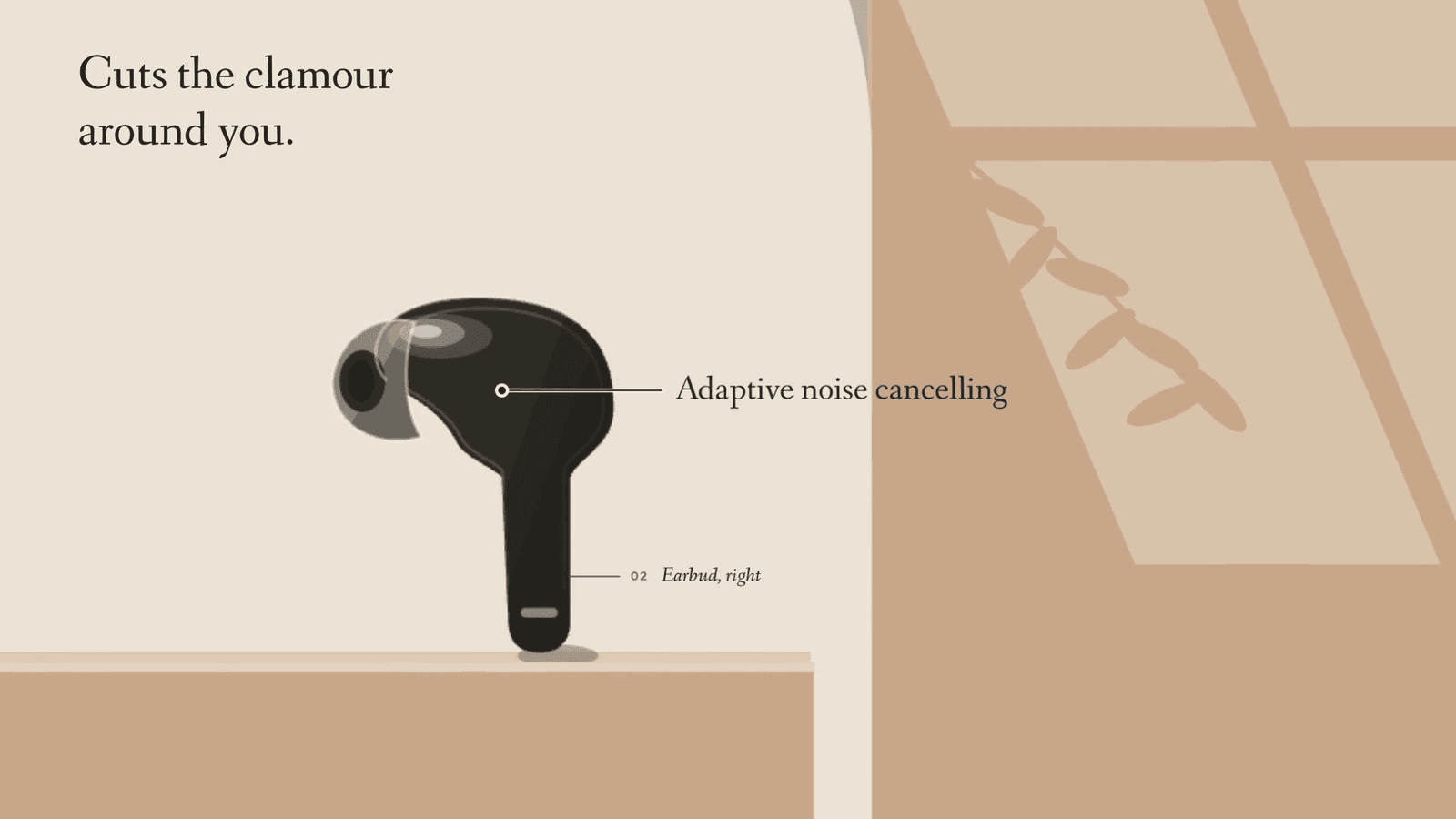
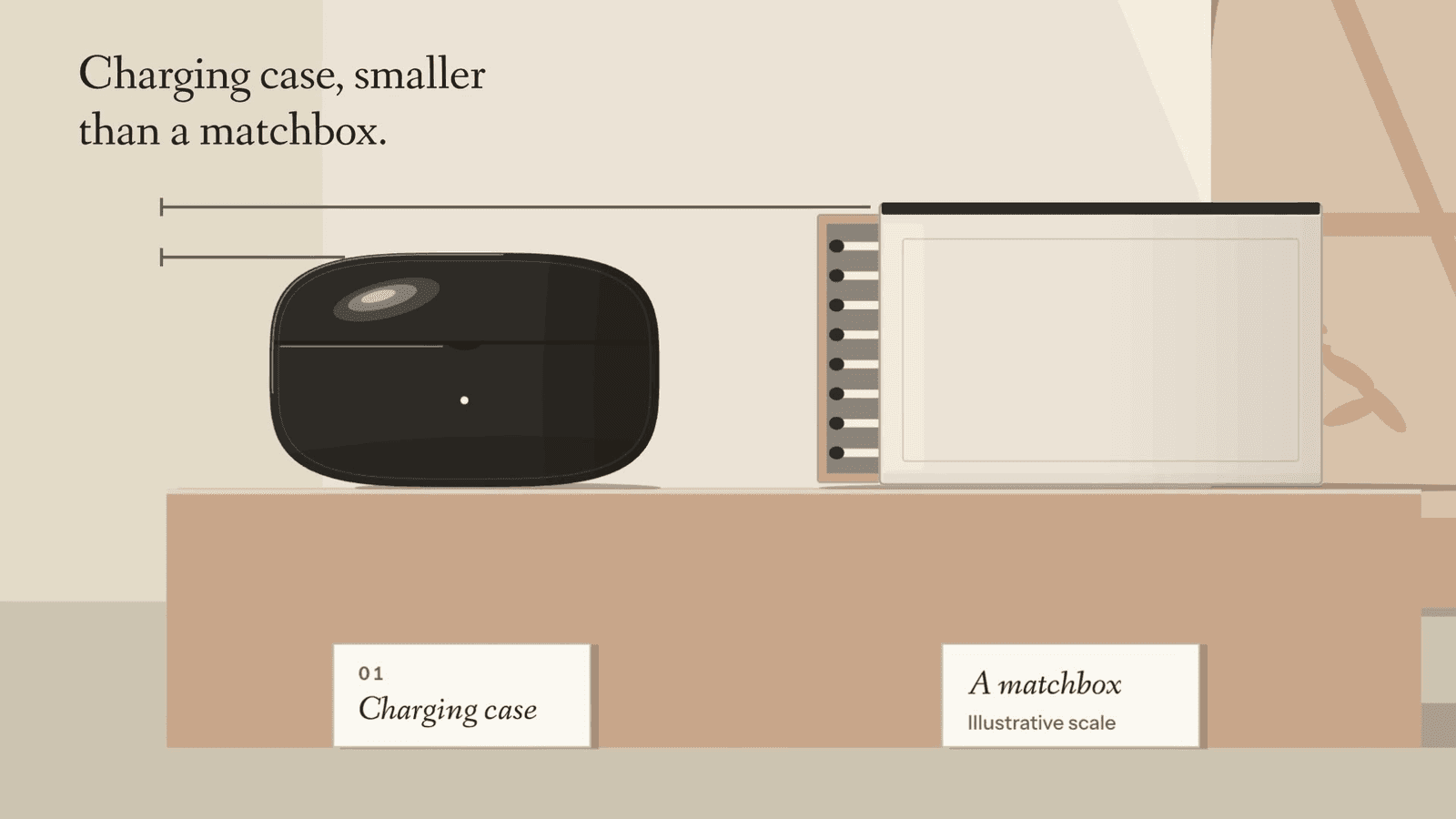
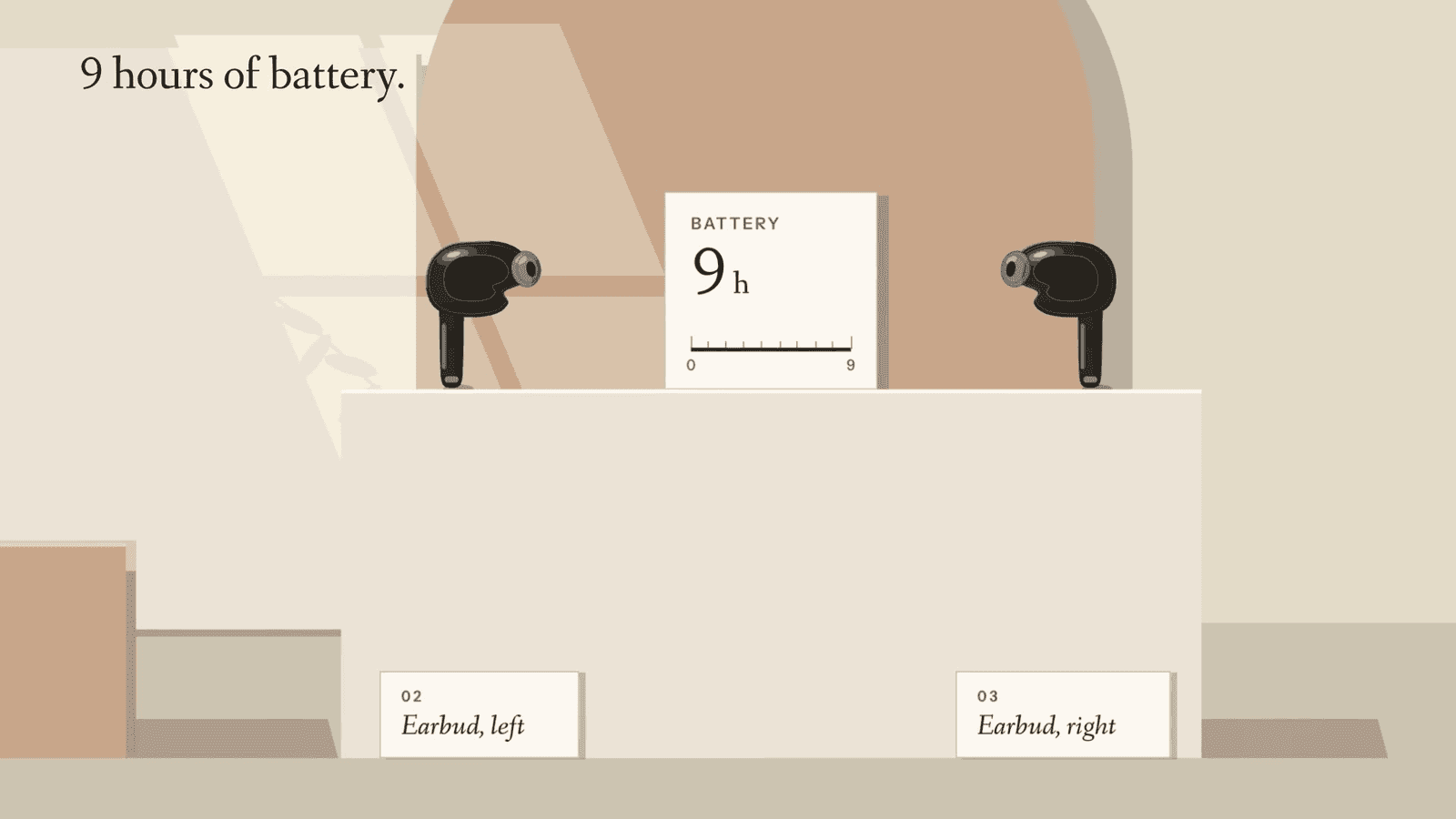
Daylight still-life launch films for physical products: the object on plaster and clay plinths under one window, a mullion-and-leaf shadow travelling as the clock, a slow parallax crane, museum-card labels.
Fanwood Text / Instrument Sans · Quiet & refined · Light
Proof
Fit
Good for
- Launch films for earbuds, speakers, wearables and cameras
- AI gadgets, skincare and home goods
- Premium physical products that want calm over spectacle
Not for
- Software with no object to stage
- Night, chrome or neon looks (use Rim Light)
Install
Install Plinth for your agent.
Choose your agent, install, then explicitly use the skill on your own task. Your personal link works for seven days.
Get your install link
Buy it once for $3.99, or get Pro for every taste. Sign in with your checkout email and your personal link appears here.
Buy now — $3.99Then a one-line terminal command, or a prompt to paste into Claude Code, appears right here.
Reload Claude Code
Skills load live. If the skills folder didn’t exist when your session started, run /reload-skills (or start a new session).
Use Plinth on your own task
Ask for a video for your own project. Include the audience, message, duration and where you will publish it.
Type /taste-film-plinth to explicitly use the installed skill, then describe your task.
Check before building: Type / in Claude Code and look for taste-film-plinth in the list. Ask which SKILL.md it read and have it summarize the rules before it builds.
Package & license
Plinth · v1.0.0 · local ZIP package
Install a skill folder in your own compatible agent. The package includes SKILL.md and the files for this visual identity; your agent reads them locally. Your agent account and any model usage fees are separate from Taste Stack.
Purchase this taste or use Pro access, then sign in with your checkout email to install. The install guide explains the steps for each agent.
Personal and commercial use across unlimited projects, including client work. What you build is yours; the skill package may not be redistributed, resold or publicly shared. Read the skill license terms; the full license ships as LICENSE.md in the package.
Listed under
Fanwood Text, Instrument Sans. Commercial license included.
Taste QA passed on 1.0.0 with Claude Code (Opus 5.5 and Sonnet 5.5) on the physical product brief, 2026-11-14, after three rounds.