VideoTS-491$3.99
Viewfinder
Launch films seen through a lens that finds the answer: a near-black camera frame, corner brackets that hunt and lock in one green, and each answer a double image until the lock resolves it.
Tektur / Inclusive Sans · Technical & digital · Dark
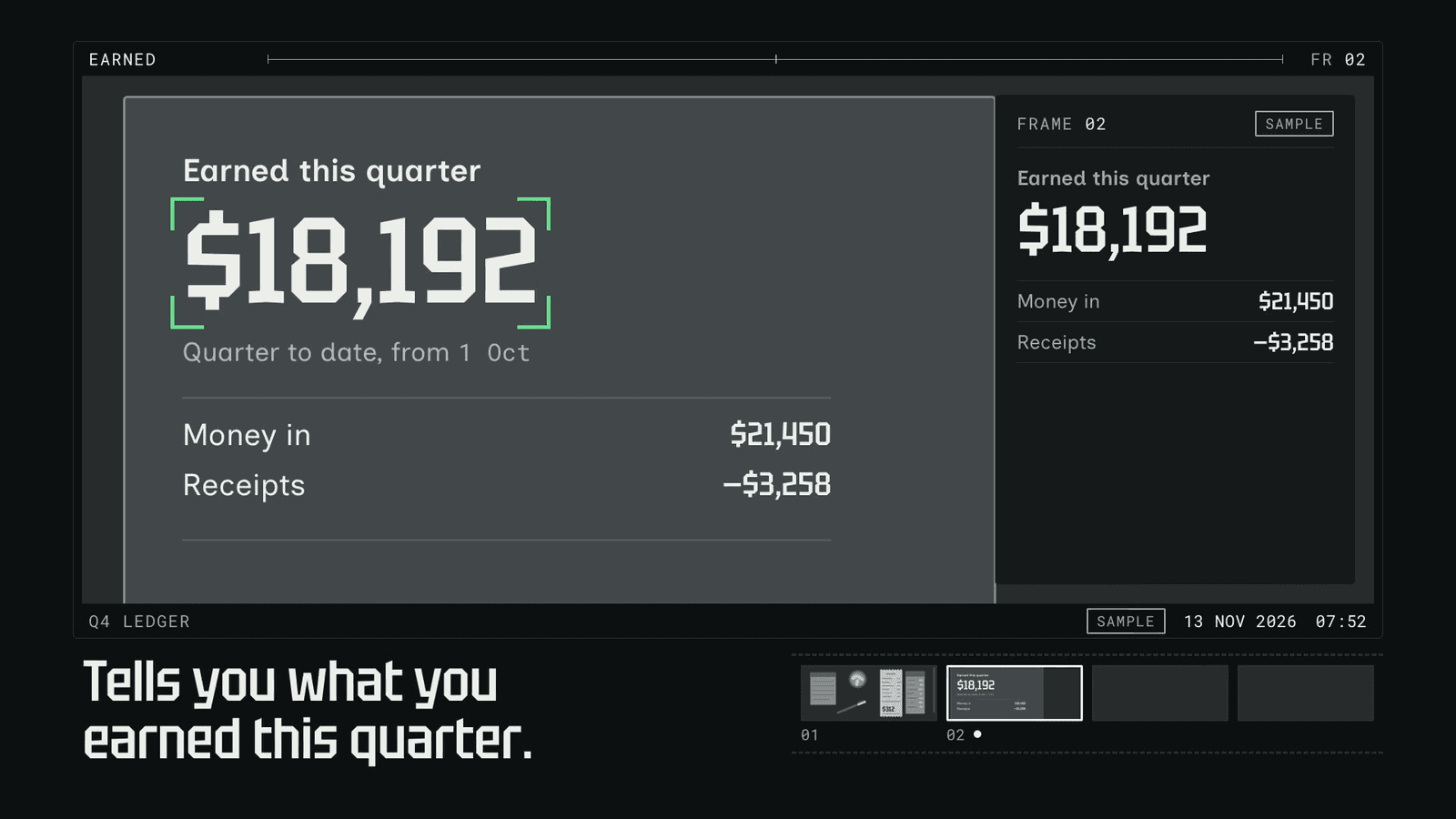
Proof
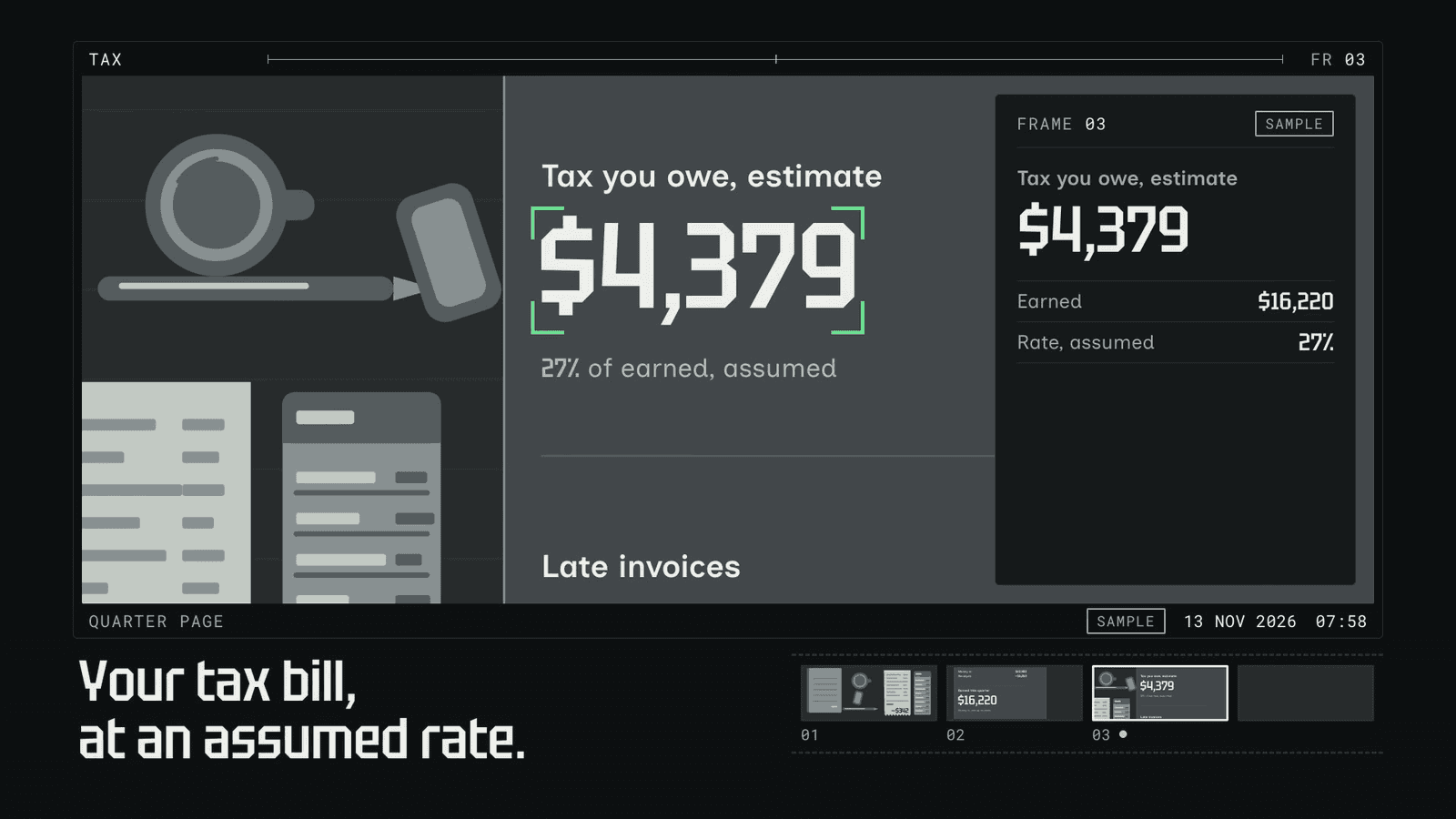
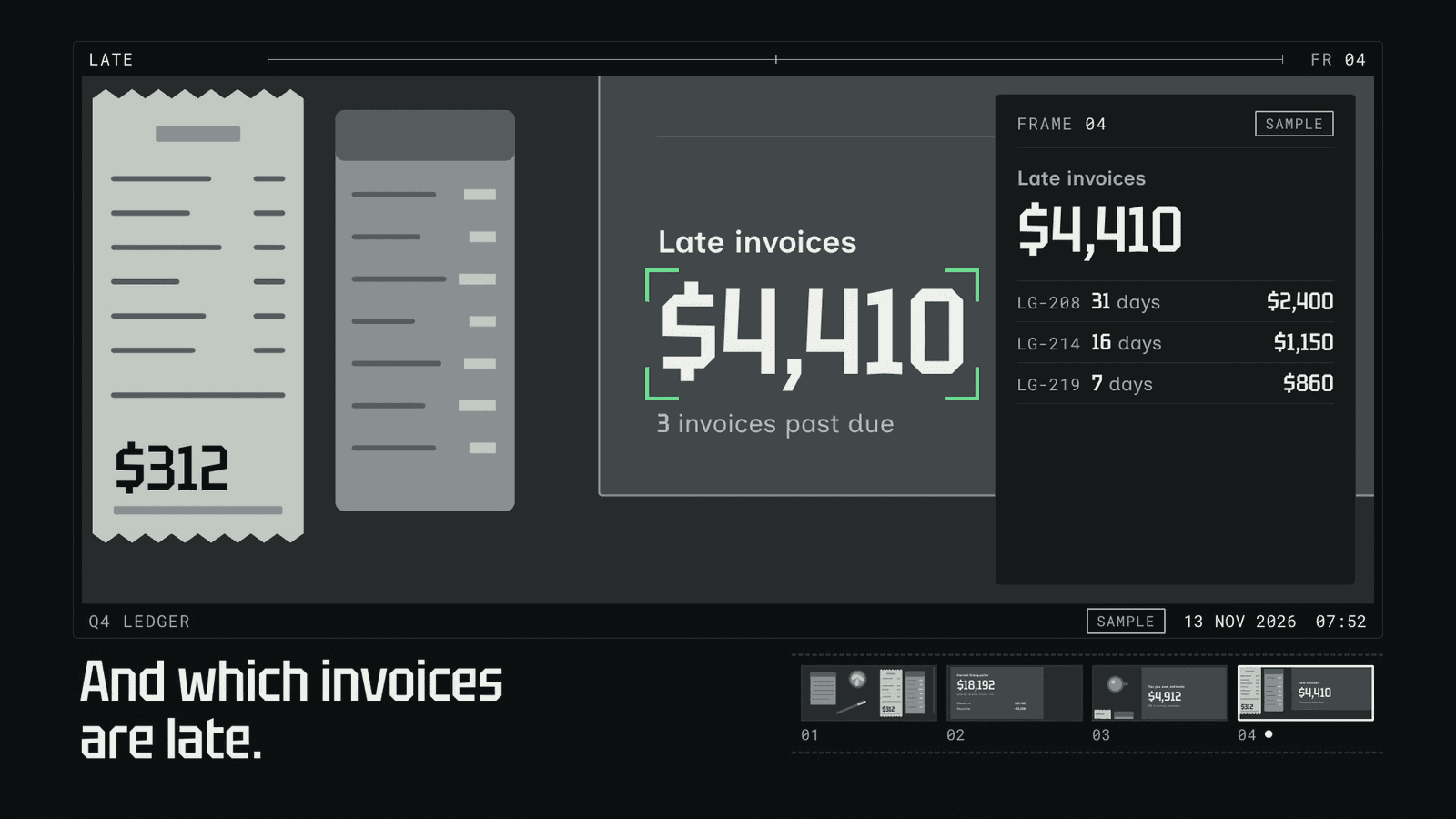
Fit
Good for
- Camera, scanning and capture products — receipts, documents, measures
- Products that read inputs and tell answers, told as finding them
Not for
- Brands that want warmth and people on screen
- Products with nothing to read or find
Install
Install Viewfinder for your agent.
Choose your agent, install, then explicitly use the skill on your own task. Your personal link works for seven days.
Get your install link
Buy it once for $3.99, or get Pro for every taste. Sign in with your checkout email and your personal link appears here.
Buy now — $3.99Then a one-line terminal command, or a prompt to paste into Claude Code, appears right here.
Reload Claude Code
Skills load live. If the skills folder didn’t exist when your session started, run /reload-skills (or start a new session).
Use Viewfinder on your own task
Ask for a video for your own project. Include the audience, message, duration and where you will publish it.
Type /taste-film-viewfinder to explicitly use the installed skill, then describe your task.
Check before building: Type / in Claude Code and look for taste-film-viewfinder in the list. Ask which SKILL.md it read and have it summarize the rules before it builds.
Package & license
Viewfinder · v1.0.0 · local ZIP package
Install a skill folder in your own compatible agent. The package includes SKILL.md and the files for this visual identity; your agent reads them locally. Your agent account and any model usage fees are separate from Taste Stack.
Purchase this taste or use Pro access, then sign in with your checkout email to install. The install guide explains the steps for each agent.
Personal and commercial use across unlimited projects, including client work. What you build is yours; the skill package may not be redistributed, resold or publicly shared. Read the skill license terms; the full license ships as LICENSE.md in the package.
Listed under
Tektur, Inclusive Sans, Roboto Mono. Commercial license included.
Taste QA passed on 1.0.0 with Claude Code (Opus 5.5 and Sonnet 5.5) on the standard brief, 2026-11-13, after four rounds.