WebTS-462$3.99
Signal Matrix
Hardware product pages: dot-matrix type, a see-through device, one signal red.
Sixtyfour / Azeret Mono · Technical & digital · Light
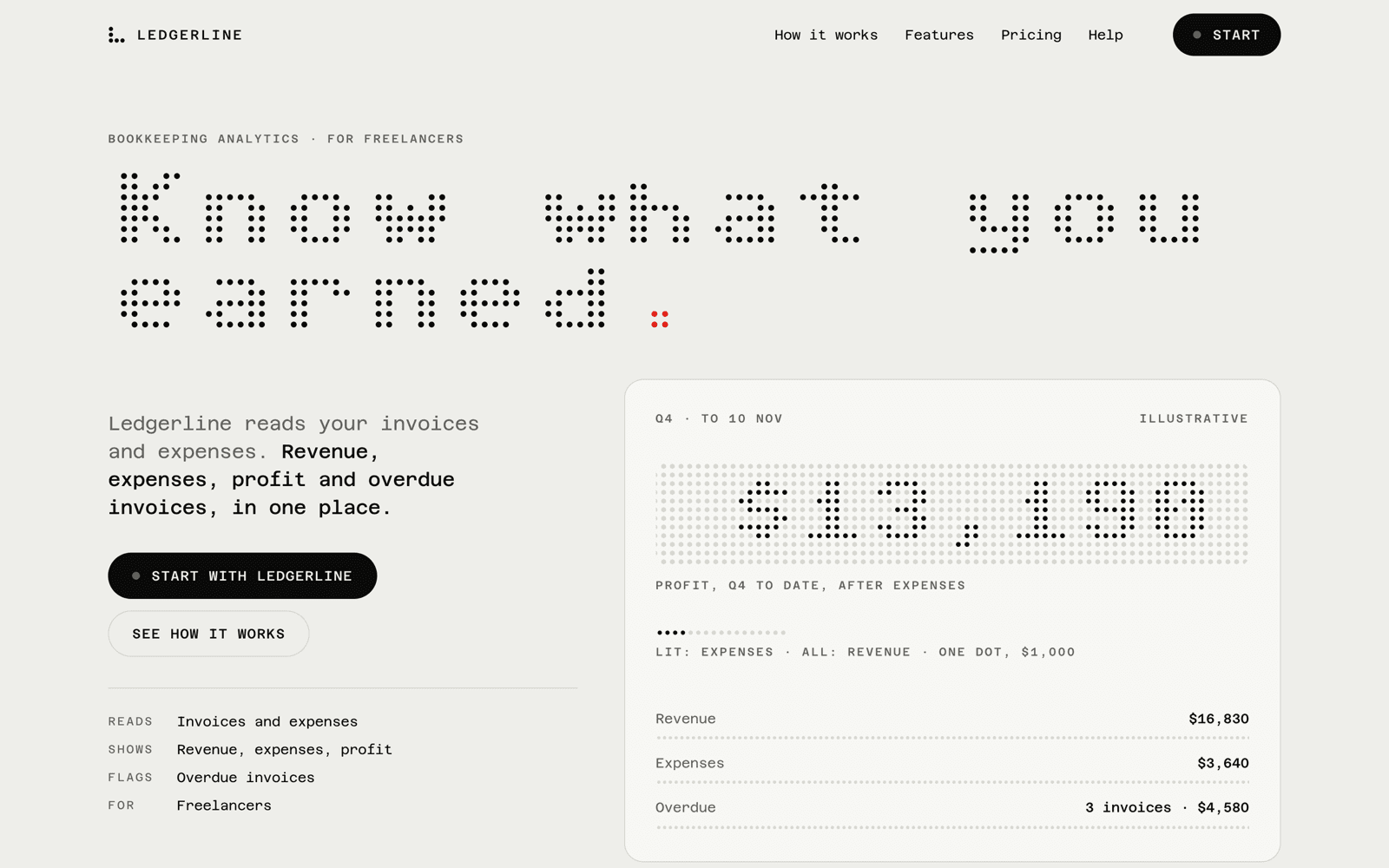
Proof
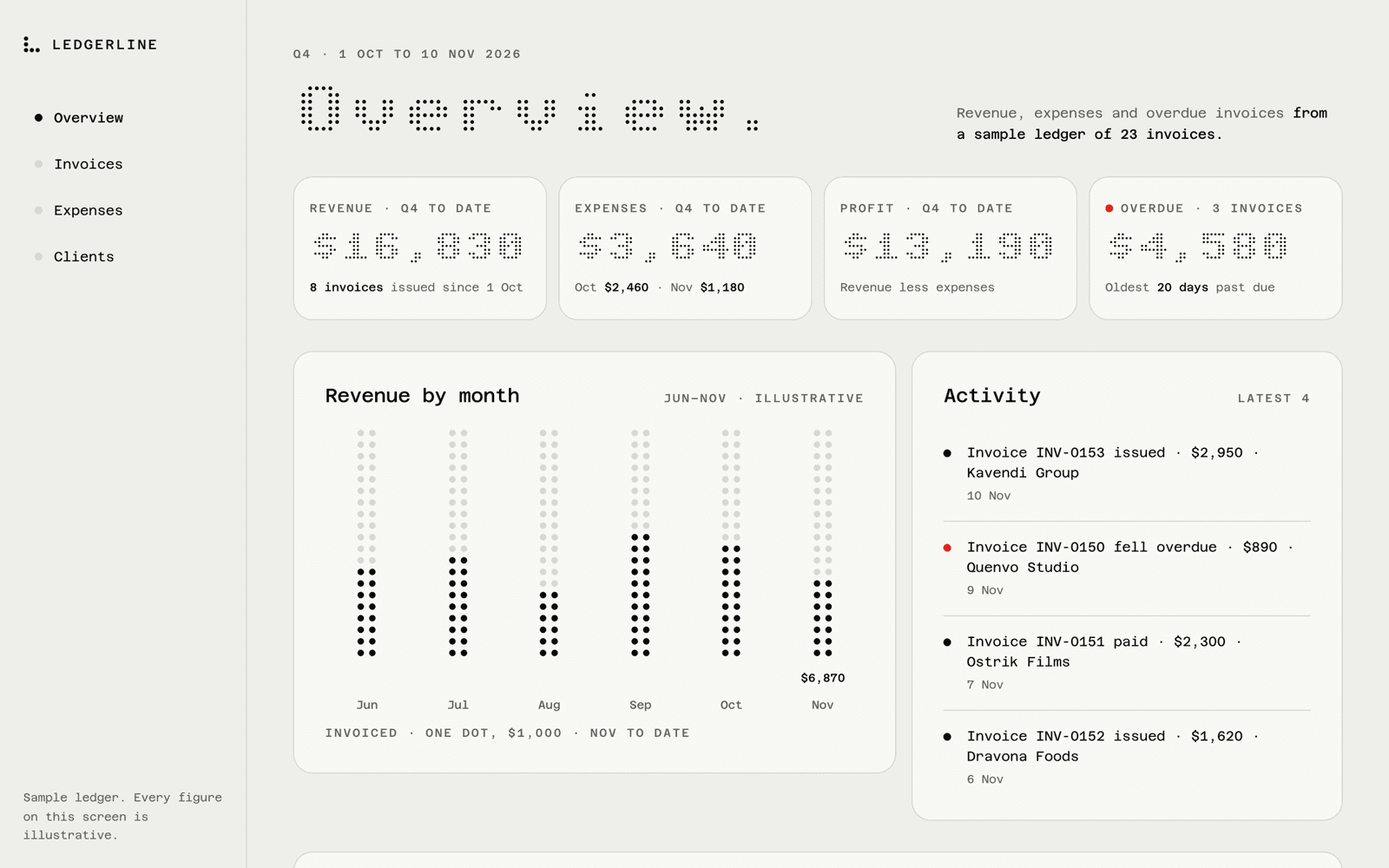
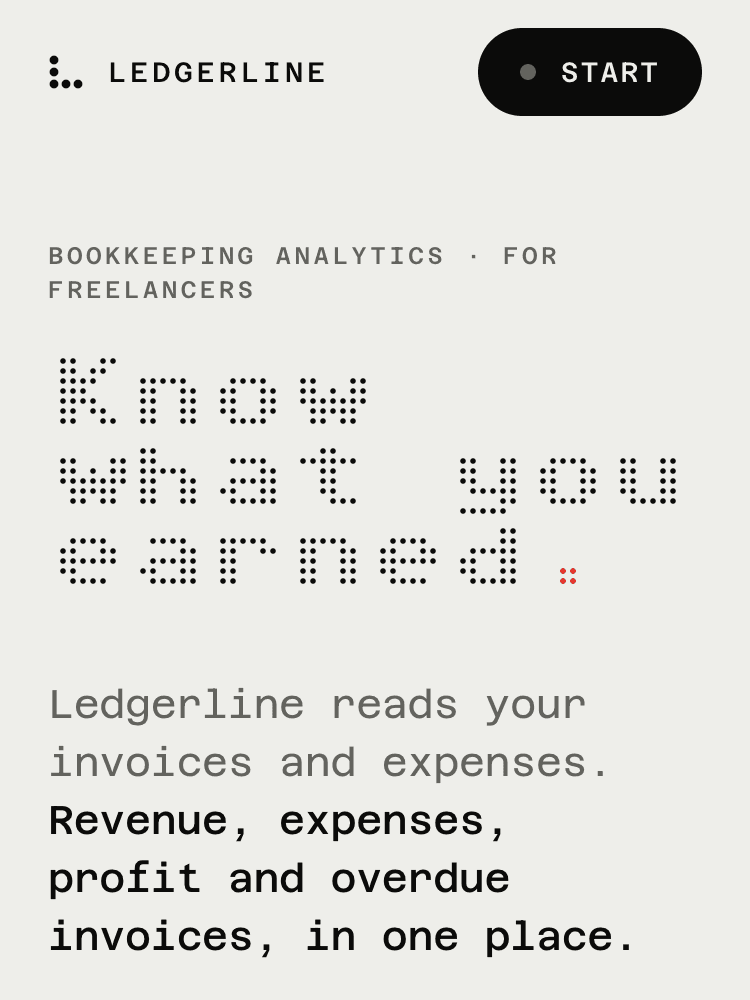
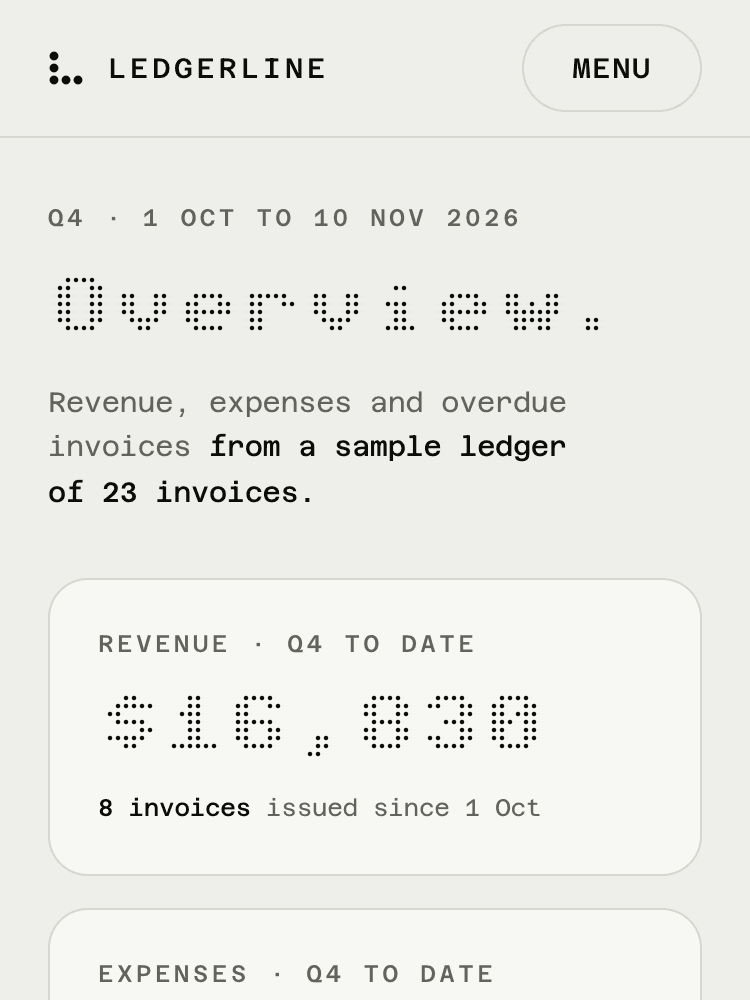
Same prompt
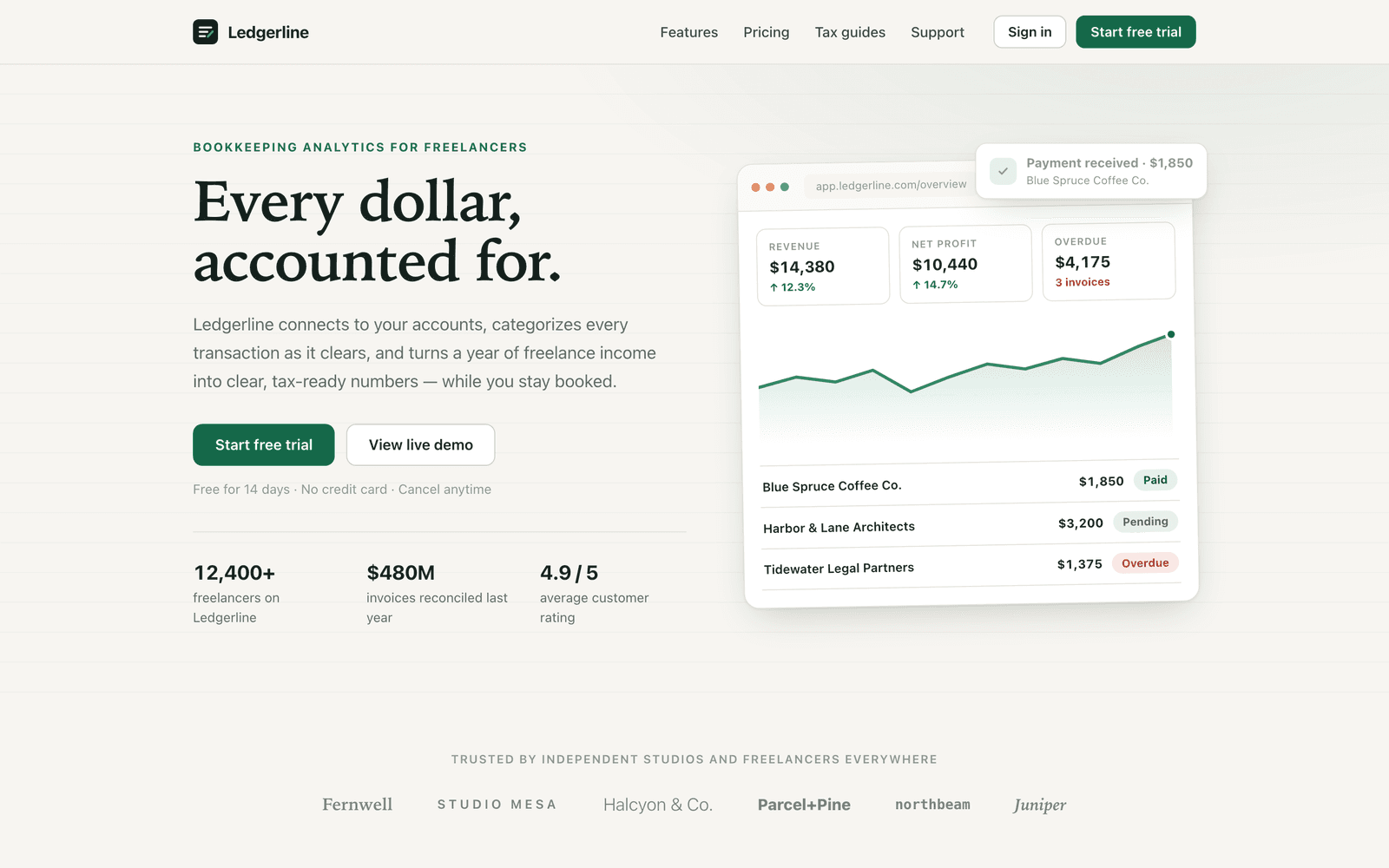
Build a small static site for Ledgerline, a fictional bookkeeping analytics product for freelancers: index.html (landing page) and dashboard.html (app screen), sharing one stylesheet styles.css. No frameworks, no build step, vanilla HTML/CSS (a few lines of JS allowed for menu/toggles).
Landing page: top navigation, hero with headline + subline + primary and secondary CTA, a logos/social-proof strip, three feature sections, pricing (three tiers, one highlighted), a closing CTA, and a footer with columns.
Dashboard: app shell with side or top navigation, page header, four stat cards (revenue, expenses, profit, overdue invoices), a revenue-over-time chart (inline SVG is fine), a recent-invoices table (≥ 8 rows: client, date, amount, status), and an activity feed.
Both pages must work at mobile and desktop widths. Use realistic copy and numbers, not lorem ipsum. Make it polished and production-quality.
It never mentions style, fonts, color or mood. Every bit of taste in B comes from the skill.
Fit
Good for
- Hardware and gadget product pages
- Spec-led launches for physical products
Not for
- Warm, handmade or editorial brands
- Products that need long-form reading
Install
Install Signal Matrix for your agent.
Choose your agent, install, then explicitly use the skill on your own task. Your personal link works for seven days.
Get your install link
Buy it once for $3.99, or get Pro for every taste. Sign in with your checkout email and your personal link appears here.
Buy now — $3.99Then a one-line terminal command, or a prompt to paste into Claude Code, appears right here.
Reload Claude Code
Skills load live. If the skills folder didn’t exist when your session started, run /reload-skills (or start a new session).
Use Signal Matrix on your own task
Ask for a page or screen for your own project. Include its audience, content and the action it should support.
Type /taste-signal-matrix to explicitly use the installed skill, then describe your task.
Check before building: Type / in Claude Code and look for taste-signal-matrix in the list. Ask which SKILL.md it read and have it summarize the rules before it builds.
Package & license
Signal Matrix · v1.0.0 · local ZIP package
Install a skill folder in your own compatible agent. The package includes SKILL.md and the files for this visual identity; your agent reads them locally. Your agent account and any model usage fees are separate from Taste Stack.
Purchase this taste or use Pro access, then sign in with your checkout email to install. The install guide explains the steps for each agent.
Personal and commercial use across unlimited projects, including client work. What you build is yours; the skill package may not be redistributed, resold or publicly shared. Read the skill license terms; the full license ships as LICENSE.md in the package.
Listed under
Sixtyfour, Azeret Mono. Commercial license included.
Taste QA passed on 1.0.0 with Claude Code (Opus 5.5 and Sonnet 5.5), 2026-11-10, after nine rounds.