Tastes
Taste skills for AI coding agents.
A taste skill is a complete visual identity — tokens, components, layouts and motion — that your coding agent applies to every screen it builds. Not a style guide it may ignore, not one template it copies: a point of view it can hold across a whole product.
11 of 441 tastes · Blogs & publications · Bold & expressive · Light
In the studio · 11
Packaged. Covers are each package’s own exemplar page; a taste lists once it passes Taste QA twice.
 Pro
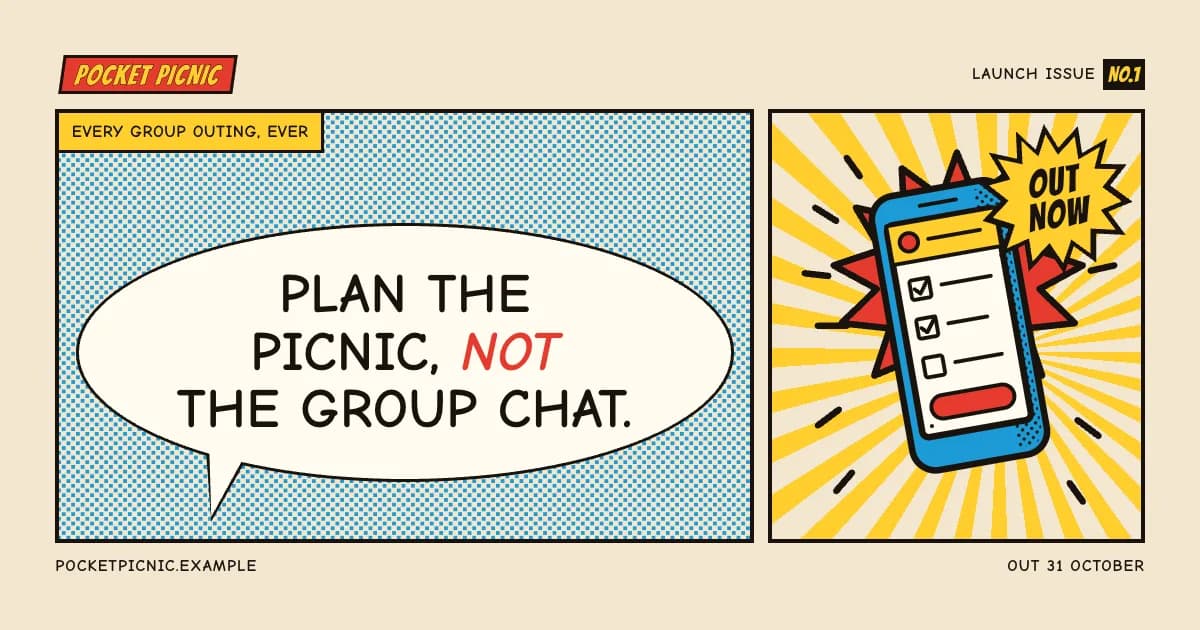
Comic Panel
Strips with speech balloons
Bangers / Comic NeuePro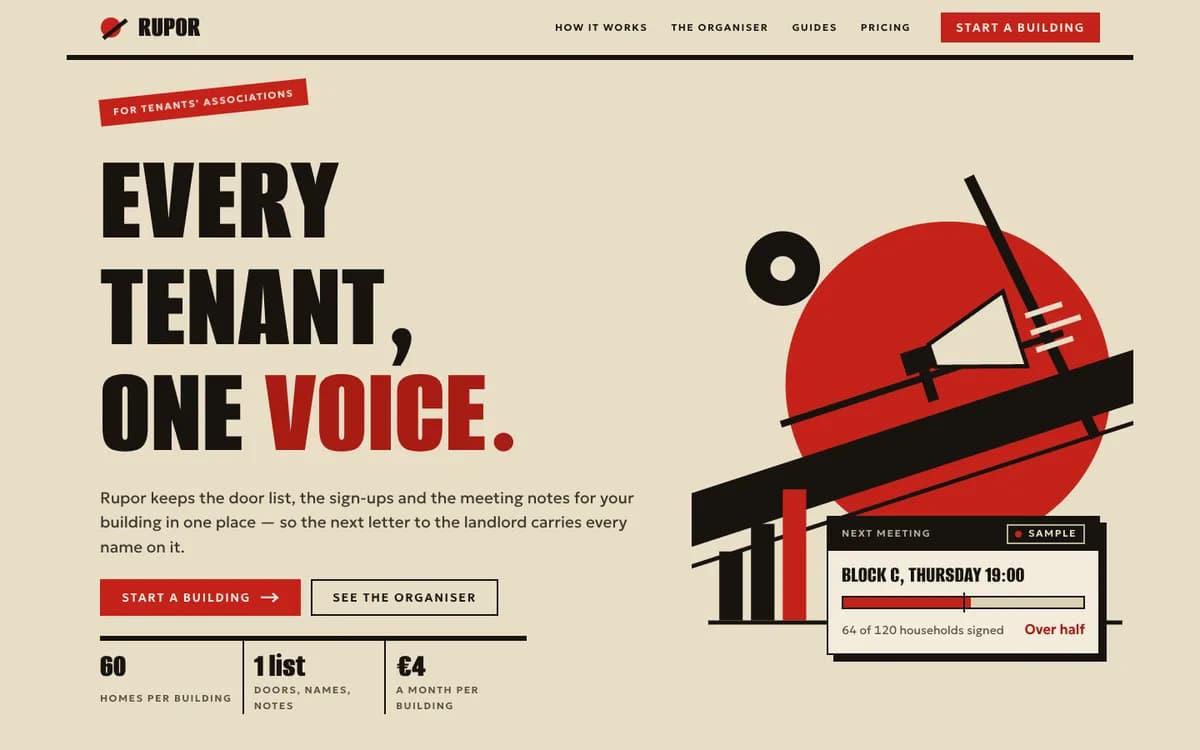 Pro
Constructivist
Red, black and buff paper, one hard diagonal, a great red circle and towering condensed caps
Alumni Sans / GeologicaPro Pro
Agit
An avant-garde poster film: red and black bars slam in on hard diagonals, words swing in
Rubik Mono One / PT Sans NarrowPro Pro
Constructivist Card
Avant-garde poster cards in paper, black and red, cut on hard diagonals
Big Shoulders Display / Archivo NarrowPro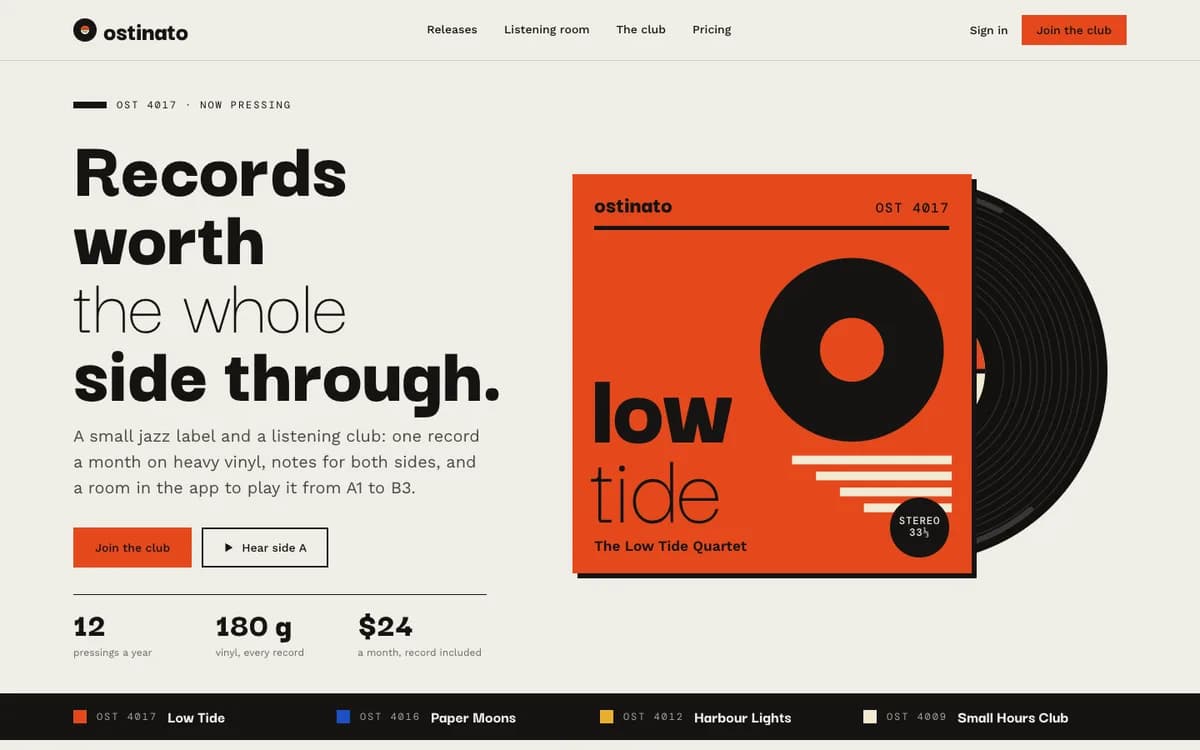 Pro
Record Sleeve
Square sleeves in one bold block colour, a drawn disc peeking out and side A/B lists
Darker Grotesque / Work SansPro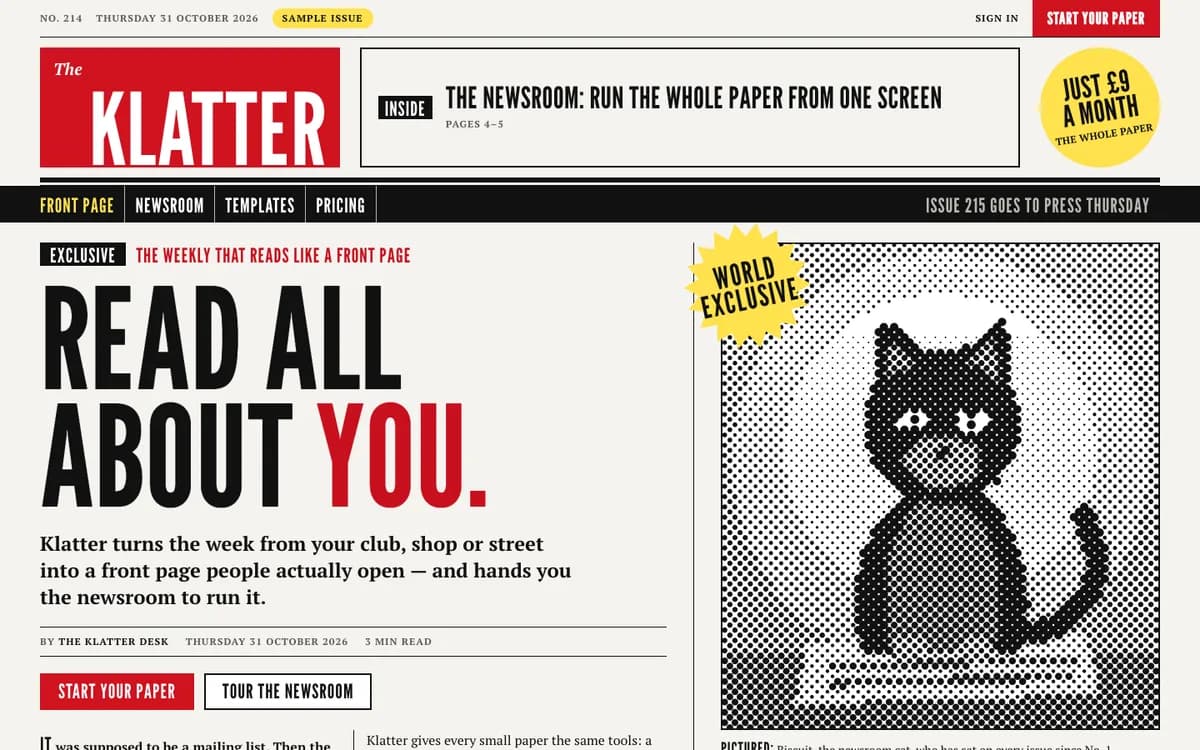 Pro
Tabloid
A red masthead, a splash headline, halftone dots and one yellow EXCLUSIVE flash
League Gothic / PT SerifPro Pro
Stop Press
Presses grind to a stop, a front page slams in, halftone dots and one EXCLUSIVE burst
Anton / Archivo NarrowPro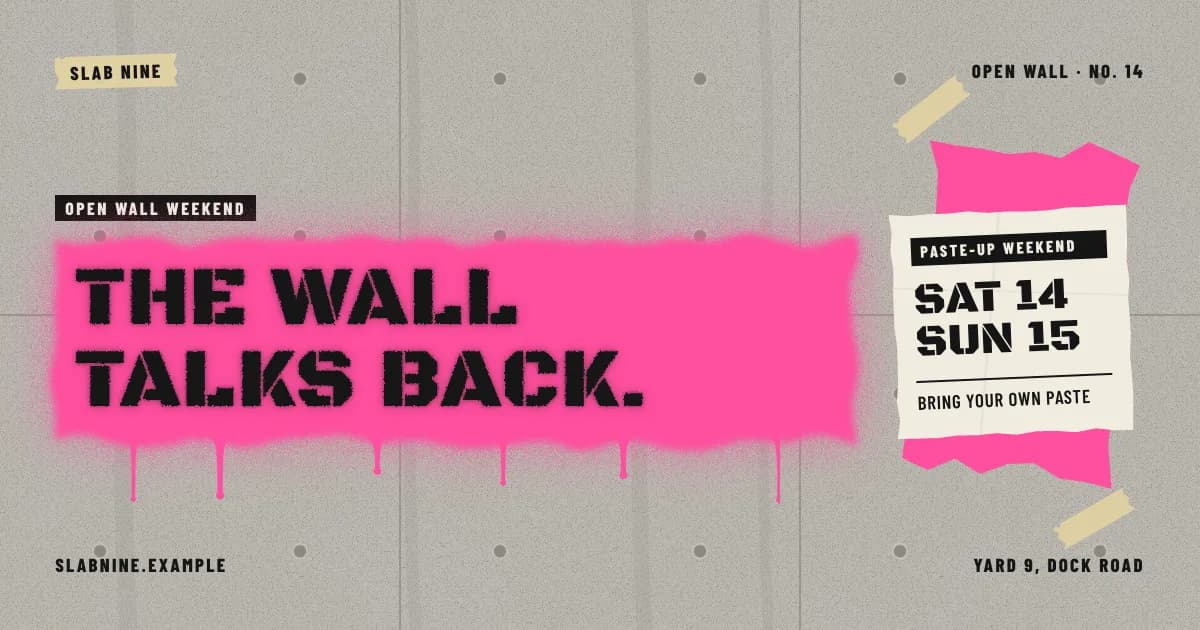 Pro
Street Art Card
Stencil spray on concrete: a pink sprayed field with drips, a paste-up and tape
Black Ops One / Barlow CondensedPro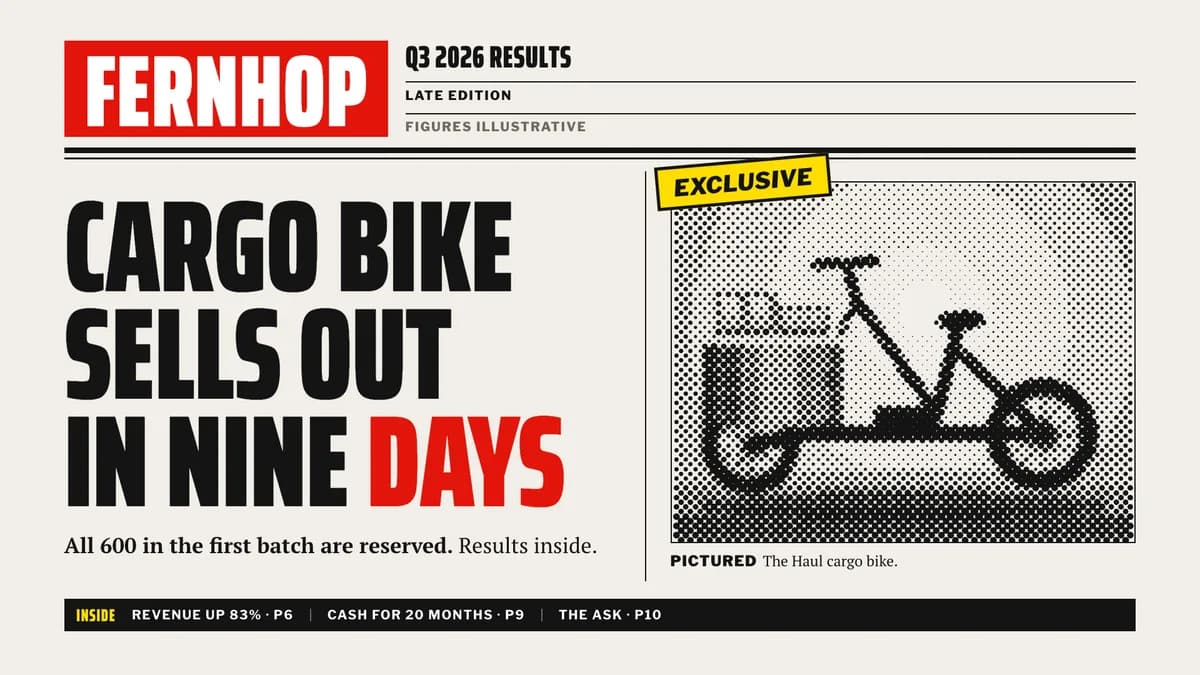 Pro
Tabloid Deck
Front-page slides: a red masthead box, splash headlines, halftone cuts, one flash
Saira Extra Condensed / PT SerifPro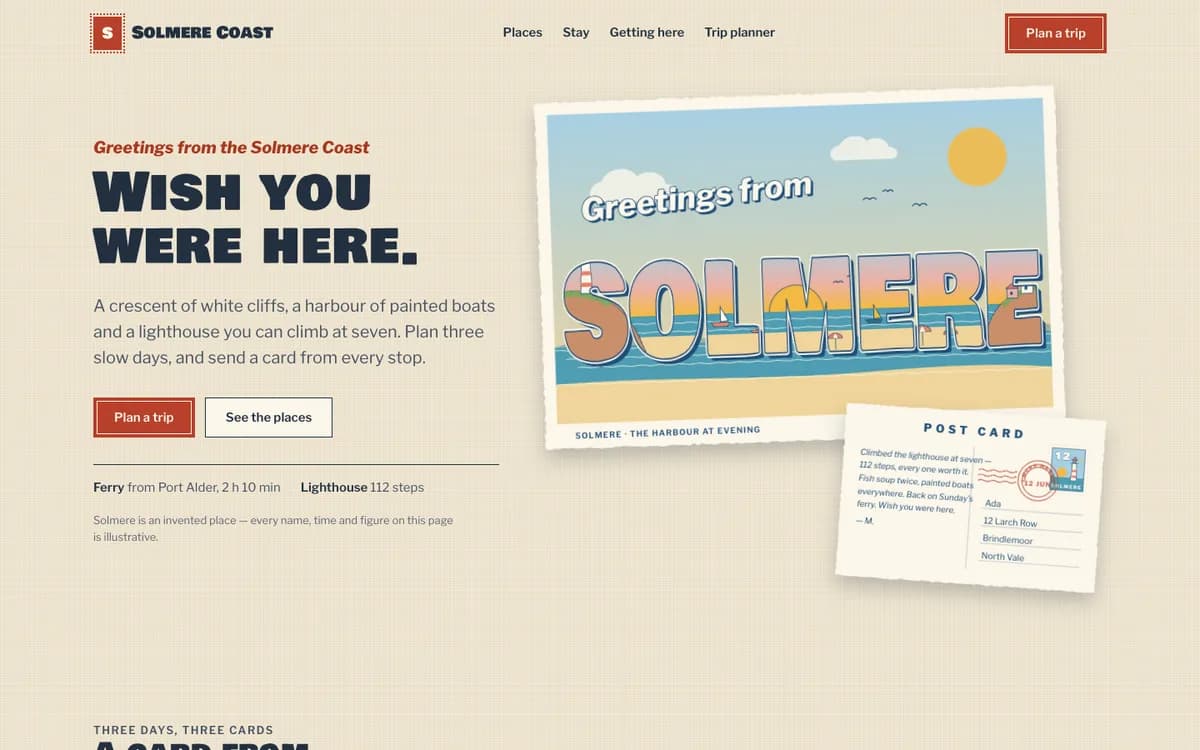 Pro
Postcard
Greetings-from big letters full of scenery, deckled cards on linen, stamps and postmarks
Bowlby One SC / Libre FranklinPro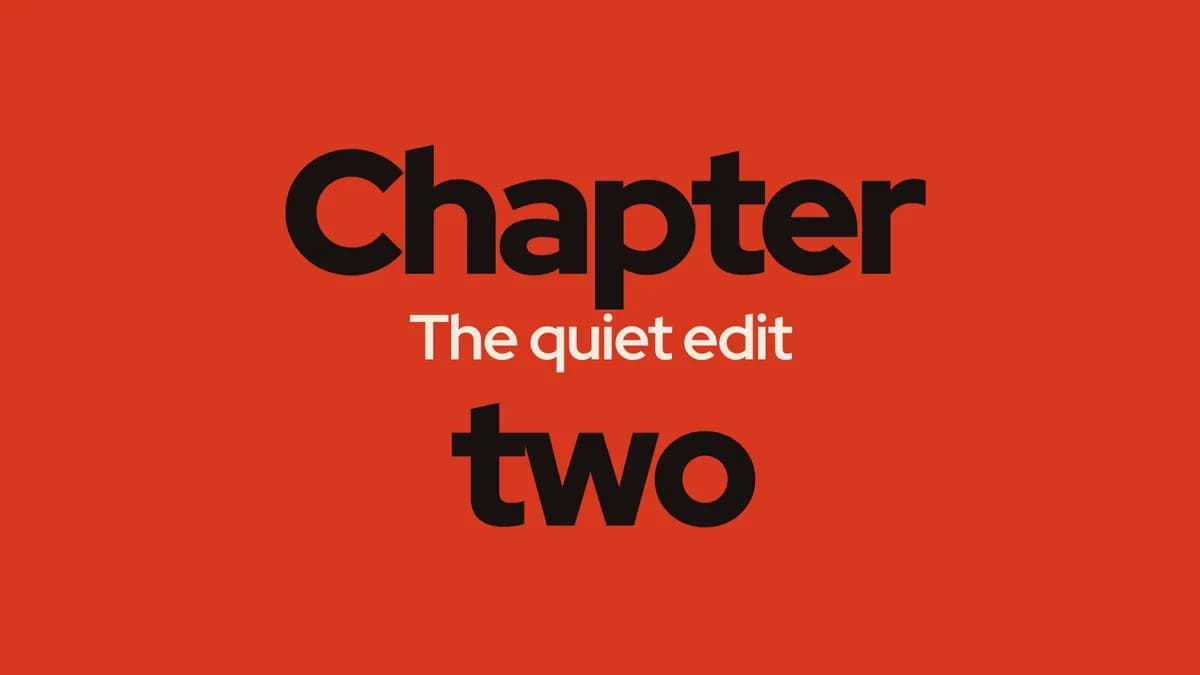 Pro
Kinetic Titles
Twenty type-only title moves — letters fall, words stretch, titles split, then hold
Red Hat DisplayPro
By use
What are you building?
How to install a taste- Landing pages380 tastesEditorial, Swiss, Brutalist…
- Web apps & dashboards227 tastesEditorial, Swiss, Terminal…
- Online stores169 tastesSoft Depth, Playful Pop, Quiet Luxury…
- Portfolios47 tastesEditorial, Brutalist, Quiet Luxury…
- Blogs & publications78 tastesEditorial, Swiss, Risograph…
- Docs & developer tools49 tastesBrutalist, Terminal, Midnight…
- Launch videos119 tastesGlow UI, Kinetic Type, Terminal…
- Social images & OG cards98 tastesSignal Card, Quote Card, Infographic…
- Pitch decks & slides88 tastesStatement, Sketchnote, Keynote Dark…
- All tastes441 tastesSearch by style, tone or keyword
Questions
Questions, answered.
- What is a taste skill?
- A folder your coding agent reads before it designs anything: a manifesto, design tokens, component and layout rules, motion, and do/don’t examples. Install it once and every page or screen the agent builds follows that identity instead of framework defaults.
- Which agents does it work with?
- Claude Code, Cursor, Codex, Gemini CLI and any agent that reads Agent Skills (a SKILL.md folder). The install guide covers each one.
- Does it work with my framework?
- Yes. Tokens ship as CSS variables, Tailwind v3 and v4 config and neutral JSON, and the rules are written for plain HTML/CSS, so React, Next.js, Vue, Svelte or static sites all work.
- How do I know it actually works?
- A taste goes on sale only after it passes Taste QA twice: a fresh agent builds the same standard brief with the skill installed, and the result is graded against a written checklist. The before/after on each skill page comes from a run of that brief.