Tastes
Taste skills for AI coding agents.
A taste skill is a complete visual identity — tokens, components, layouts and motion — that your coding agent applies to every screen it builds. Not a style guide it may ignore, not one template it copies: a point of view it can hold across a whole product.
13 of 441 tastes · Launch videos · Handmade & organic · Light
In the studio · 13
Packaged. Covers are each package’s own exemplar page; a taste lists once it passes Taste QA twice.
 Pro
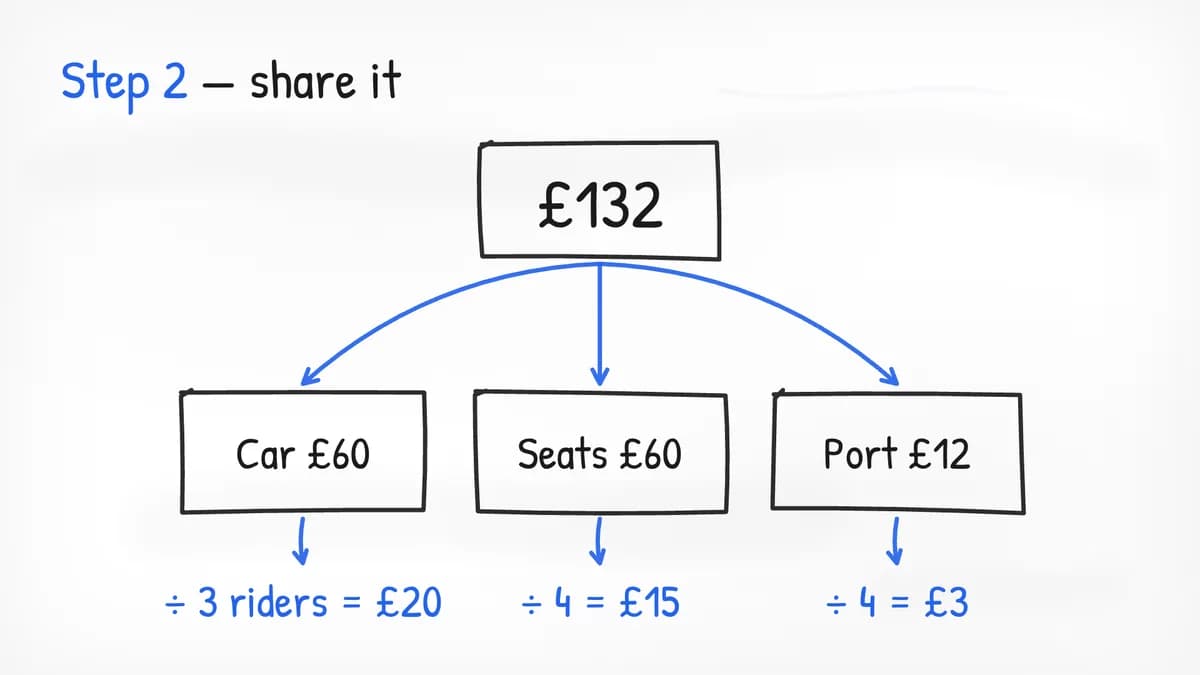
Whiteboard
Explainers that draw themselves
Patrick HandPro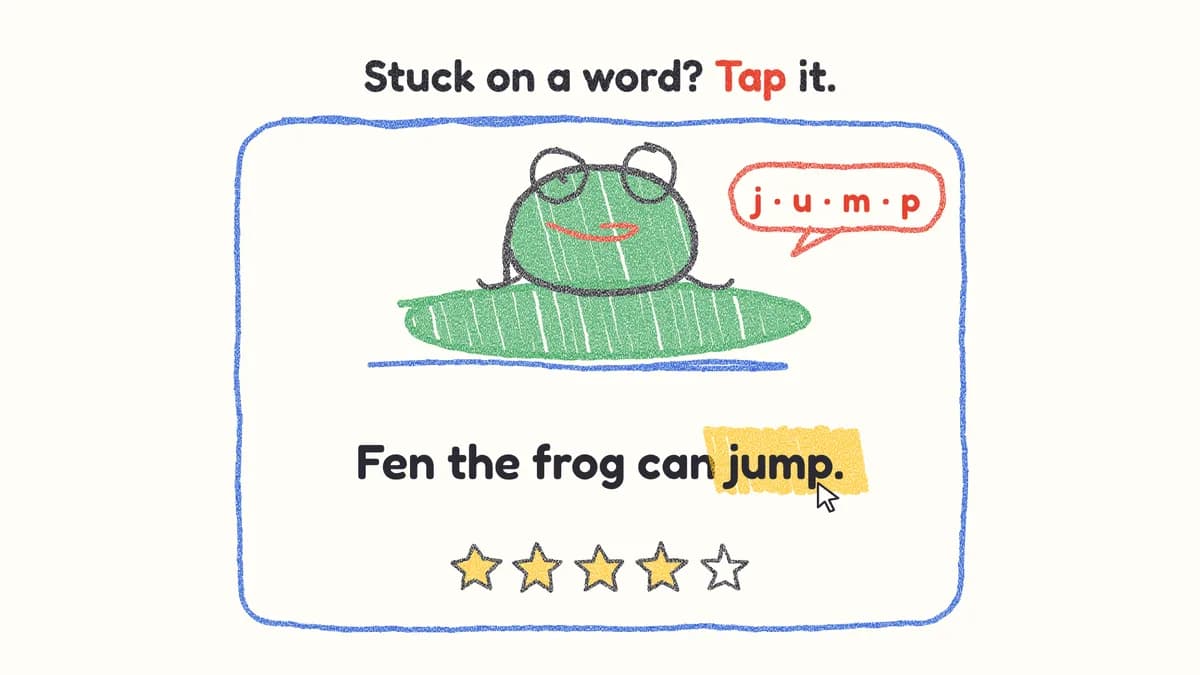 Pro
Crayon Reel
Waxy crayon drawings that draw themselves on, then get coloured in
FredokaPro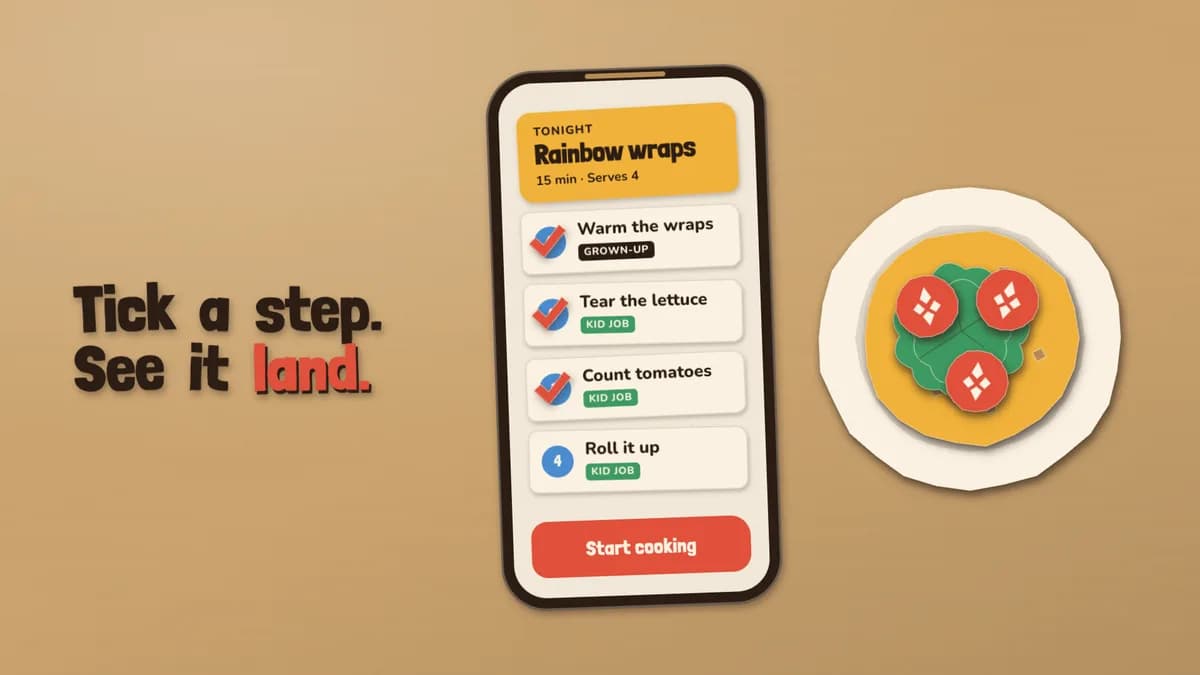 Pro
Cutout
Paper stop-motion: cut shapes step onto a kraft board, twelve holds a second
Londrina Solid / NunitoPro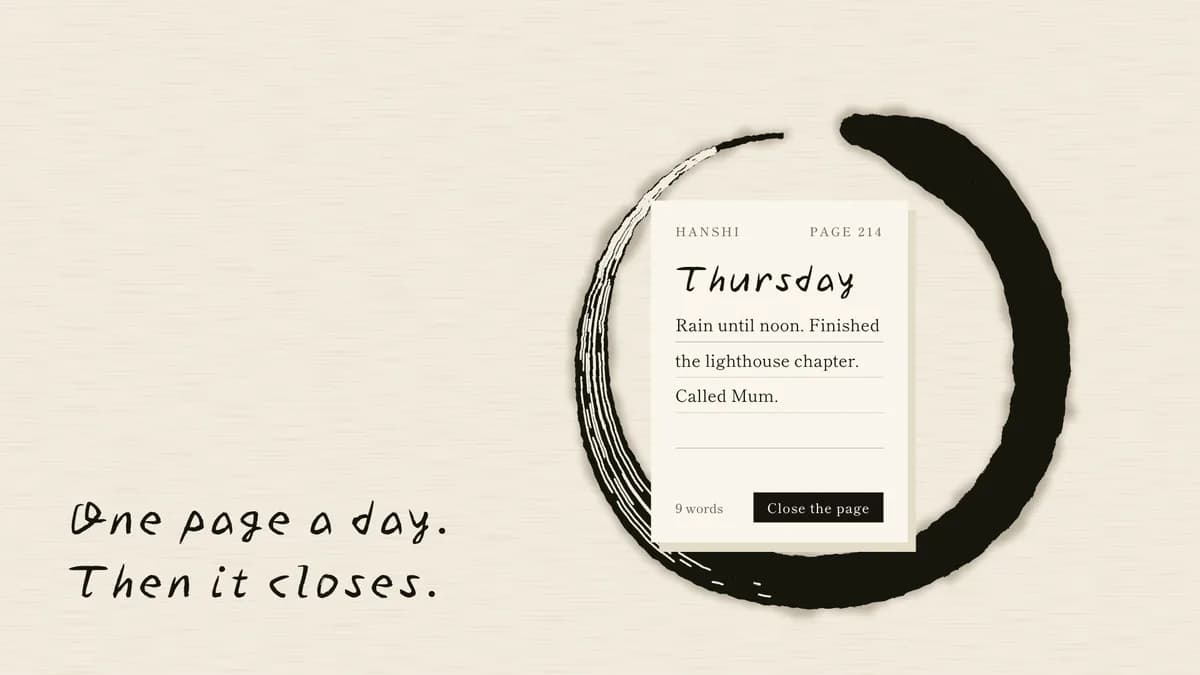 Pro
Sumi Ink
An ink film: brush strokes sweep on, wet edges bleed, one vermilion seal signs it
Yuji Boku / Shippori MinchoPro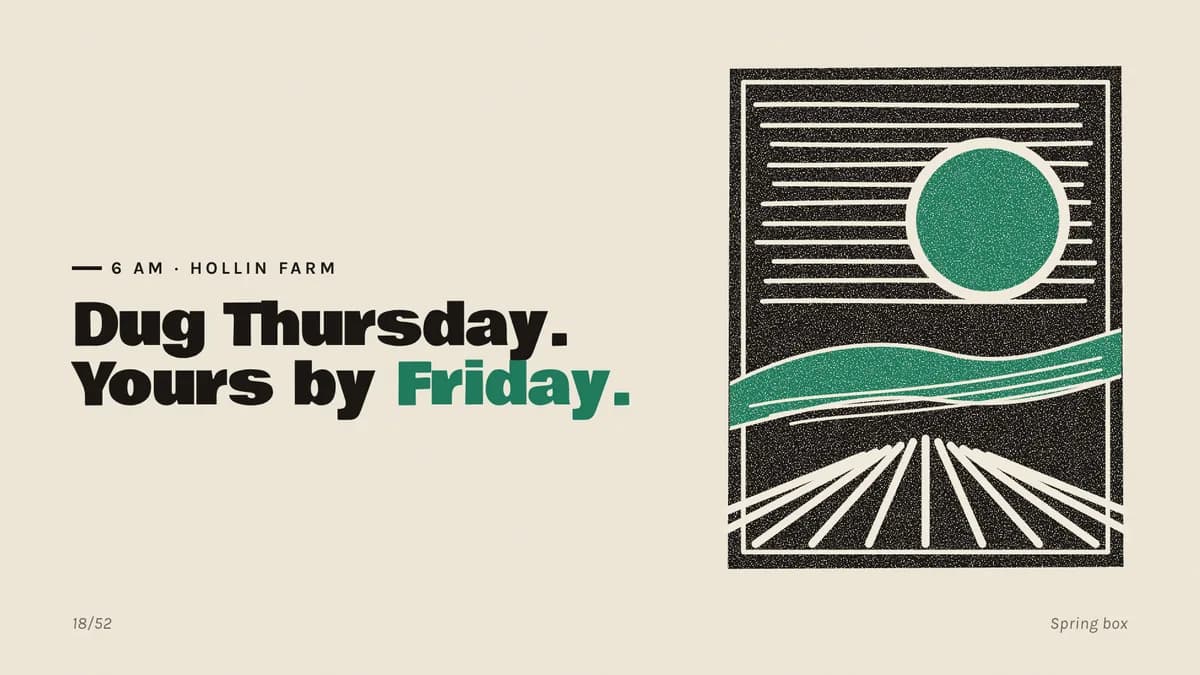 Pro
Relief Print
A linocut film: lines are cut gouge by gouge, a brayer rolls green and titles lift off
Bowlby One / KarlaPro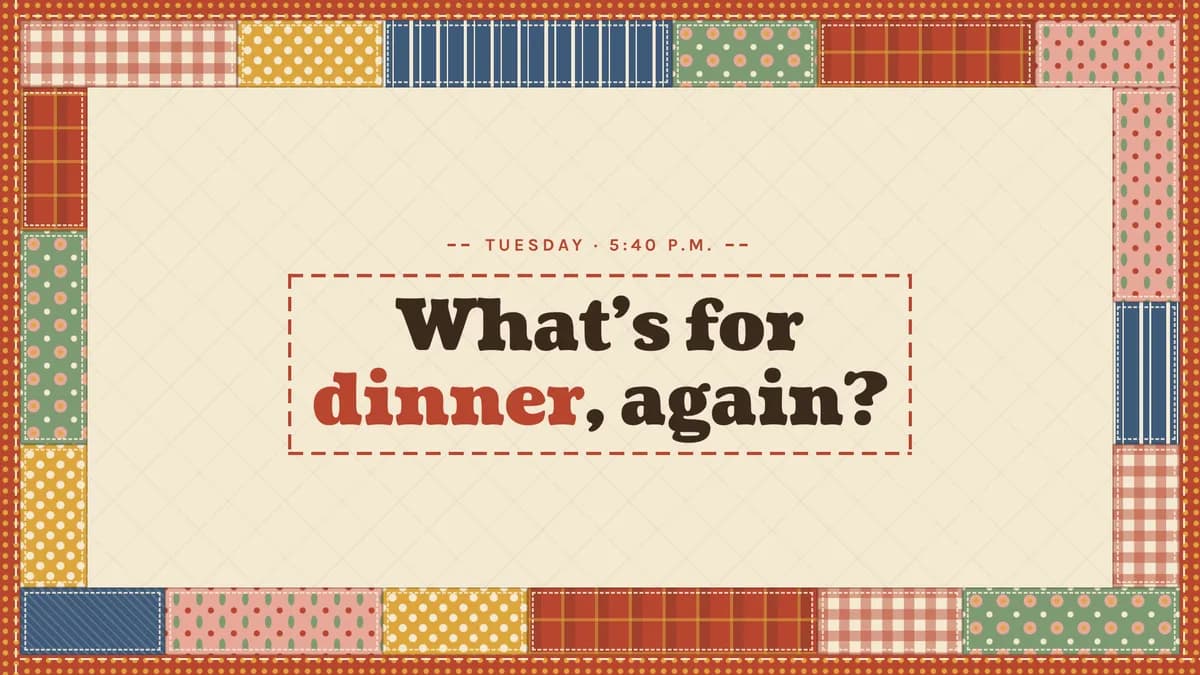 Pro
Quilted
A quilt film: fabric patches stitch on, a running stitch sews each claim, binding wraps it
Coustard / KarlaPro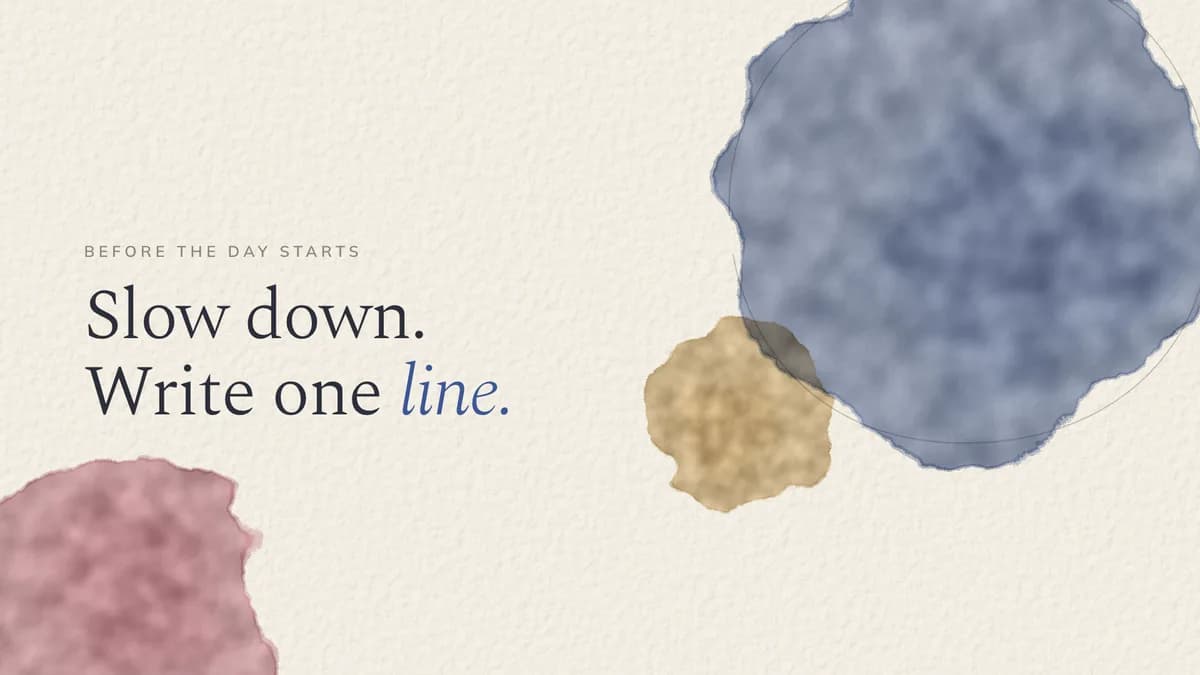 Pro
Wash
A watercolour film: washes bloom wet-on-wet, dry to hard edges, words sit on clean paper
Spectral / MulishPro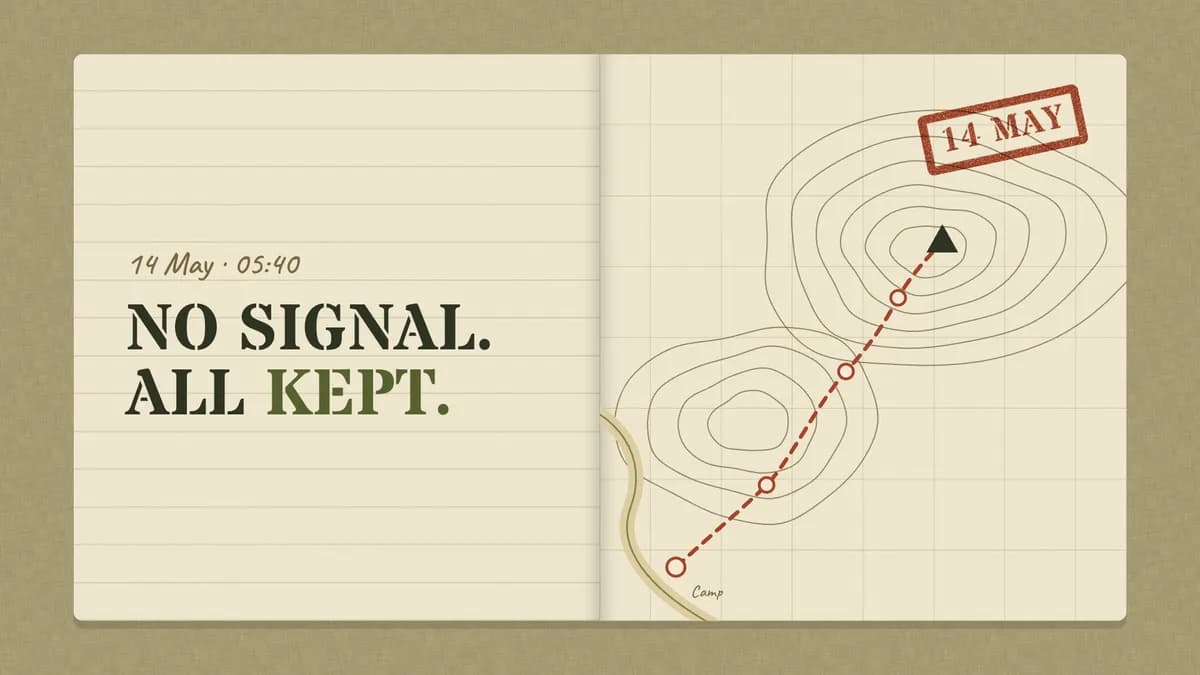 Pro
Field Journal
An expedition film: the journal opens, the route draws, stamps land, tags swing in
Stardos Stencil / Alegreya SansPro Pro
Endpaper
A marbling film: ink drops spread, a comb pulls them into feathers, titles sit on bound books
IM Fell English / Crimson ProPro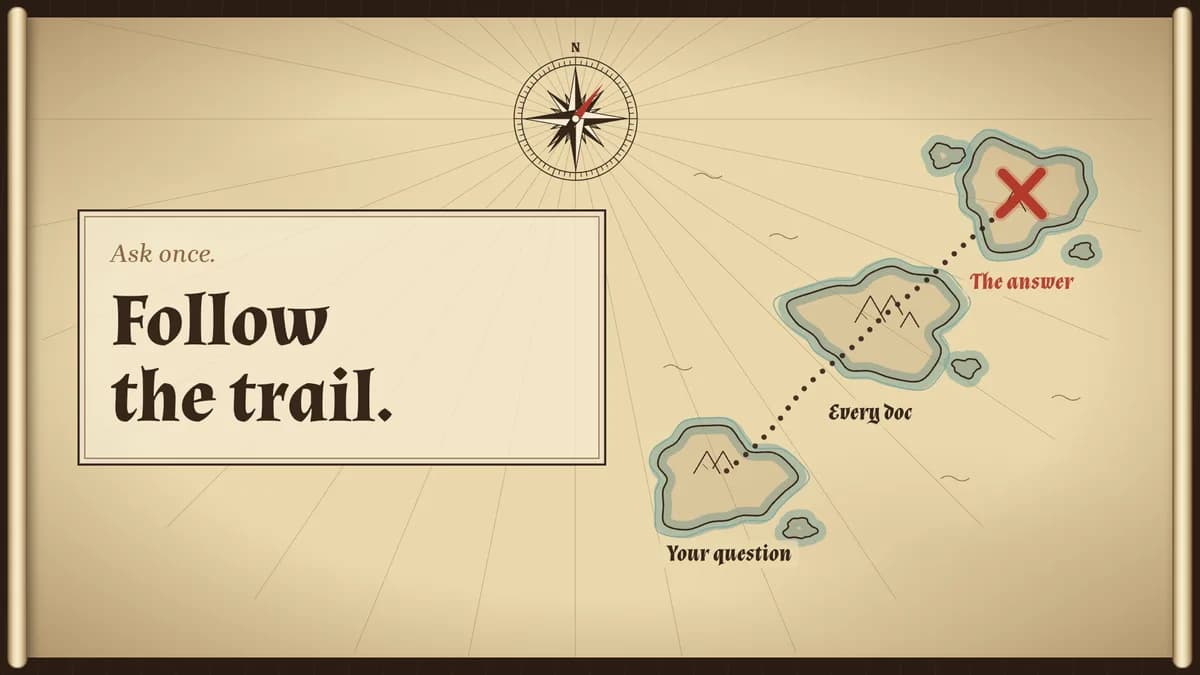 Pro
X Marks
A parchment map unrolls, an inked trail walks island to island, a red X lands
Almendra / Brygada 1918Pro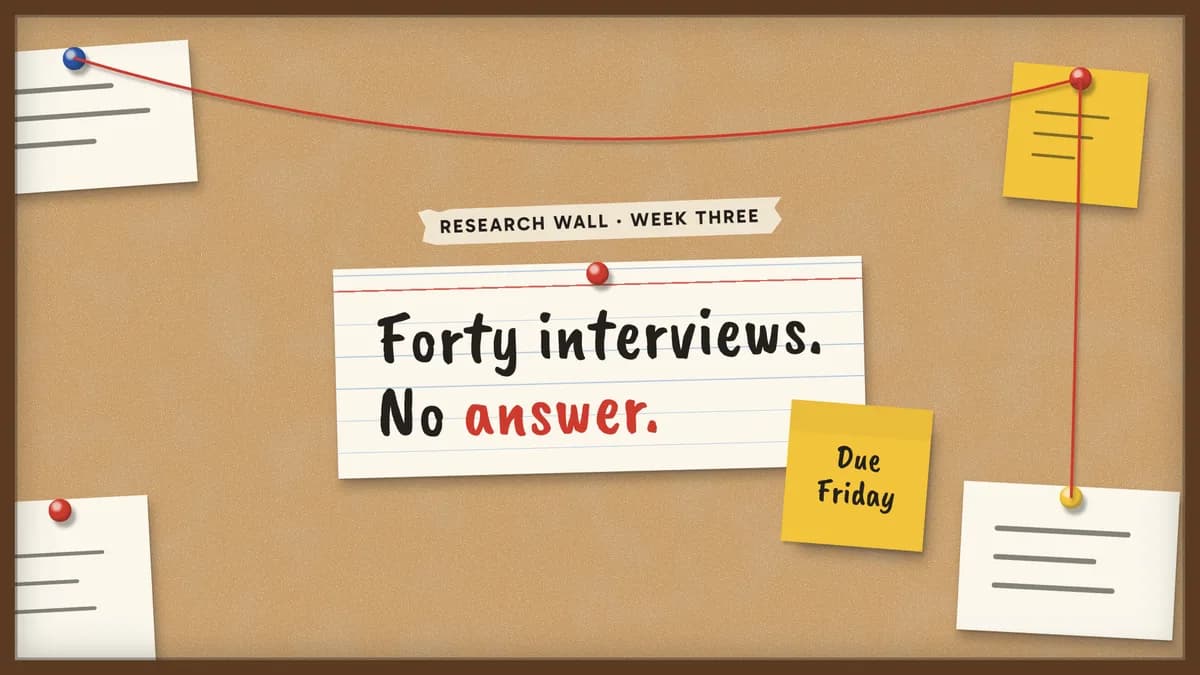 Pro
Red String
A cork-board film: cards pin in, sticky notes slap on, red string draws pin to pin
Caveat Brush / GabaritoPro Pro
Tilework
Star-and-cross tiles set into the wall one by one, and a horseshoe arch holds every claim
El Messiri / Readex ProPro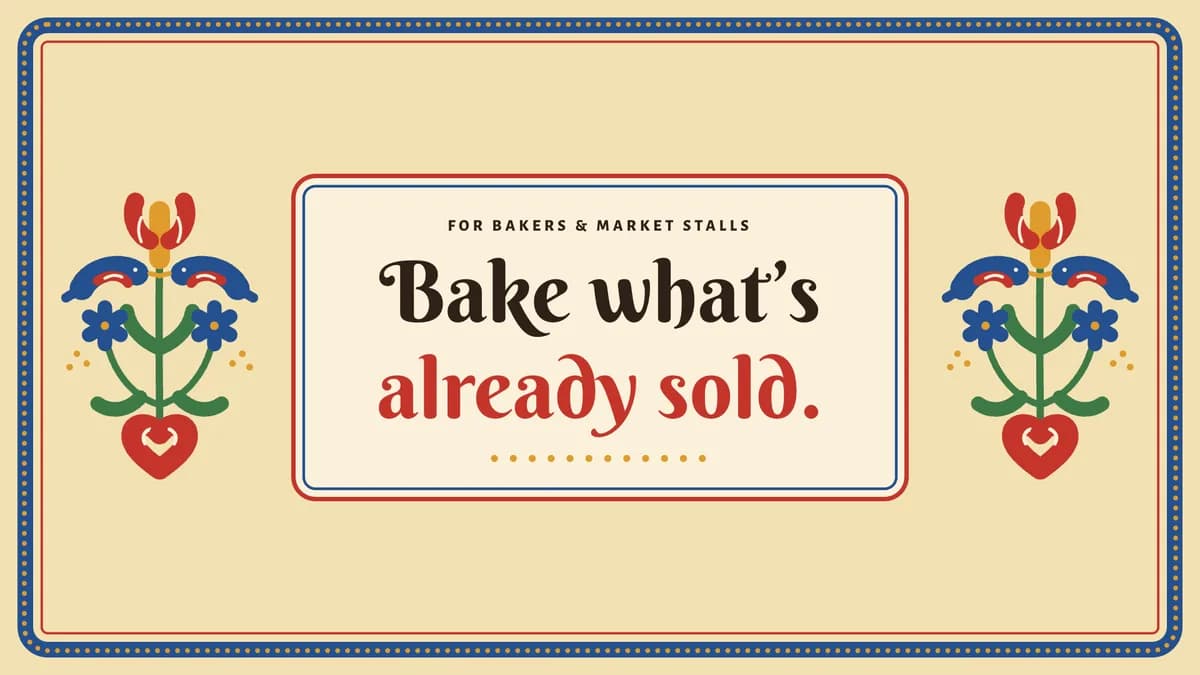 Pro
Painted Bloom
Tulips, birds and hearts paint on stroke by stroke, then unfold as their own mirror
Berkshire Swash / Alegreya SansPro
By use
What are you building?
How to install a taste- Landing pages380 tastesEditorial, Swiss, Brutalist…
- Web apps & dashboards227 tastesEditorial, Swiss, Terminal…
- Online stores169 tastesSoft Depth, Playful Pop, Quiet Luxury…
- Portfolios47 tastesEditorial, Brutalist, Quiet Luxury…
- Blogs & publications78 tastesEditorial, Swiss, Risograph…
- Docs & developer tools49 tastesBrutalist, Terminal, Midnight…
- Launch videos119 tastesGlow UI, Kinetic Type, Terminal…
- Social images & OG cards98 tastesSignal Card, Quote Card, Infographic…
- Pitch decks & slides88 tastesStatement, Sketchnote, Keynote Dark…
- All tastes441 tastesSearch by style, tone or keyword
Questions
Questions, answered.
- What is a taste skill?
- A folder your coding agent reads before it designs anything: a manifesto, design tokens, component and layout rules, motion, and do/don’t examples. Install it once and every page or screen the agent builds follows that identity instead of framework defaults.
- Which agents does it work with?
- Claude Code, Cursor, Codex, Gemini CLI and any agent that reads Agent Skills (a SKILL.md folder). The install guide covers each one.
- Does it work with my framework?
- Yes. Tokens ship as CSS variables, Tailwind v3 and v4 config and neutral JSON, and the rules are written for plain HTML/CSS, so React, Next.js, Vue, Svelte or static sites all work.
- How do I know it actually works?
- A taste goes on sale only after it passes Taste QA twice: a fresh agent builds the same standard brief with the skill installed, and the result is graded against a written checklist. The before/after on each skill page comes from a run of that brief.