Moves
One beat, ready to cut.
A move is one beat of a film — the job a clip does, such as a hook, a reveal or a proof point — that your agent drops into any launch video: 220 of them in 11 sets, all included with Pro. Every move ships in the set’s house style — and wears any video taste you own.
44 of 220 moves · Reveal
Product Reveals · 20
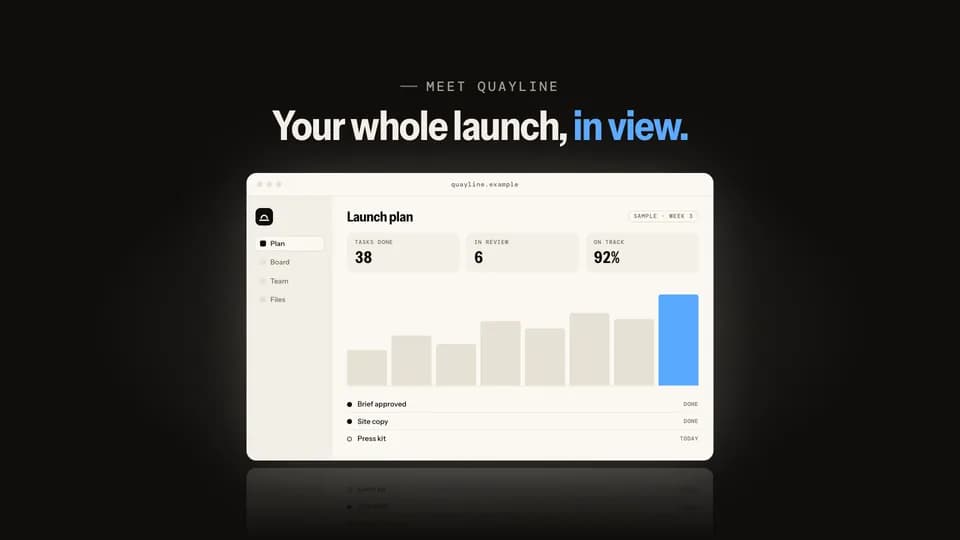 Reveal · reveal · hook5 s
Rise from dark
On a black stage the light comes up and the product window climbs out of the floor into it, throwing a reflection.
--move rise-from-dark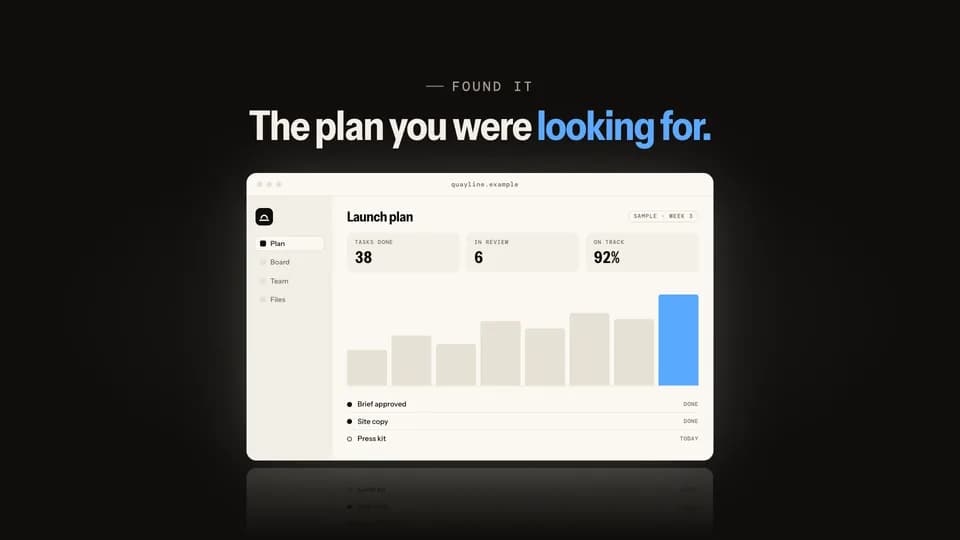 Reveal5.6 s
Spotlight find
A spotlight sweeps the dark stage, finds the product window, opens wide, and the house lights come up on it.
--move spotlight-find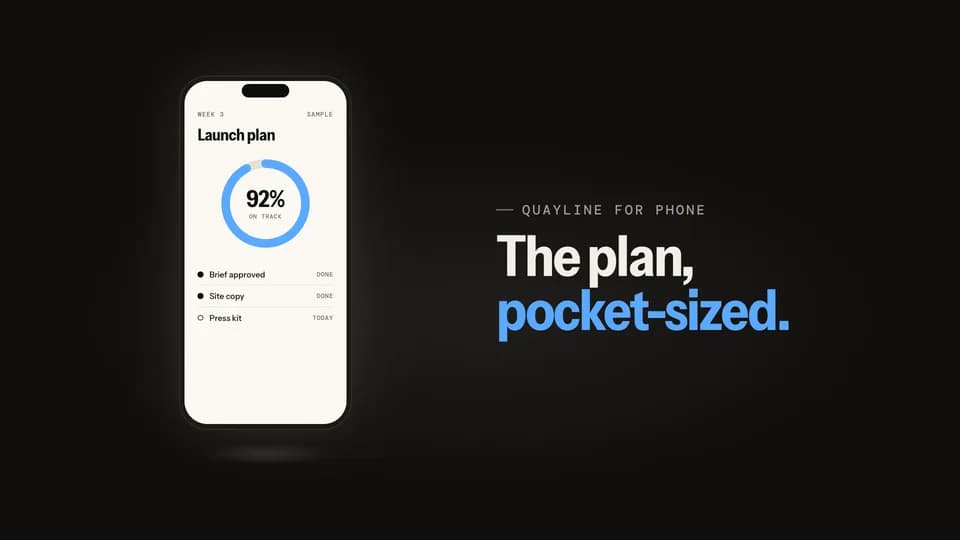 Reveal5 s
Phone swing
A phone slides in tilted from the side, swings level as it lands on its own light, and its screen wakes up.
--move phone-swing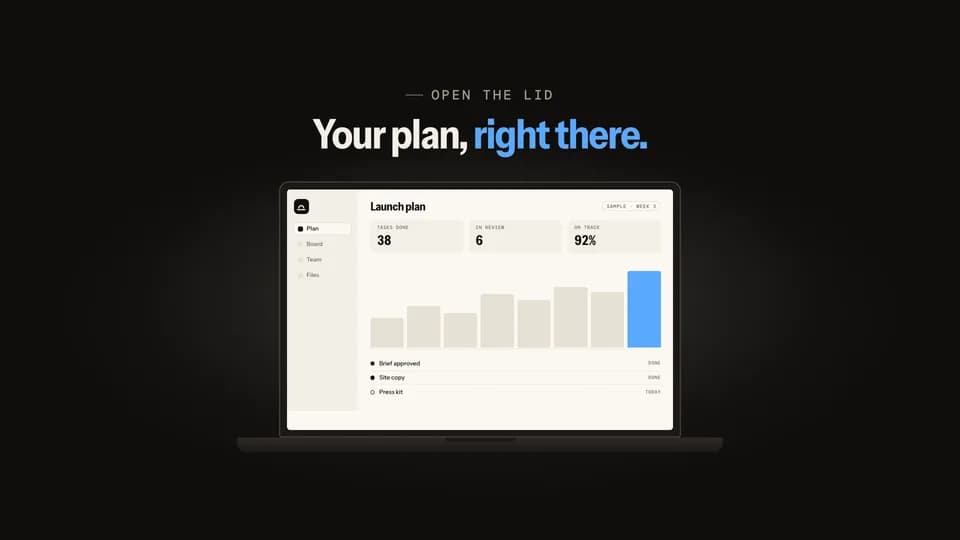 Reveal5.4 s
Lid open
A closed laptop opens its lid on the hinge; the screen glows on with the product and light spills around it.
--move lid-open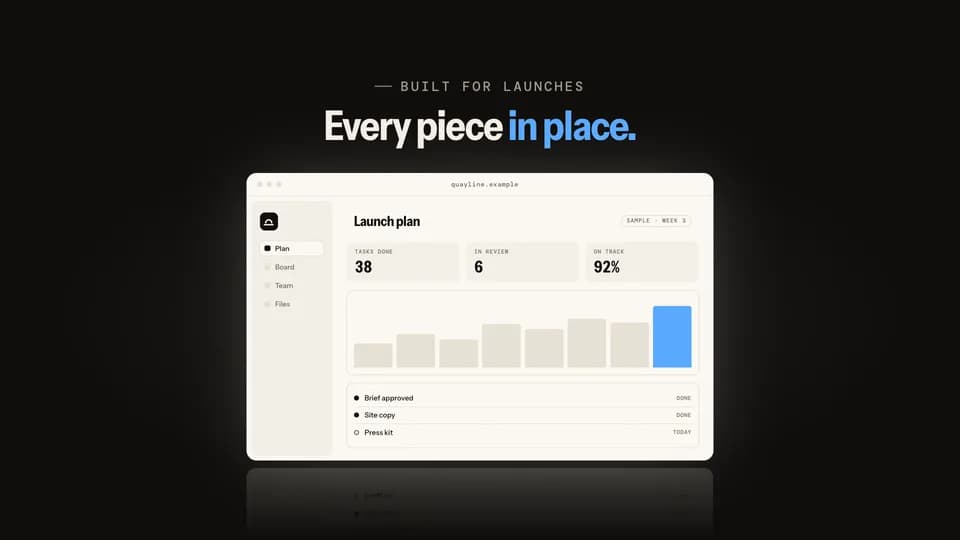 Reveal · reveal · build5.4 s
Panel assemble
The screen’s own panels fly in from scattered angles, lock into an empty window frame, and the screen lights behind them.
--move panel-assemble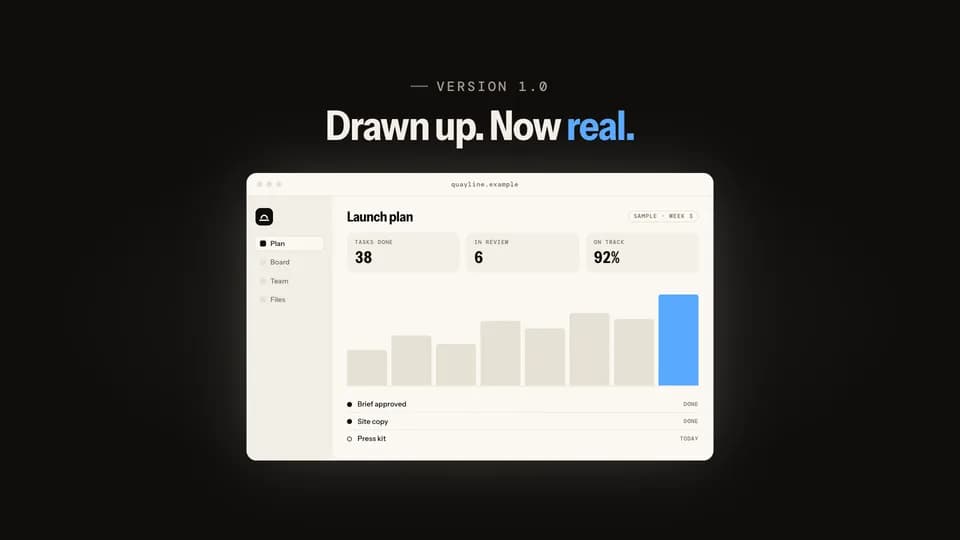 Reveal · reveal · build5.8 s
Blueprint fill
A cue-blue outline of the screen draws itself line by line, then the real, finished screen wipes in over it.
--move blueprint-fill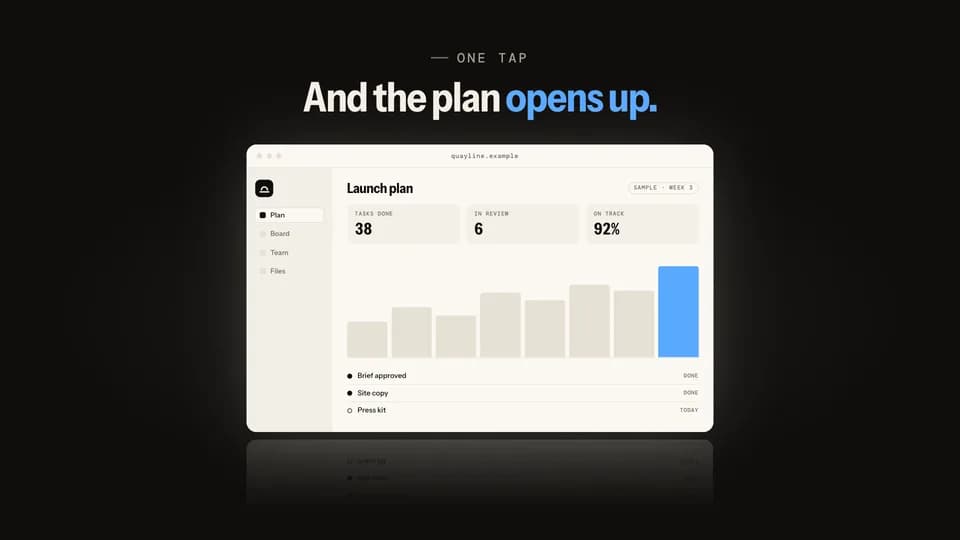 Reveal5.4 s
Icon bloom
The app icon sits alone on the stage, then blooms open, its corners easing square, into the full product window.
--move icon-bloom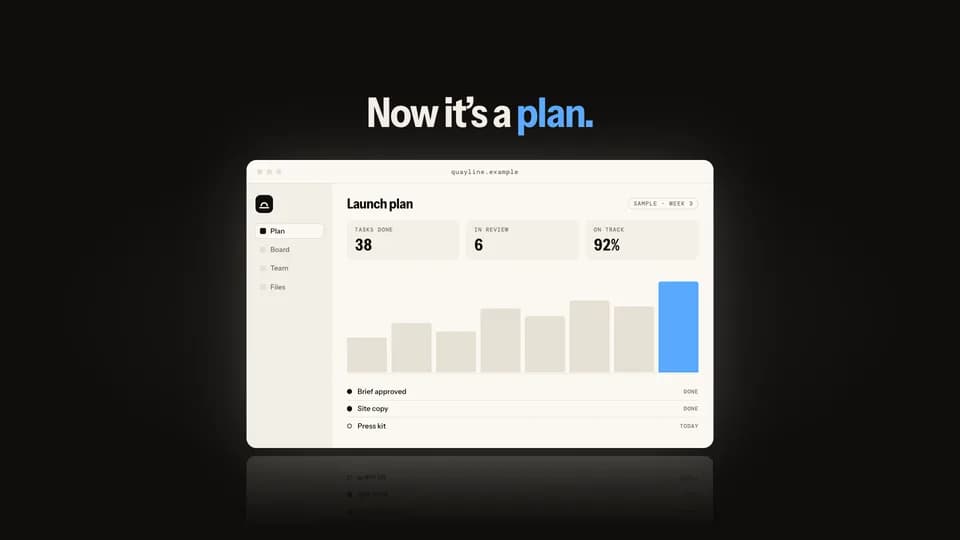 Reveal · reveal · contrast5.8 s
Page peel
A plain document lies over the product; its corner peels back, then the whole sheet lifts away to show the screen.
--move page-peel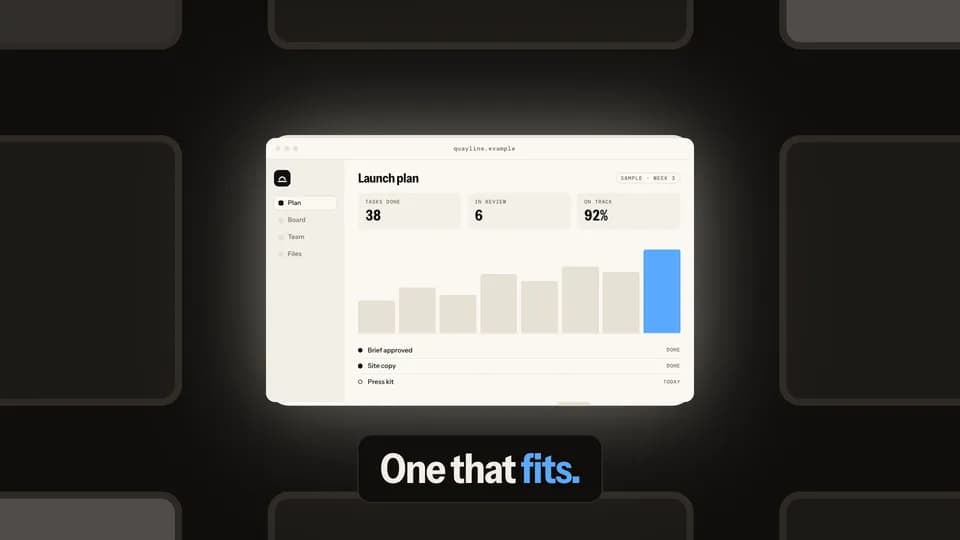 Reveal · reveal · hook6 s
City zoom
A night city of dim windows; one is lit, and the camera dives into it until it becomes the product screen.
--move city-zoom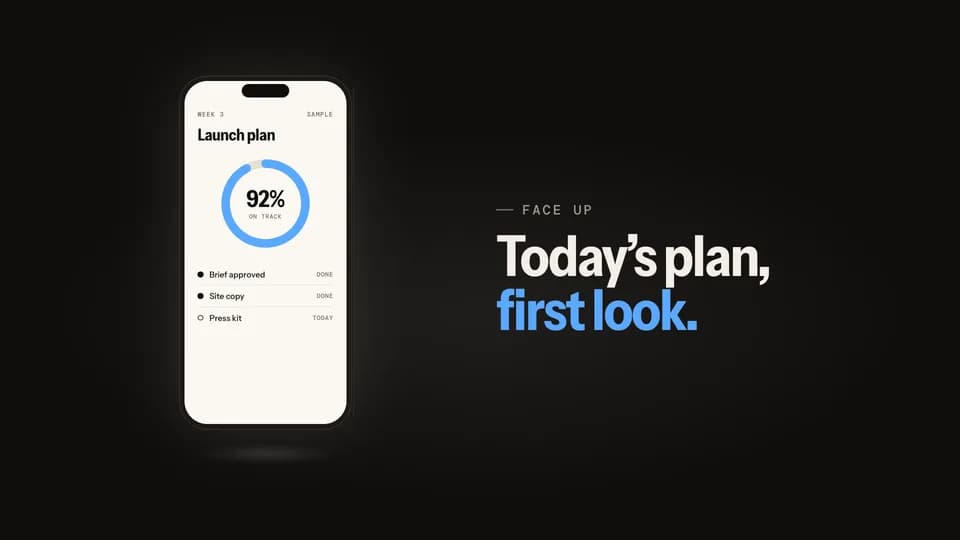 Reveal5.2 s
Turn to face
A phone stands edge-on in the light, turns on its axis to face the lens, and a sheen crosses the glass as it lands.
--move turn-to-face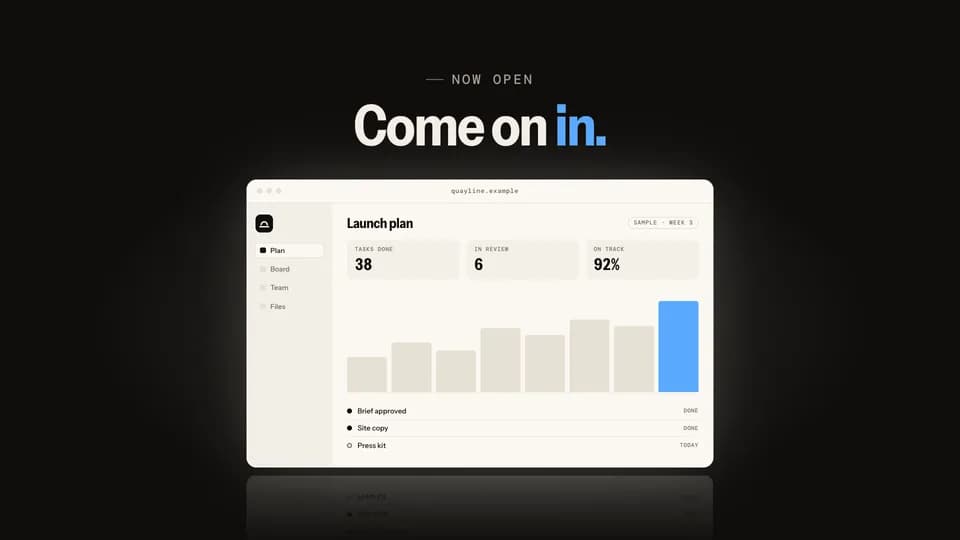 Reveal · reveal · hook5.6 s
Door split
A seam of light opens down the middle of two dark doors; they slide apart onto the lit product window.
--move door-split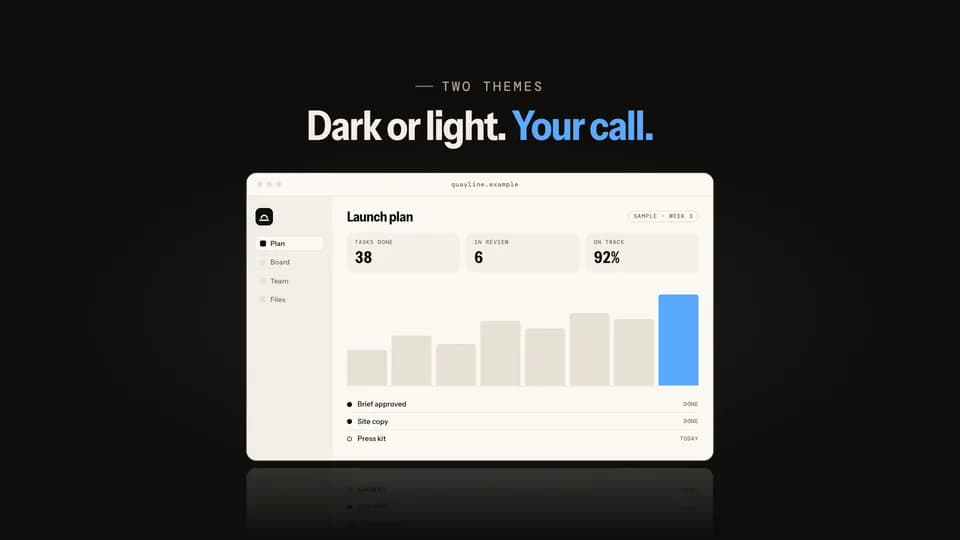 Reveal · reveal · feature5.6 s
Mode flip
The product sits in dark mode; a light handle sweeps across it and turns the same screen to light mode behind it.
--move mode-flip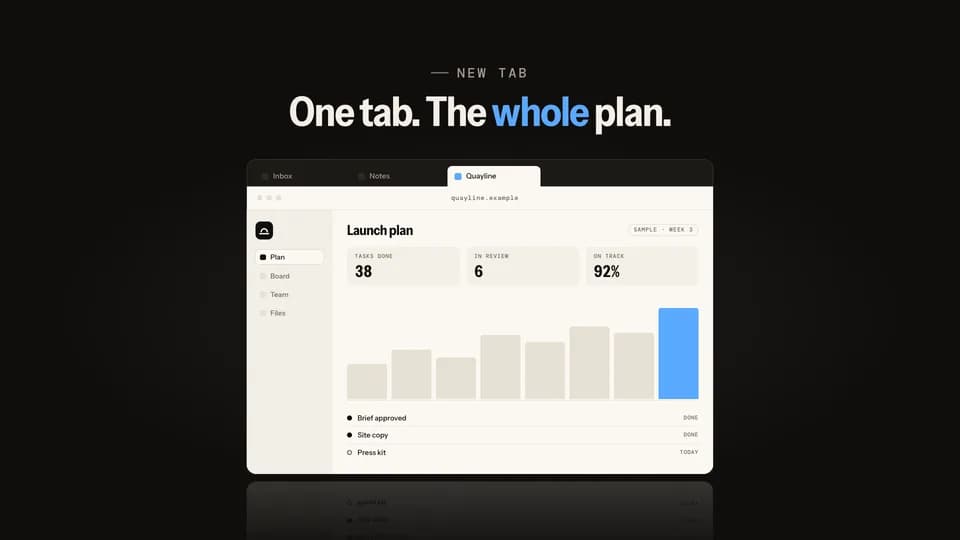 Reveal · reveal · demo5.6 s
Tab unroll
A cursor picks the product’s tab in a dark tab strip and the window unrolls down from it, lit.
--move tab-unroll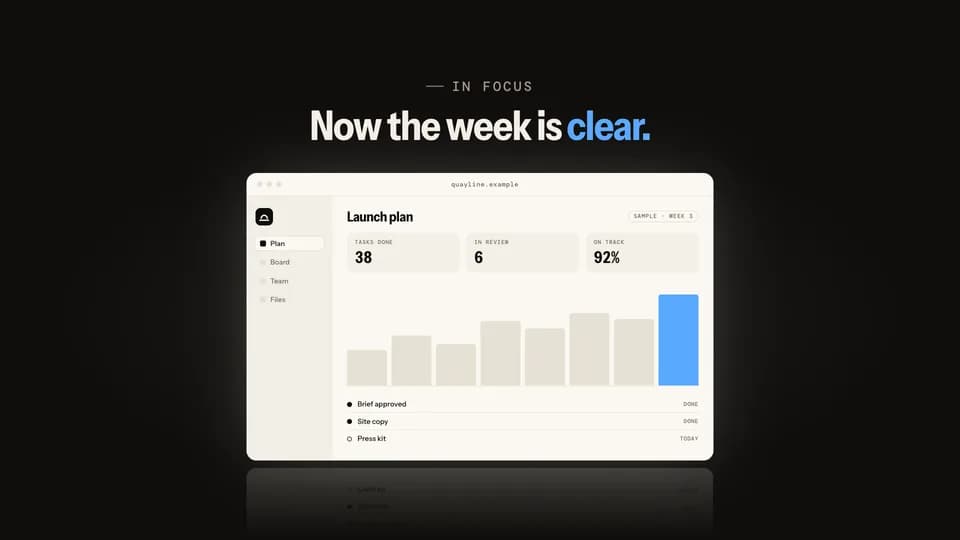 Reveal · reveal · turn5.4 s
Focus pull
A sharp question hangs over a soft, out-of-focus screen; focus racks back, the line melts and the product comes sharp.
--move focus-pull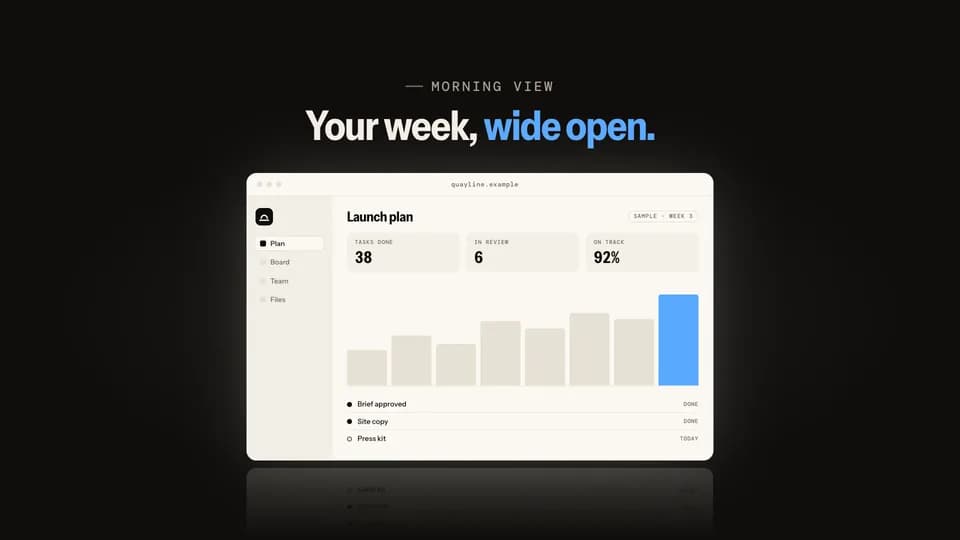 Reveal5 s
Blinds open
Light leaks between closed dark slats; they turn open one by one from the top and the lit product is behind them.
--move blinds-open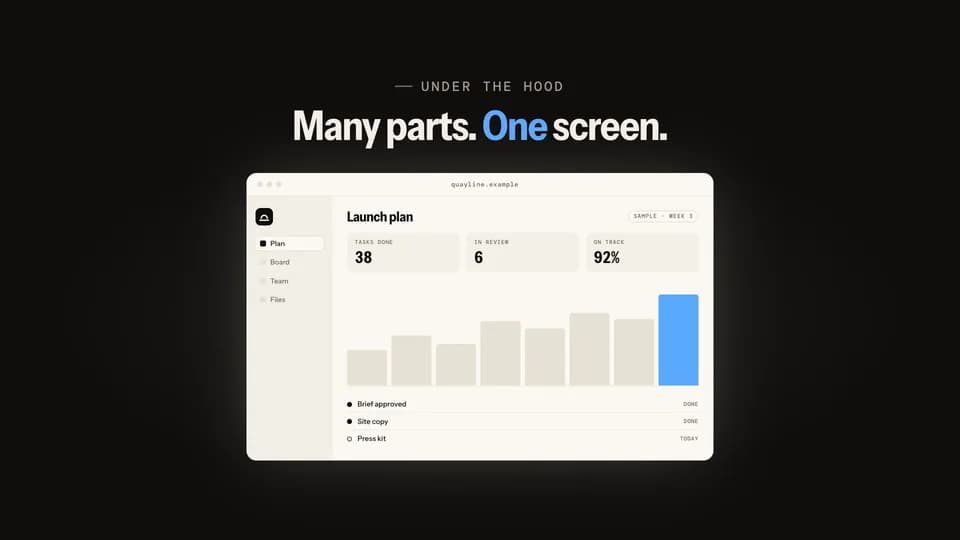 Reveal · reveal · build6 s
Exploded stack
The screen floats as three separated layers in an angled view, then they press together and swing flat to face you.
--move exploded-stack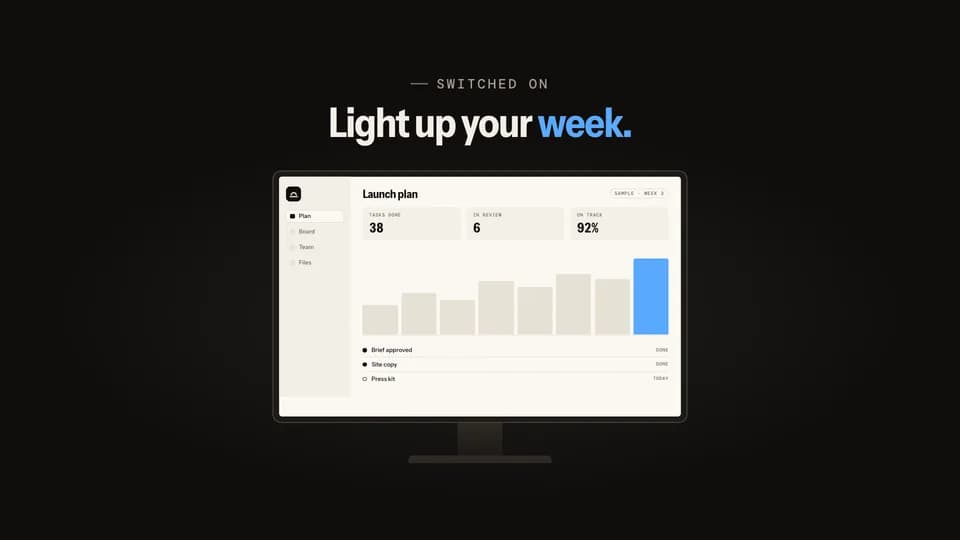 Reveal5 s
Power on
A dark monitor shows the mark, then a line of light opens across the glass and spreads into the lit product screen.
--move power-on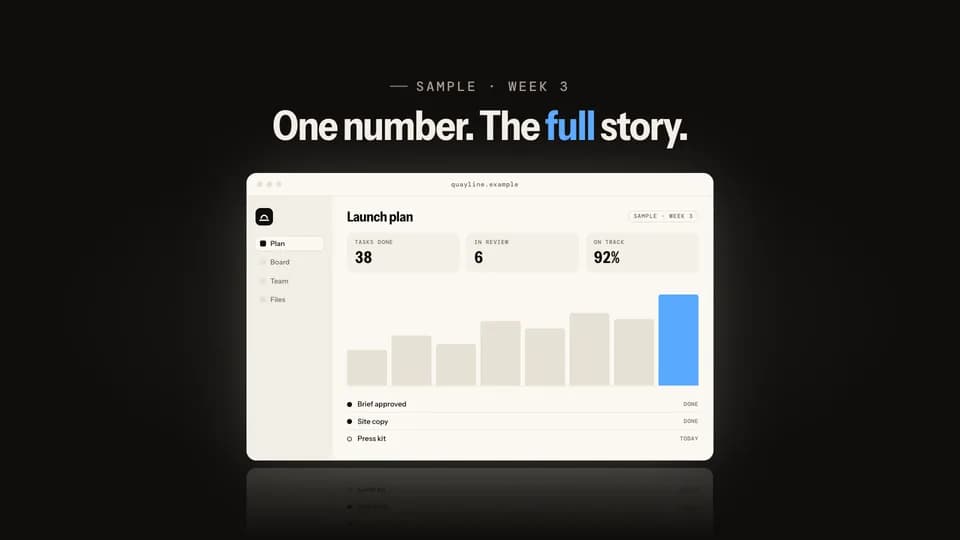 Reveal · reveal · proof5.6 s
Pull back
The frame opens on one big sample number, then pulls back smoothly until the whole product screen sits around it.
--move pull-back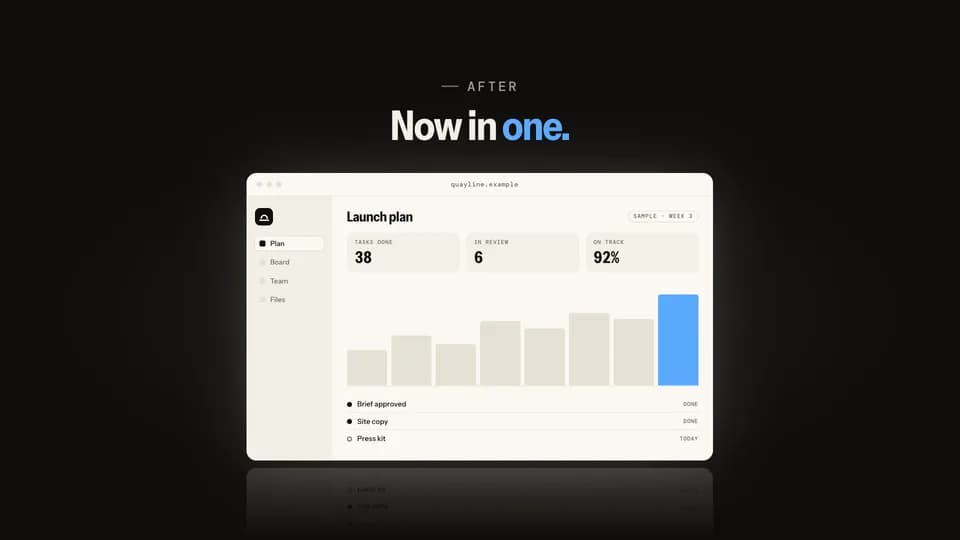 Reveal · reveal · contrast5.8 s
Card flip
A dark card names the old way, four scattered tools; it flips over on its axis and the product is on the back.
--move card-flip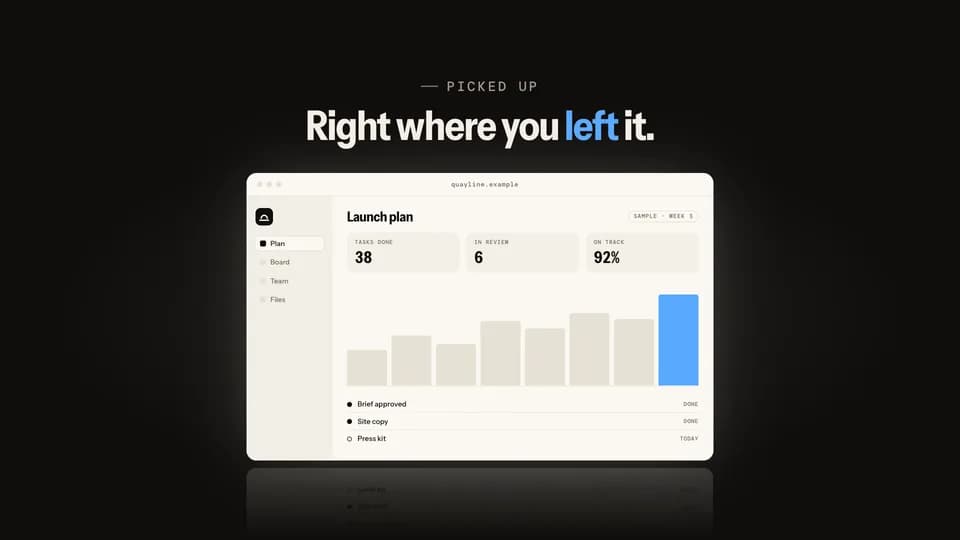 Reveal · reveal · demo5.4 s
Click iris
On a black stage a cursor clicks one button, and a circle of light opens from the click onto the lit product.
--move click-iris
Prompt & Agent · 13
 Reveal5.6 s
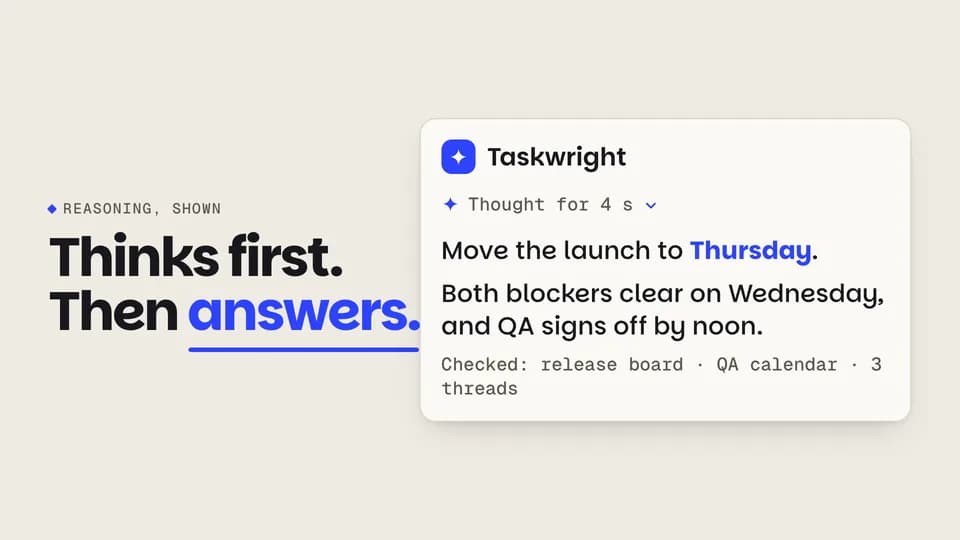
Thinking to answer
A turning spark and shimmering skeleton lines hold for a beat, then resolve into a short answer with its working shown.
--move think-resolve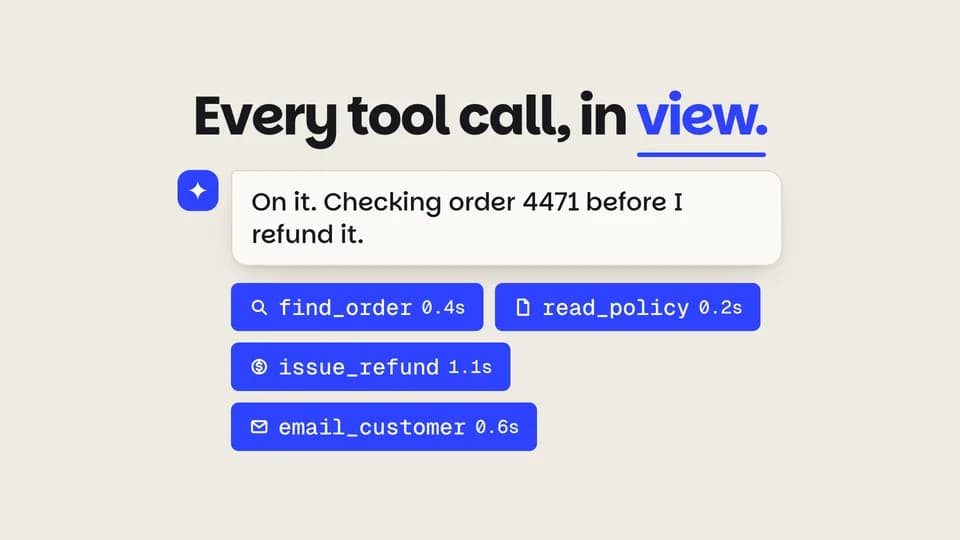 Reveal · demo5.8 s
Tool calls
Under the agent’s reply, four tool-call chips pop in one by one and fill cobalt as each call finishes, with its time.
--move tool-chips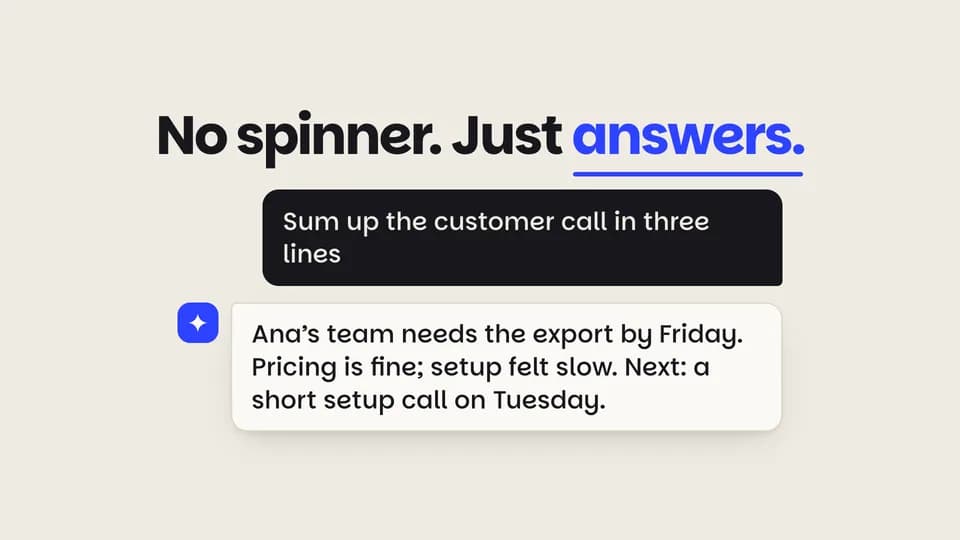 Reveal5.4 s
Streaming reply
A question sits in a graphite bubble; the agent’s reply streams in word by word behind a cobalt block caret.
--move token-stream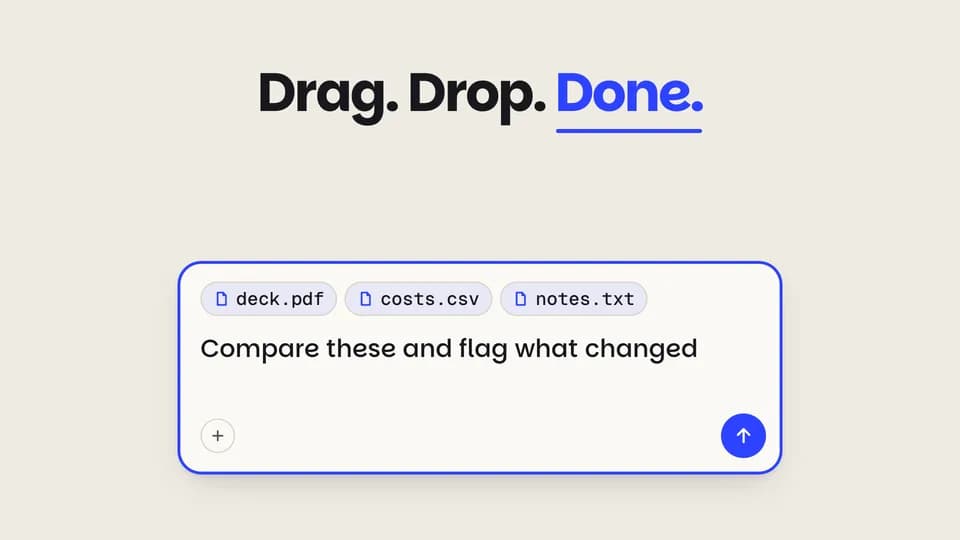 Reveal · demo5.4 s
Files dropped in
Three files hover over the prompt, drop in one after another as chips, and the request types itself after them.
--move file-drop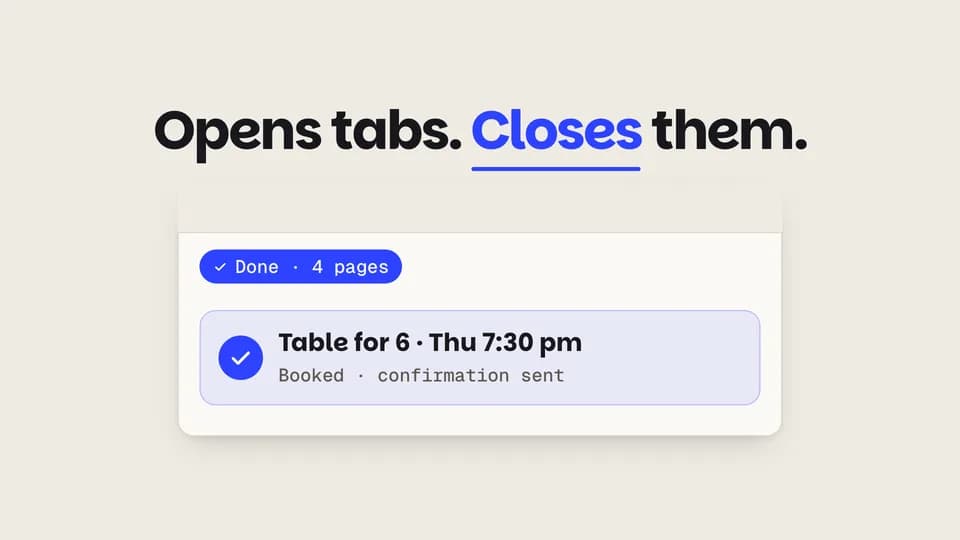 Reveal · demo5.8 s
Agent browses
The agent opens four browser tabs one by one, reads each, closes them all and leaves one booked result.
--move agent-tabs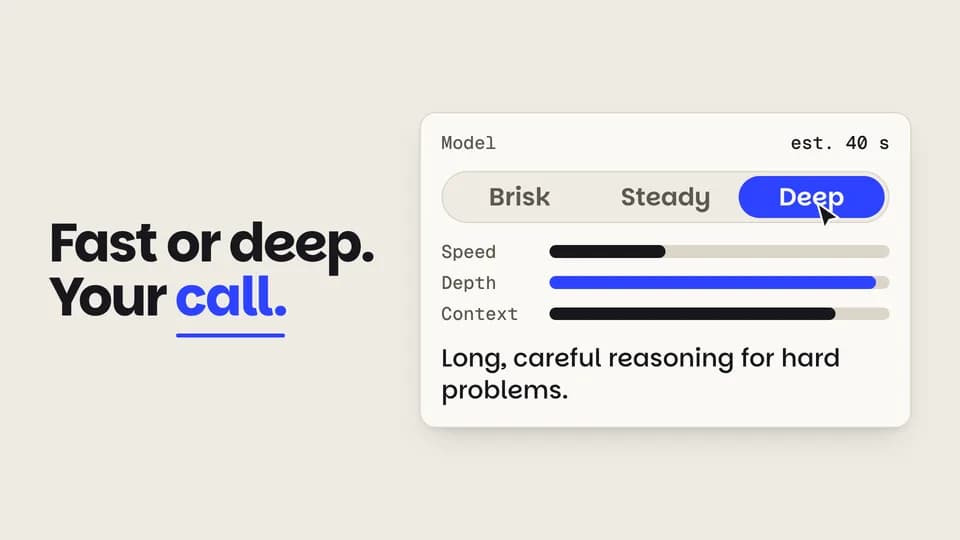 Reveal · feature5.6 s
Model switch
The cursor slides a three-way model picker from fast to deep; the meters trade speed for depth and the estimate updates.
--move model-switch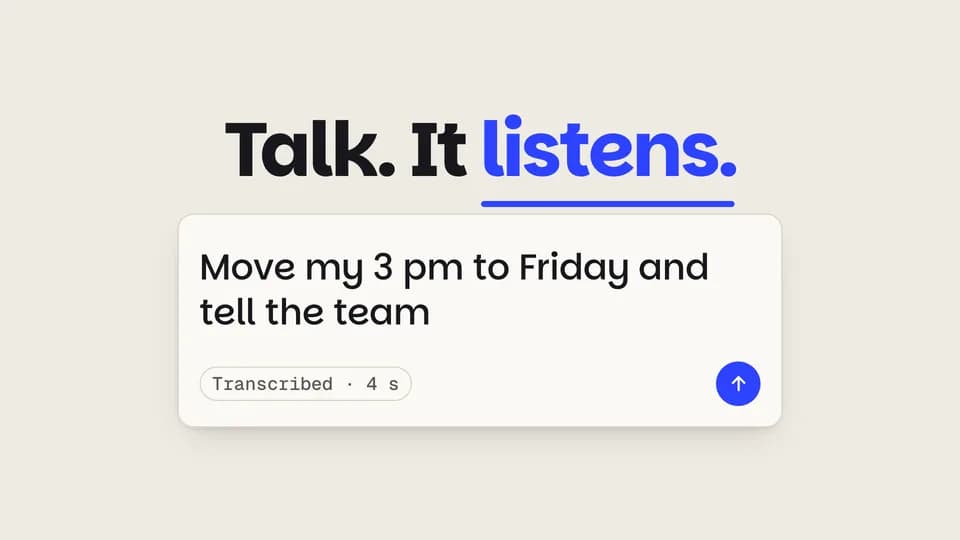 Reveal · input5.8 s
Voice to text
A cobalt mic records while a waveform grows left to right, then the wave clears and the words type out as a request.
--move voice-to-text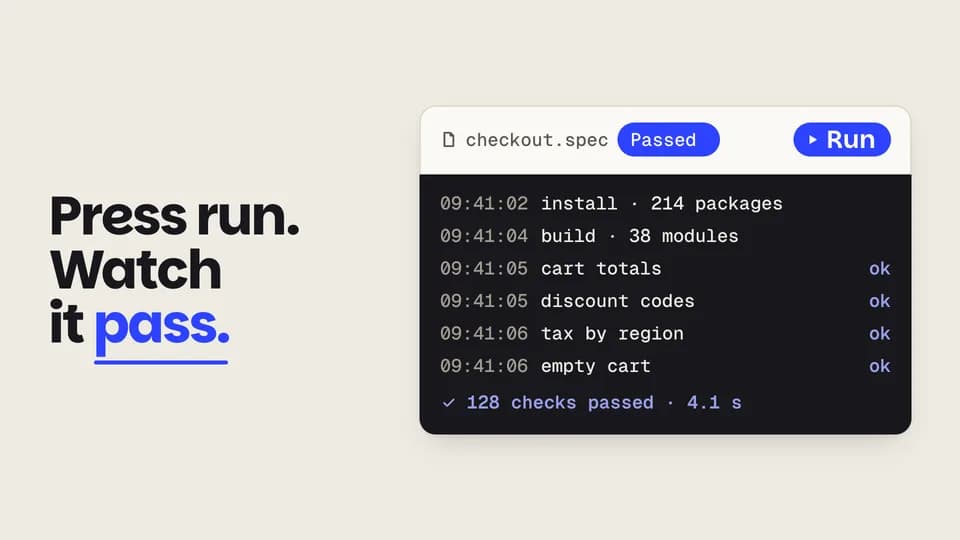 Reveal · demo5.8 s
Run and log
The cursor presses a Run button; a graphite log streams its lines and ends on a cobalt pass with the count.
--move run-log Reveal5.6 s
Result card opens
Under a one-line answer, a compact result row grows into a full card: a figure counts up and the bars rise.
--move card-expand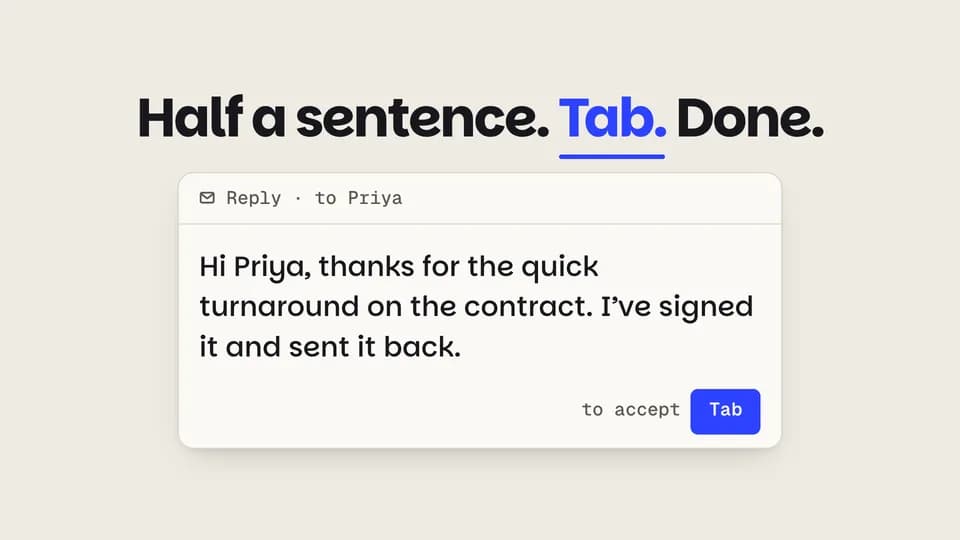 Reveal · demo5.2 s
Ghost text, accepted
Half a sentence types, the rest appears as faint ghost text, a Tab key presses and the ghost turns to ink.
--move ghost-accept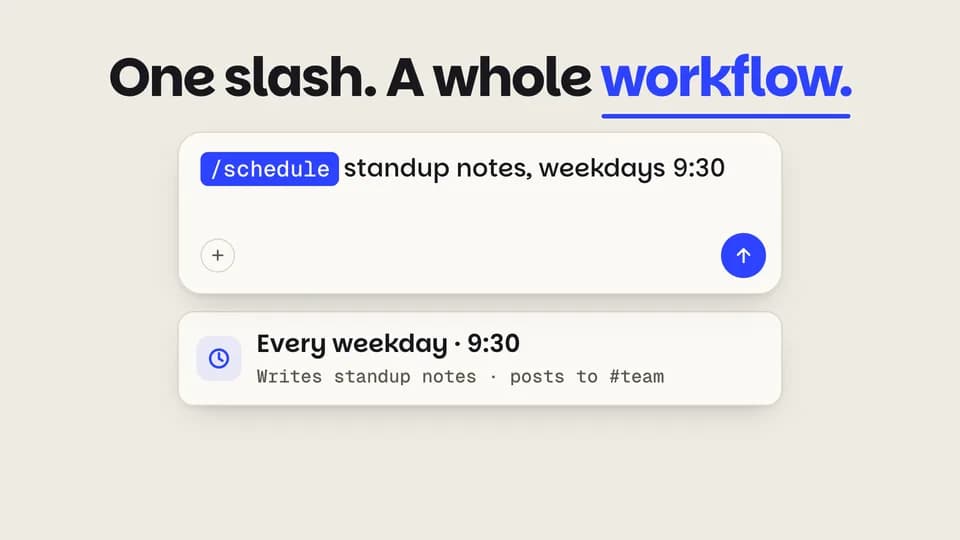 Reveal · feature5.6 s
Slash command
A slash opens a command menu, the highlight steps down to schedule, and a cobalt command chip drops into the prompt.
--move slash-menu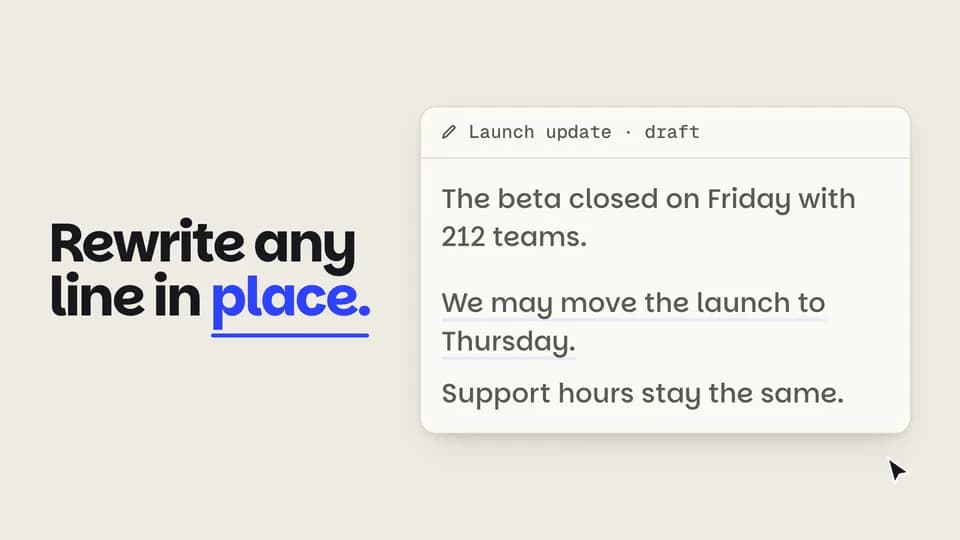 Reveal · demo5.8 s
Rewrite in place
A wordy line is selected in a doc, a dark toolbar pops, Shorter is clicked and the line folds into a crisp rewrite.
--move rewrite-inline Reveal5.6 s
Four drafts
Four image drafts resolve from coarse blocks to flat posters, then the cursor picks the last one and it rings cobalt.
--move variant-grid

Feature Callouts · 6
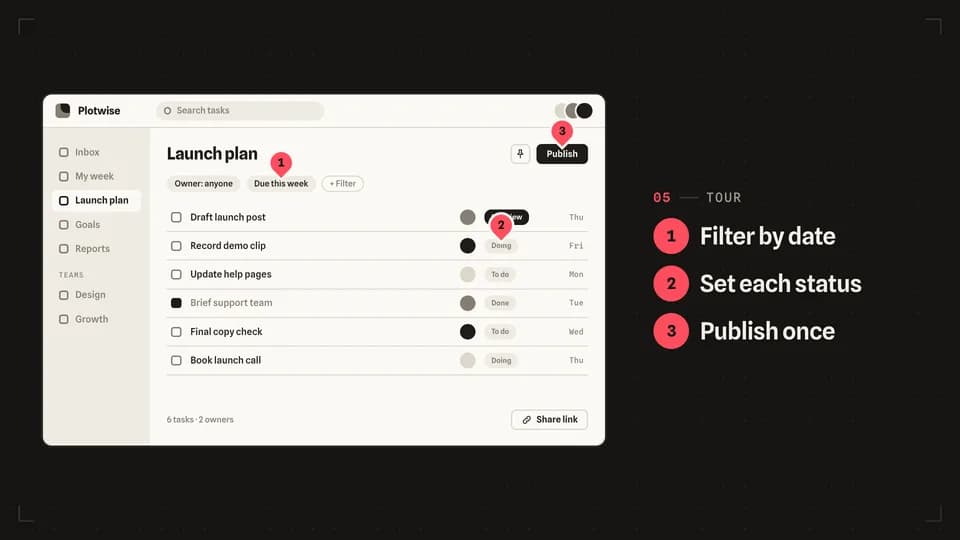 Reveal · tour6.4 s
Numbered pins
Three numbered redline pins drop onto the screen one by one, each in step with its line in a short list.
--move numbered-pins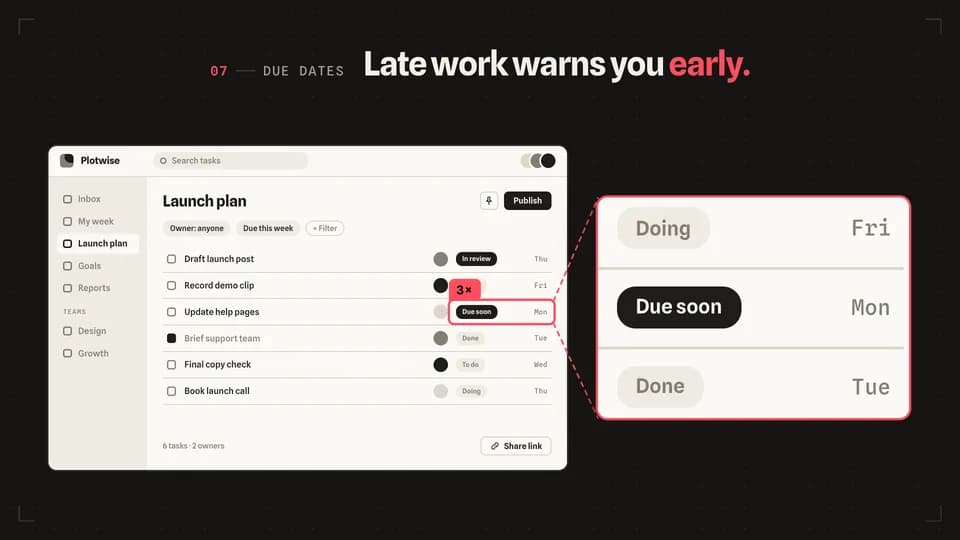 Reveal · detail5.6 s
Zoom inset
A redline box frames one small detail, and a panel beside the screen shows that same detail three times larger.
--move zoom-inset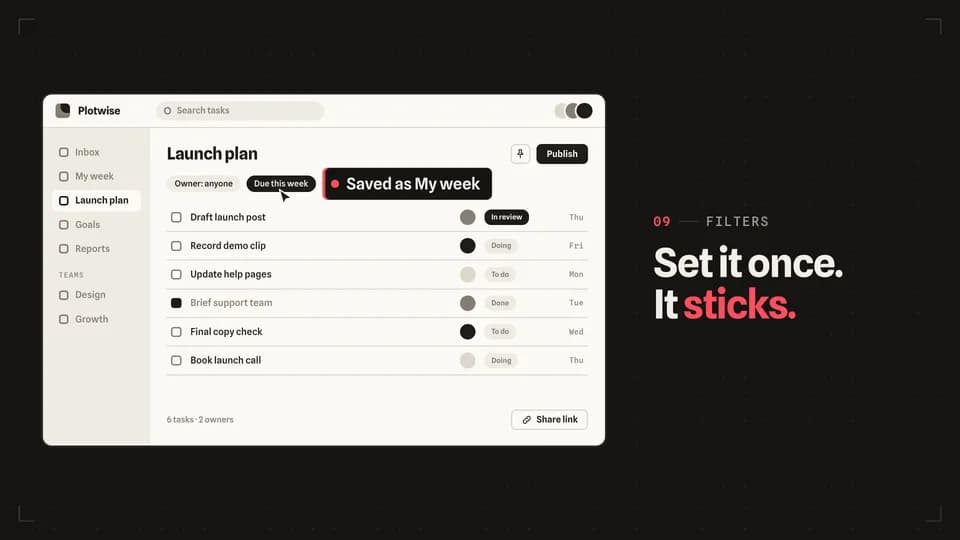 Reveal · demo5.4 s
Click reveal
A cursor travels to a filter chip and clicks; the chip turns on and a label slides out of it saying what just happened.
--move click-reveal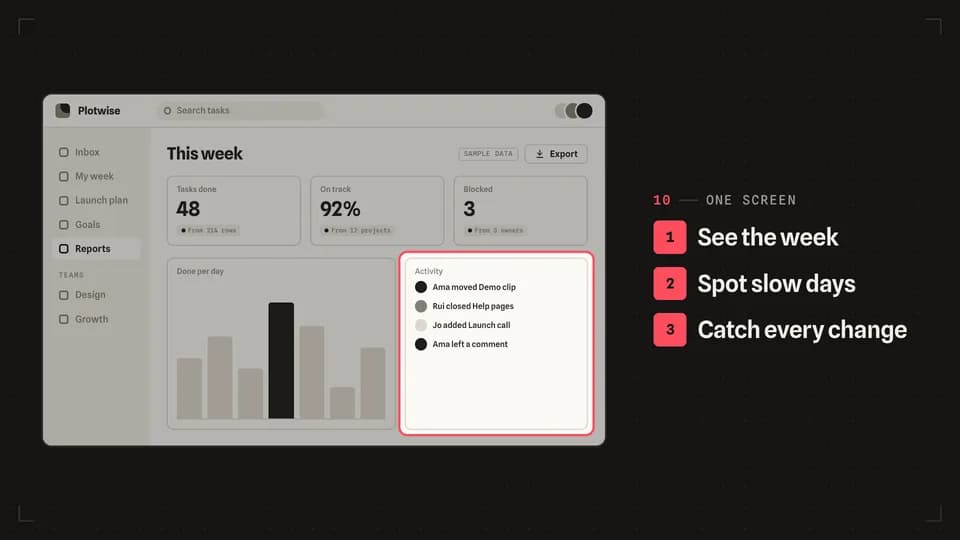 Reveal · tour6.2 s
List sync
A three-line feature list ticks down in order while a redline frame moves to the matching part of the screen each time.
--move list-sync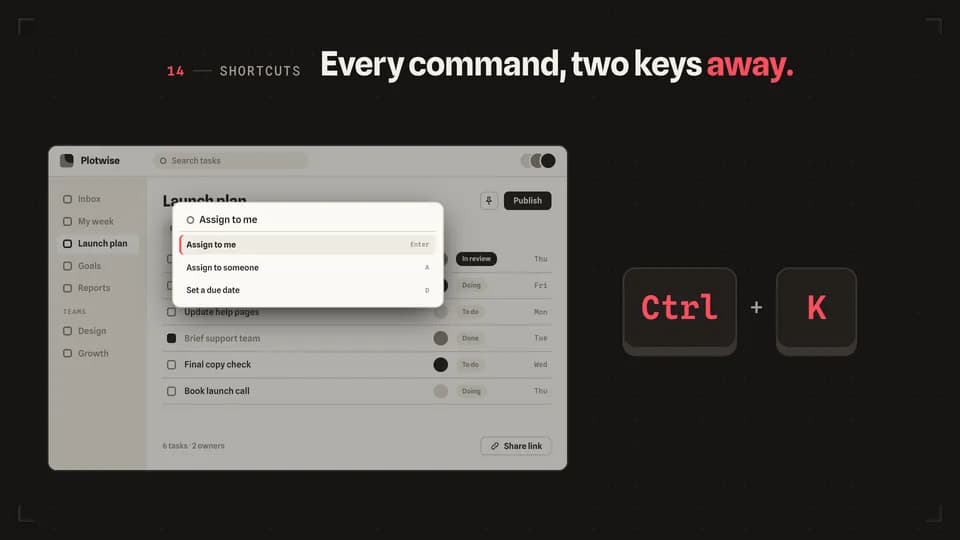 Reveal · demo5 s
Shortcut press
Two big keycaps press in turn on the stage, and the screen answers with its command bar typing the action.
--move shortcut-press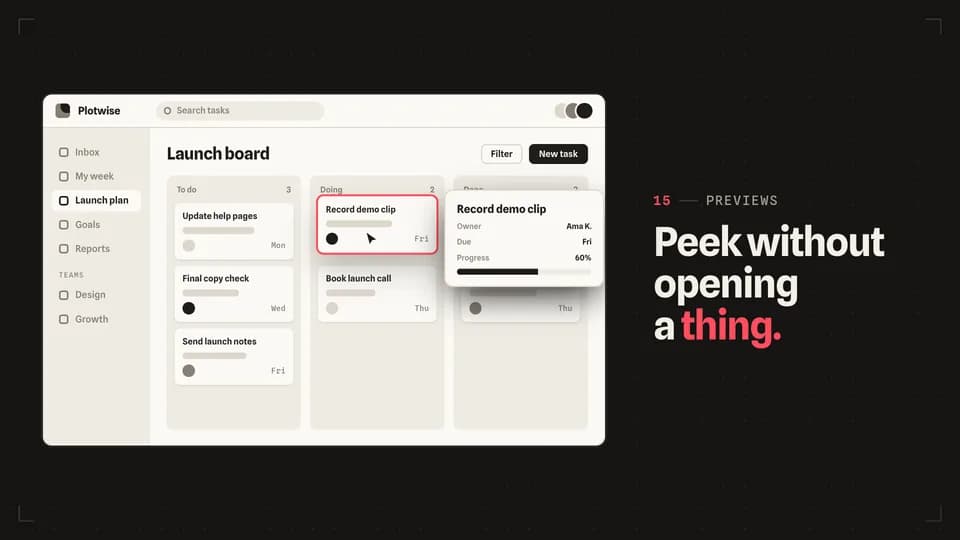 Reveal · preview5 s
Hover lift
The cursor rests on a card, the card lifts with a redline edge, and a preview card rises beside it with the details.
--move hover-lift

Creator Overlays · 2
 Reveal · utility5.6 s
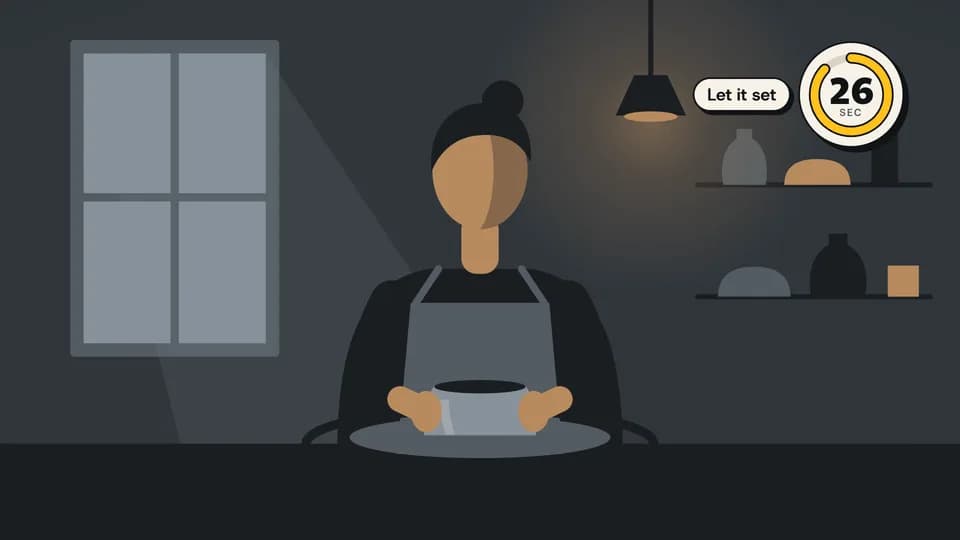
Corner timer
A dial zooms into the top-right corner and counts down while its marigold arc drains; a chip says what the wait is for.
--move corner-timer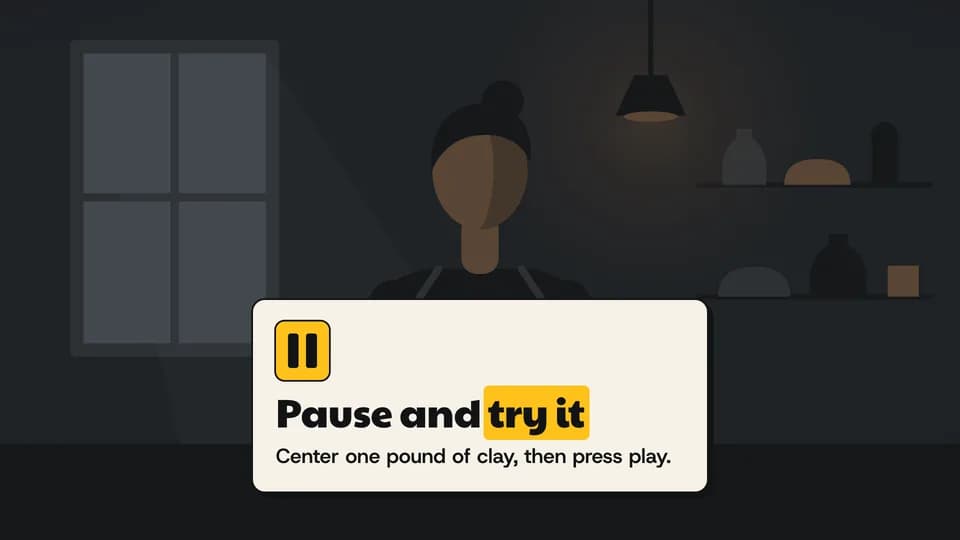 Reveal · prompt6 s
Pause and try
The footage dims as if paused, a card with a marigold pause glyph zooms in and asks the viewer to try the step themselves.
--move pause-try
How moves work
A move is a film with one scene.
Pick a move.
Each one is a single beat — an opener, a reveal, a stat, an end card — as one scene, 3 to 8 seconds, in 16:9, 1:1 and 9:16.
Start a film from it.
Your agent runs new.mjs with --move and the move’s slug, then edits words and figures. Check, QA and render work as for any film.
Wear any taste.
wear.md maps a Taste Stack video taste’s palette and type onto the move, so one beat comes in every style in the catalog.